

 jgraph
click-to-select object doesn't work randomly
- [ x] I agree to follow the Code of Conduct that this project adheres to.
- [x ] I have searched the issue tracker for a feature request that matches the one I want to file, without success.
Describe the bug Sometimes (randomly) the click-to-select object doesn't work/doesn't select the object, like the object is not even there. It happens randomly on random objects. Drag-to-select works after which using the keyboard to move the object and reopening the document fixes the problem. Until randomly starts again.
To Reproduce Hard to reproduce. It's random.
Expected behavior Clicking an object should select the object
Screenshots
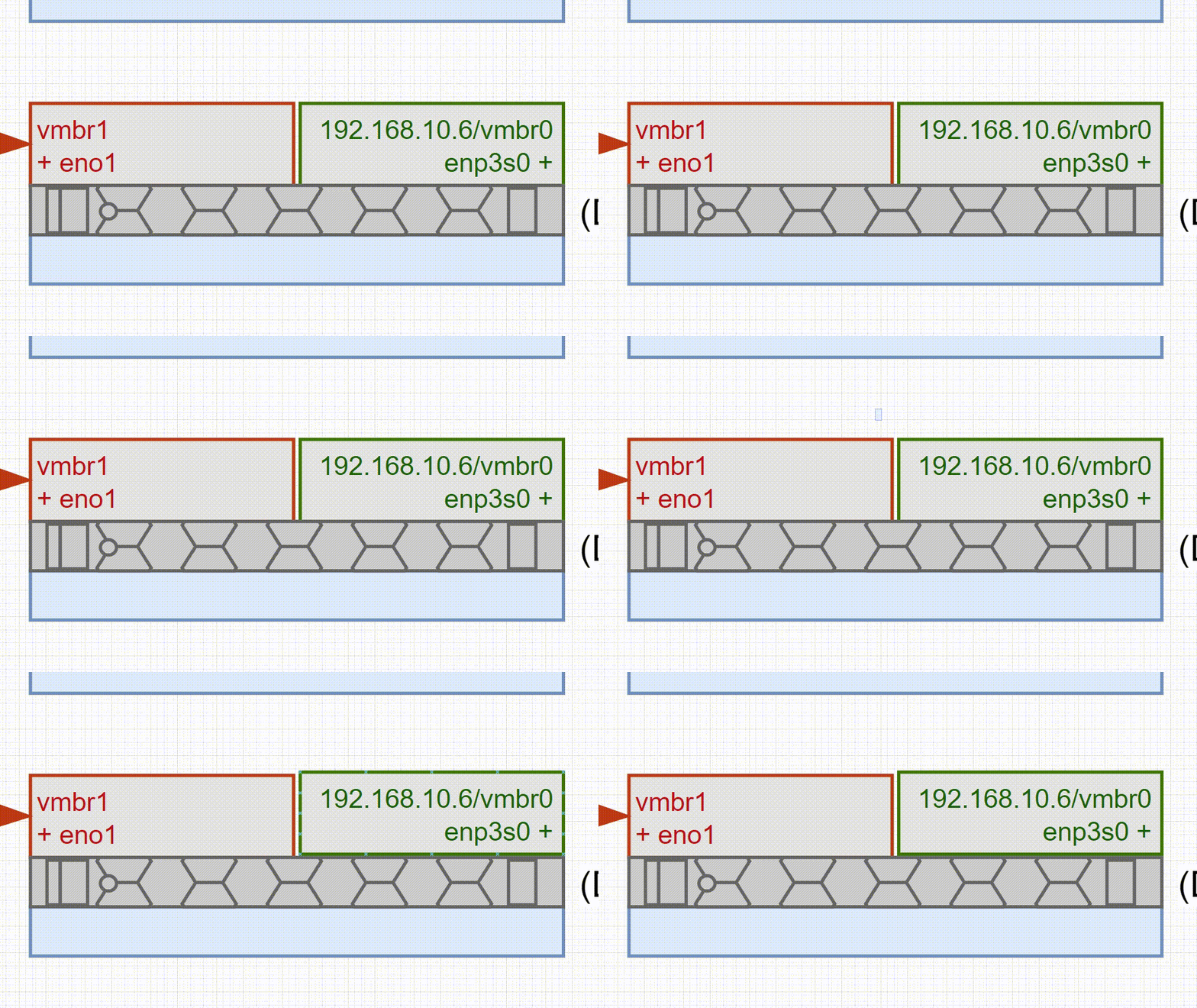 Hard to see in the gif with missing cursor, but I am clicking the objects
- draw.io version 17.4.2
- OS: [Windows 10x64]
- Version [21H2]
Additional context


This issue has been automatically marked as stale because it has not had recent activity. It will be closed if no further activity occurs. Thank you for your contributions. See the FAQ for more information.
![stale[bot] avatar](https://avatars.githubusercontent.com/in/1724?v=4 "Published by a pub.dev verified publisher")