
drawio-desktop

drawio-desktop copied to clipboard
 jgraph
Cannot load shape library from URL in configuration file
Preflight Checklist
- [X] I agree to follow the Code of Conduct that this project adheres to.
- [X] I have searched the issue tracker for a feature request that matches the one I want to file, without success.
Describe the bug
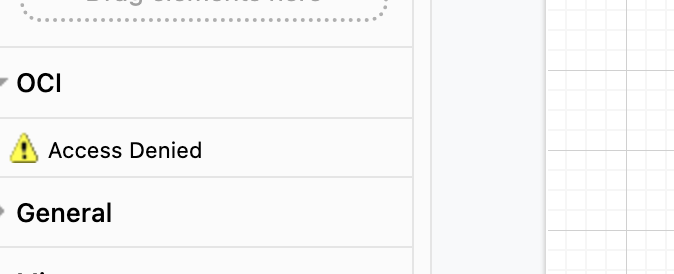
A configured library shows access denied when trying to open the shape library using a URL. Importing the downloaded file works fine.
To Reproduce Steps to reproduce the behavior:
- Start Draw.io Desktop
- Click on Extras -> Configuration...
- Paste the configuration in the additional context section below and click Apply
- Restart Draw.io
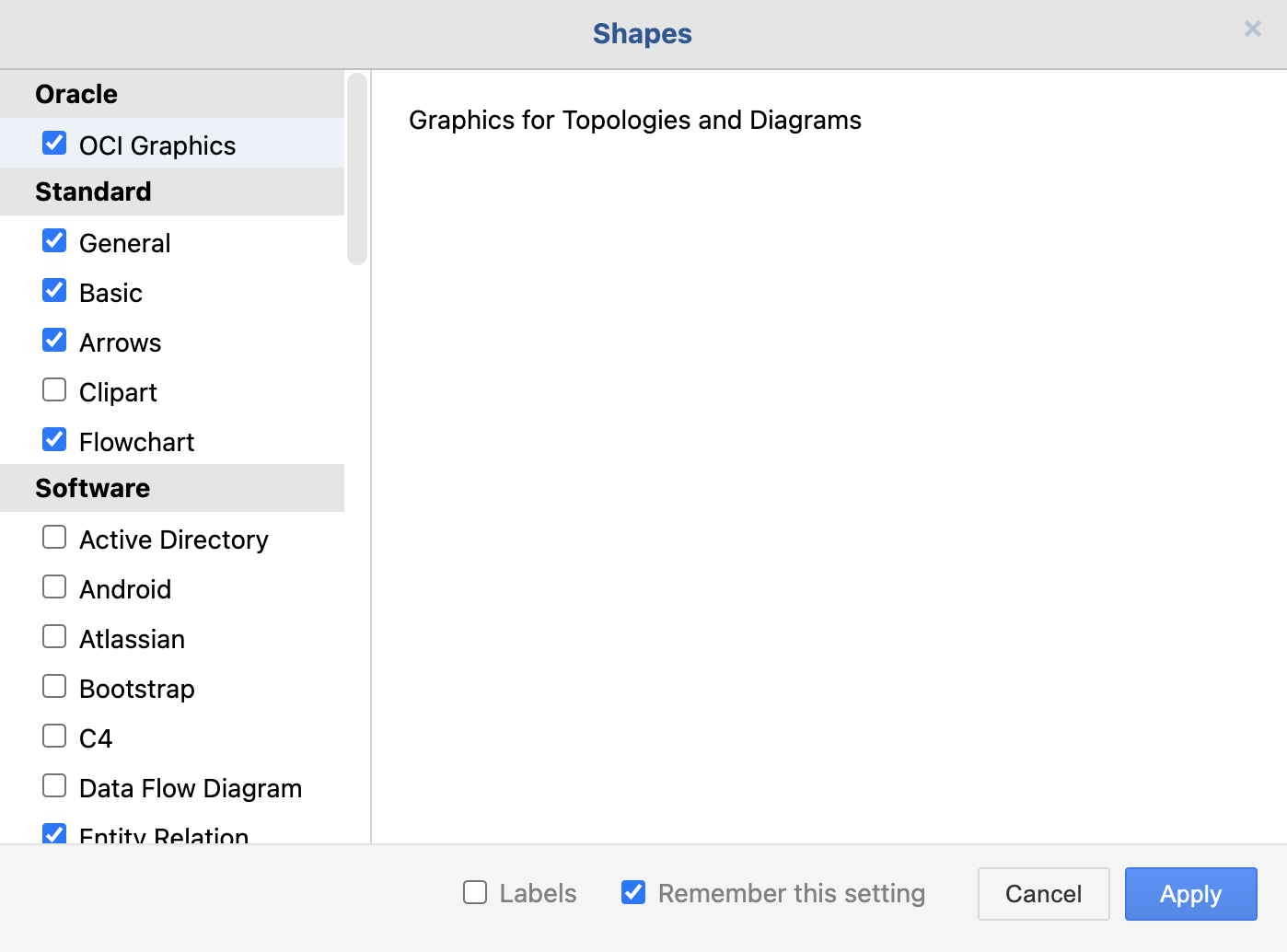
- On the left pane, click More Shapes...
- Select Oracle -> OCI Graphics and click Apply
- On the left pane expand OCI
- See Access Denied error
Expected behavior
When expanding the OCI section the graphics library should be loaded and shown.
Screenshots
draw.io version (In the Help->About menu of the draw.io editor):
- draw.io version 17.4.2
Desktop (please complete the following information):
- OS: MacOS Monterey 12.3.1
Additional context
Here is the configuration.
{
  "libraries": [
    {
      "title": {
        "main": "Oracle"
      },
      "entries": [
        {
          "id": "oci-graphics",
          "title": {
            "main": "OCI Graphics"
          },
          "desc": {
            "main": "Graphics for Topologies and Diagrams"
          },
          "libs": [
            {
              "title": {
                "main": "OCI"
              },
              "url": "https://docs.oracle.com/en-us/iaas/Content/Resources/Assets/OCI_Icons.drawio"
            }
          ]
        }
      ]
    }
  ]
}
