

 jest-community
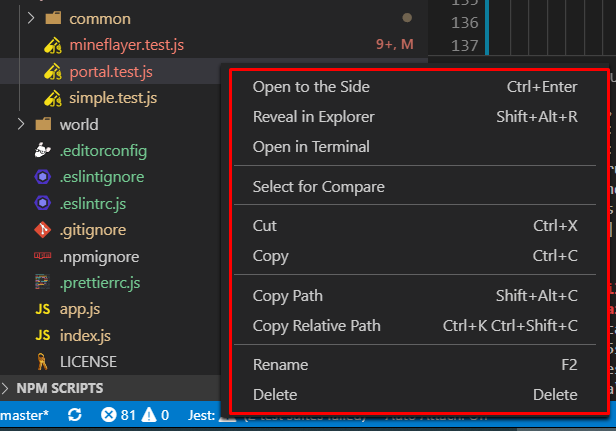
"Run jest" file context menu item

in a normal situation, jest is run in watch mode, i.e. it will run your tests automatically (when something related changed). Can you elaborate on the use case that you prefer to trigger it manually?

In our multi-root workspace / large codebase setup, it's overwhelming to watch all tests all of the time. We prefer to re-run tests as needed. Generally speaking, our workflow is:
- Do a bunch of work
- Write the test
- Do a bunch of other work
- Maybe add more tests to the file
In those middle steps, it's distracting to have tests rerunning, when we're just periodically saving work and aren't ready to re-run tests yet. Therefore, it would be really convenient to add context menu items / inline buttons to run tests at the file/describe level

FWIW, this is probably the main feature keeping us from switching away from https://github.com/firsttris/vscode-jest-runner (provides debug options for describe, in addition to each it/test)
hi, the new v4 release does come with a context menu you can use to trigger the test run on-demand:
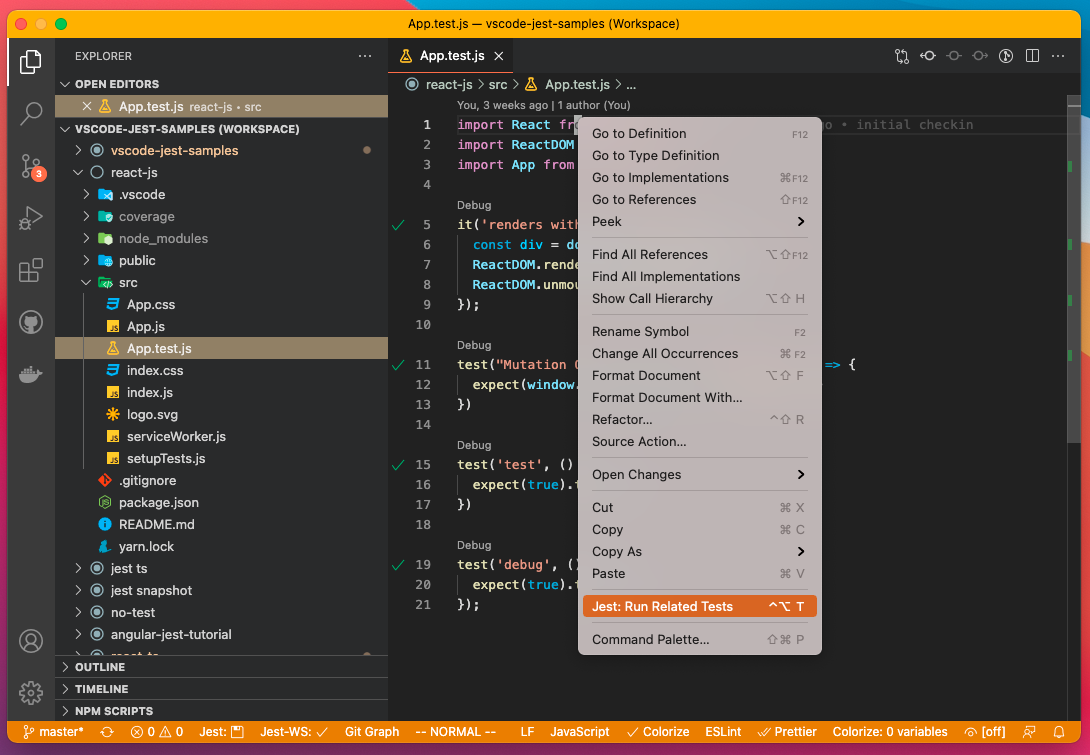
Here is the instruction on how to set up your env for the interactive mode: https://github.com/jest-community/vscode-jest#how-to-trigger-the-test-run (click expand the "interactive mode"). Let me know if you have any issues using it.
Do you think something like #288 is in the cards to better surface this (when file is wrapped in a describe)?
Yeah it's quite doable, we might do this as part of supporting the official vscode test explore, which hopefully will become available in a couple of months...