
jellyfin-android
 jellyfin-android copied to clipboard
 jellyfin
No volume control
Describe the bug
- Play a video
- try to change the volume either with the buttons or the touchscreen
- no volume change, max volume even if the system volume is 0
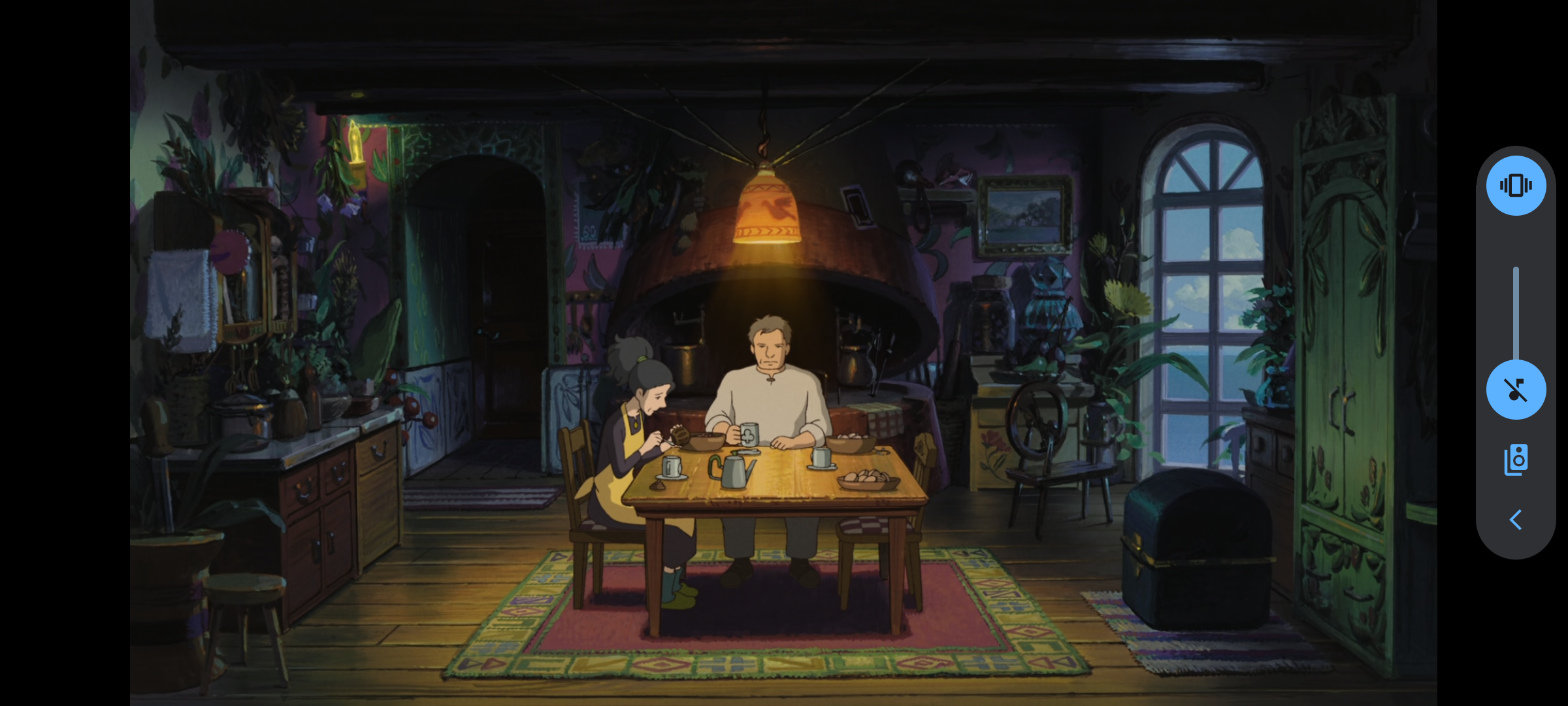

Ou can see the "remote sonud system" icon, seems usual because it shows when playing a youtube video as well
Logs
No response
Application version
2.4.4
Where did you install the app from?
F-Droid
Device information
Xiaomi Redmi Note 9
Android version
Android 12 (/e/os 1.8)
Jellyfin server version
10.8.5
Which video player implementations does this bug apply to?
- [X] Web player (default)
- [X] Integrated player (ExoPlayer)
- [ ] External player (VLC, mpv, MX Player)

Facing the exact same issue here. However, I did notice that I was able to control the volume when my Bluetooth headphones / speakers were connected. I'm on Android 13.

+1 on this issue. Happens on the official Jellyfin app as well as on Findroid.
Running Android 13 - Jellyfin ver. 2.5.0-beta.2


The problem lies in using surround sound audio. Anything dolby/7.1/5.1 will not allow you to control volume, but if you convert the audio track to stereo it'll work fine again.
Don't know how the internals of this app work, but could it be that these extra channels are not being controlled when we change the volume and thus remain at full volume?
I just tested this myself with the Dolby Atmos "Amaze" trailer (TrueHD 7.1 with Atmos) and couldn't reproduce it on both the integrated player and the web player. The "remote playback" icon is kinda odd and might be what's causing the issue, but I'm not sure. Did you use the app to play audio before attempting video playback?

I'm using integrated player.
Example audio data from video:
Audio Title: English - AAC - 7.1 - Default Language: eng Codec: AAC Profile: LC Layout: 7.1 Channels: 8 ch Bitrate: 690 kbps Sample rate: 48000 Hz Default: Yes Forced: No External: No
As Quinten0508 said with stereo everything works fine.
Could you check if this also happens with this file? https://www2.iis.fraunhofer.de/AAC/ChID-BLITS-EBU.mp4
Could you send me a sample file then? I haven't found a way to otherwise reproduce this yet.
I personally cannot reproduce the issue when using the default web player on the Jellyfin app. Using ExoPlayer does still break volume changing. Playing back a .wav audio file with 7.1 surround using Jellyfin does not present the same problem. This might suggest the problem lies within ExoPlayer.
So far (using ExoPlayer!) I've been able to reproduce the issue on all videos with audio tracks that have more than 2 channels (stereo). This includes:
- Dolby TrueHD 7.1 Atmos (8 channels)
- DTS-HD MA 7.1 (8 channels)
- DD 5.1 (6 channels)
Here is a sample video file with Dolby 7.1 which does not allow changing volume when played back on an Android device. Feel free to try it out.
Sidenote: the setting Maximum allowed audio channels within the Jellyfin app does not seem to have any effect. Shouldn't this setting theoretically "fix" this bad behavior?
I have the same issue. 5.1 and 7.1 audio files cause full volume playback even if the device is at 0.
No issues with stereo files.

That might be coherent as why I sometimes have this issue, and sometimes I don’t. The media in the initial screenshot was a 5.1 file.
Most likely it's OS issue and not Jellyfin issue as you can't control volume in both internal and external (mpv) player.
Here's lineage os issue I filed:
https://gitlab.com/LineageOS/issues/android/-/issues/6116
It's not uncommon since I found other old issues (linked there)
In any case, when system volume at zero, apps shouldn't have any option to play sound, surround or not. If it's zero, it must be silent and I don't think that apps even have control over it (other than changing volume)

Just to wanted to add a fix that worked for me (LineageOS-20 kebab):
Using Findroid, I changes Settings -> Player -> mpv-player -> Audio output -> opensles
That solved the issue of the Jellyfin playing at one constant audio level, and playing both thru phone speakers and earbuds.
EDIT: The issue still remained in other applications like Spotify when I used Bluetooth headphones, so I changed this in the LineageOS settings Settings -> System -> Developer Options -> Deactivate Bluetooth a2dp hardware offload Got this fix from Reddit
Hope this helps :)

This issue has gone 120 days without comment. To avoid abandoned issues, it will be closed in 21 days if there are no new comments.
If you're the original submitter of this issue, please comment confirming if this issue still affects you in the latest release or master branch, or close the issue if it has been fixed. If you're another user also affected by this bug, please comment confirming so. Either action will remove the stale label.
This bot exists to prevent issues from becoming stale and forgotten. Jellyfin is always moving forward, and bugs are often fixed as side effects of other changes. We therefore ask that bug report authors remain vigilant about their issues to ensure they are closed if fixed, or re-confirmed - perhaps with fresh logs or reproduction examples - regularly. If you have any questions you can reach us on Matrix or Social Media.

