
elysia-demo-app
 elysia-demo-app copied to clipboard
 jellydn
A Real-World Example Using Bun, Docker, and Fly.io 🚀
Elysia Demo App: A Real-World Example Using Bun, Docker, and Fly.io 🚀

Introduction
This project serves as a practical guide to developing and deploying web applications using Bun, a modern JavaScript runtime, along with containerization through Docker and deployment via Fly.io. Whether you're a developer looking to adopt these technologies or an engineer focusing on DevOps practices, this demo offers an end-to-end example to kickstart your journey.
![IT Man - From Dev to Deployment: Learning Bun, Docker, and Fly.io with Elysia Demo App [Vietnamese]](https://i.ytimg.com/vi/kTekCcMlleU/hqdefault.jpg)
Prerequisites
Usage
-
Clone the Repository
git clone https://github.com/jellydn/elysia-demo-app.git -
Install Dependencies
bun install -
Run Dev Locally
bun run devOpen http://localhost:3000/ with your browser to see the result.
Test
Run Test Locally
bun run test
Pre-commit
This project uses pre-commit to enforce code quality. To install pre-commit hooks, run:
pre-commit install --hook-type pre-commit --hook-type pre-push
Elysia In One Picture 📸
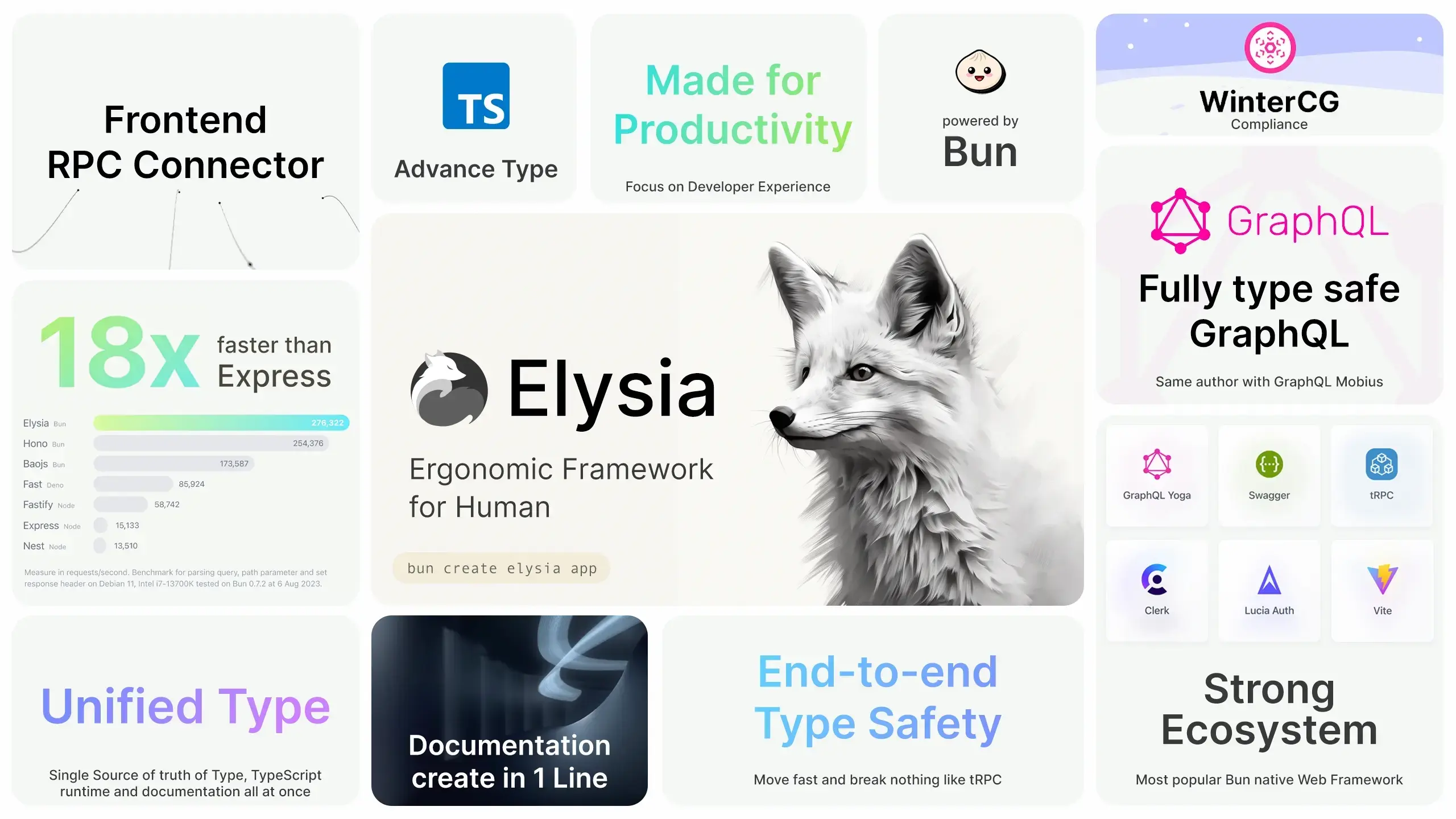
🛡 End-to-End Type-Safety with Elysia and Eden
End-to-end type-safety is a robust approach that ensures type consistency across every component of your system. By leveraging this, you can catch type mismatches early in the development cycle, reducing runtime errors and ensuring predictable system behavior.
Benefits
- Prevents bugs and errors due to type mismatches.
- Reduces risk of unexpected behavior.
- Enhances code readability and maintainability.
Eden Plugin for Elysia
Elysia's Eden plugin is specifically designed to achieve end-to-end type safety between the client and the server.
Installation
To utilize Eden's capabilities, you need to install it on your frontend:
bun add elysia @elysiajs/eden
TIP: Eden requires Elysia for type inference. Install Elysia as a dev dependency.
// server.ts
import { Elysia, t } from "elysia";

export type App = typeof app;
Client-Side Usage
Once you've installed and configured Eden, you can consume the Elysia API on the client-side as follows:
// client.ts
import { edenTreaty } from "@elysiajs/eden";

import type { App } from "./server";

const client = edenTreaty<App>("http://localhost:8080");
Method Chaining
Elysia promotes the use of method chaining for better type inference and cleaner code.
// Example
const app = new Elysia()
  .state("build", 1)
  .get("/", ({ store: { build } }) => build)
  .listen(3000);
With method chaining, you maintain type safety throughout your code, ensuring that each method you chain is aware of the types introduced by the preceding methods.
🚀 Usage with Docker
Before running the application with Docker, make sure you have Docker and Docker Compose installed.
Building the Docker image
docker build -t elysia-demo-app .
Running with Docker Compose and Traefik
-
Create a network named
webif you haven't already:docker network create web -
Start the services:
docker-compose up
You should now be able to access the application at http://elysia-demo-app.local.
Make sure you have added the following to your /etc/hosts file.
127.0.0.1 elysia-demo-app.local
🚀 Deploying to Fly.io
Deploy via Dockerfile
If you have your project wrapped in a Docker container, deploying to Fly.io is straightforward.
Initial Deployment
Run the following command to initiate deployment:
fly launch
During this process, you'll be prompted to:
- Choose an app name or leave it blank to generate one.
- Select an organization.
- Choose a region for deployment.
The fly.toml configuration file will be generated automatically.
Configuration
Most Docker applications require some environment variables. You can add these in the [env] block in the fly.toml file:
[env]
  MY_SPECIAL_ENV = "some_value"
  MAX_PLAYER_COUNT = "15"
For sensitive data, use flyctl to set up secrets:
flyctl secrets set MY_SECRET=romance
To list existing secrets, use:
flyctl secrets list
Final Deployment
If you didn't deploy your application during the initial setup, you can deploy it now:
fly deploy
If you prefer to build the Docker image locally, use:
fly deploy --local-only
Access Your App
To open your deployed app in a browser, run:
fly apps open
Taking it Further
For applications that require persistent storage, consider:
- Persistent Volumes: For data that needs to persist across deployments.
- Fly Postgres Database: Automates the creation of a
DATABASE_URLenvironment variable when attached to your app. - GitHub CI Action: Auto Deploy to Fly.io
Additional Resources
- Bun 1.0 Release Blog
- An Introduction to the Bun JavaScript Runtime
- Elysia - Fast, and friendly Bun web framework
Author
👤 Huynh Duc Dung
Show your support
If this guide has been helpful, please give it a ⭐️.



 jellydn