

 jayli
jayli
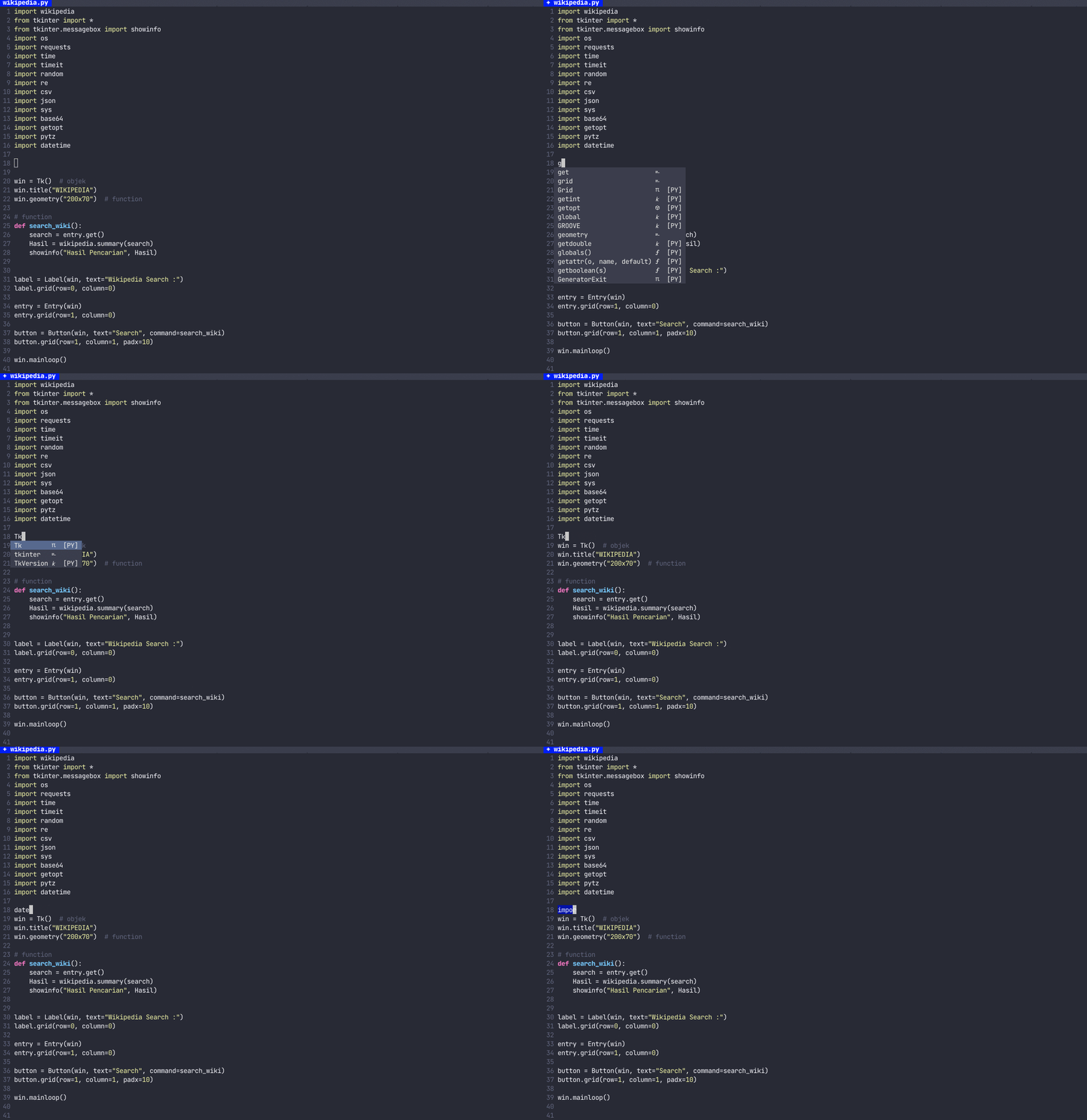
very slow in py file and how to close/open autocomplete in file temporary?
python3.9 , vim 8.2 (mac), the newest "vim-easycomplete".
Below this is my import , and my project about 30 files.
" import os import requests import time import timeit import random import re from multiprocessing.dummy import Pool import csv import json import sys import base64 import getopt import pytz import datetime "
A few minutes after open file, very slow when I type any character, sometime it will pause several seconds and than show all typed characters suddenly. Again and again, can't use.
So I want know why this happen, am I setting wrong or that was something wrong, could I close it temporary?


I just made some optimizations.
Can you update vim-easycomplete and try again?
use these two command to close/open autocomplete.
disable:
:EasyCompleteDisable
enable:
:EasyCompleteEnable
Thanks, this work for me.
I will find why it was slowing on my machine and only in *.py files.
I see what is going on. May be the "code function check" option's problem.
when I set " let g:easycomplete_lsp_checking = 1 let g:easycomplete_diagnostics_enable = 0 " It could use normally, but when I set " let g:easycomplete_lsp_checking = 0 let g:easycomplete_diagnostics_enable = 1 " than will very slow a few mins when I try to type something like function name ...