

 jankae
Marker search for an extremum in the frequency band specified by the user additionally.
Summary
Good afternoon. Marker search for a minimum or maximum in the entire scanned frequency band is a very rare case. Much more often, one has to look for extremums in some part of the range, which is not known in advance or is not specific. Is it possible to slightly tweak the search algorithm for the minimum or maximum with a marker set in the menu by the range of (additionally) search frequencies?
Paths to implement it
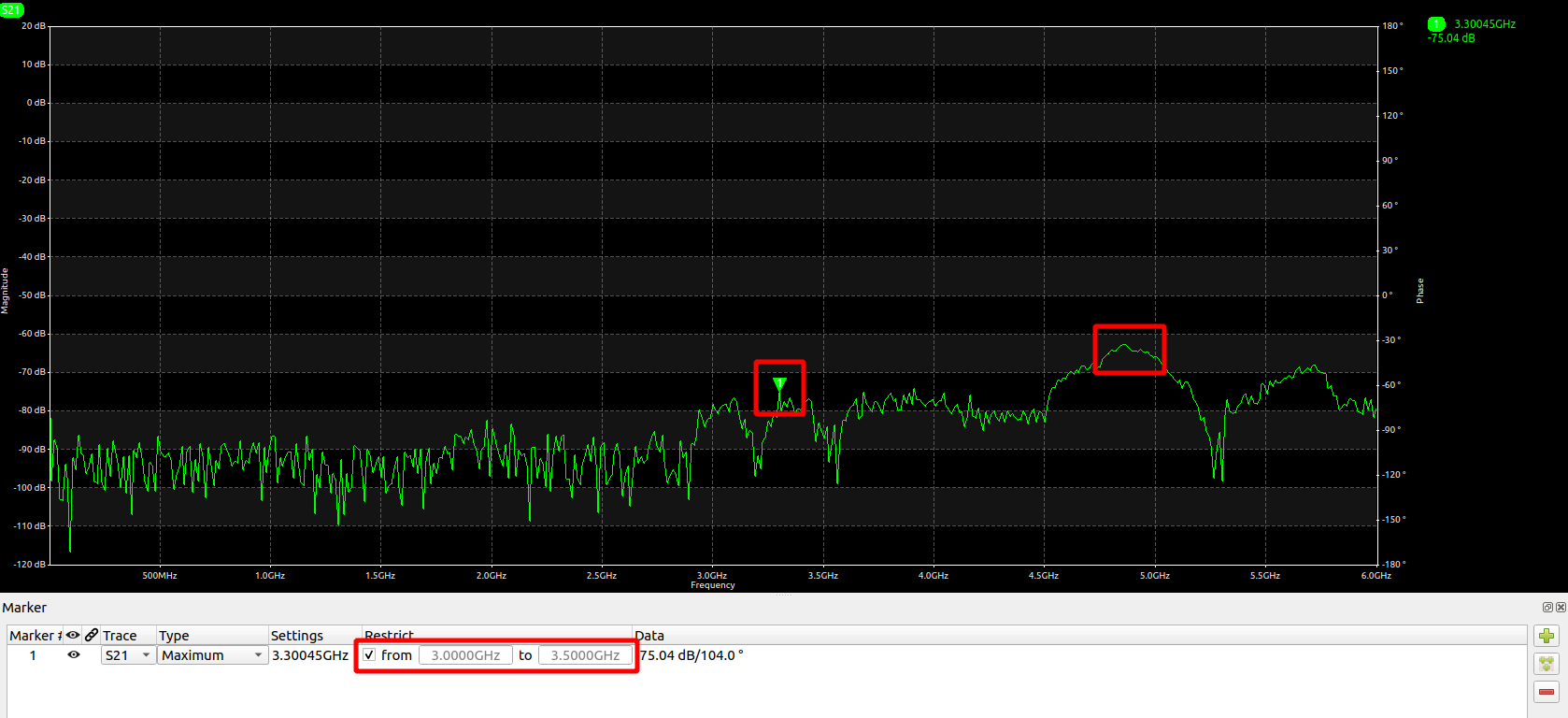
As an option: right-click on "Maximum" or "Minimum" and in the pop-up submenu enter the lower and upper limits (frequency) of the marker search. And in the Settings column, then display both the limits on the frequency of the search and the frequency of finding the marker as a result. Yes, and for convenience, provide in the menu the ability to turn off (off or on) the search in a specific frequency band, so that there is an option, as it is now, that is, a search in the entire frequency band scanned by VNA. In this case, the frequencies of the lower and upper limits of the search by the extremum marker will be permanently in the menu, but they can be activated and changed by the user at will.
Extra information
No.

Thank you for the suggestion, this is indeed a useful feature. 26ba329a should take of it. Future releases will allow you to restrict the marker position range:

Good afternoon. The same function is very important for the Bandpass marker so that all cases can be measured, for example here:
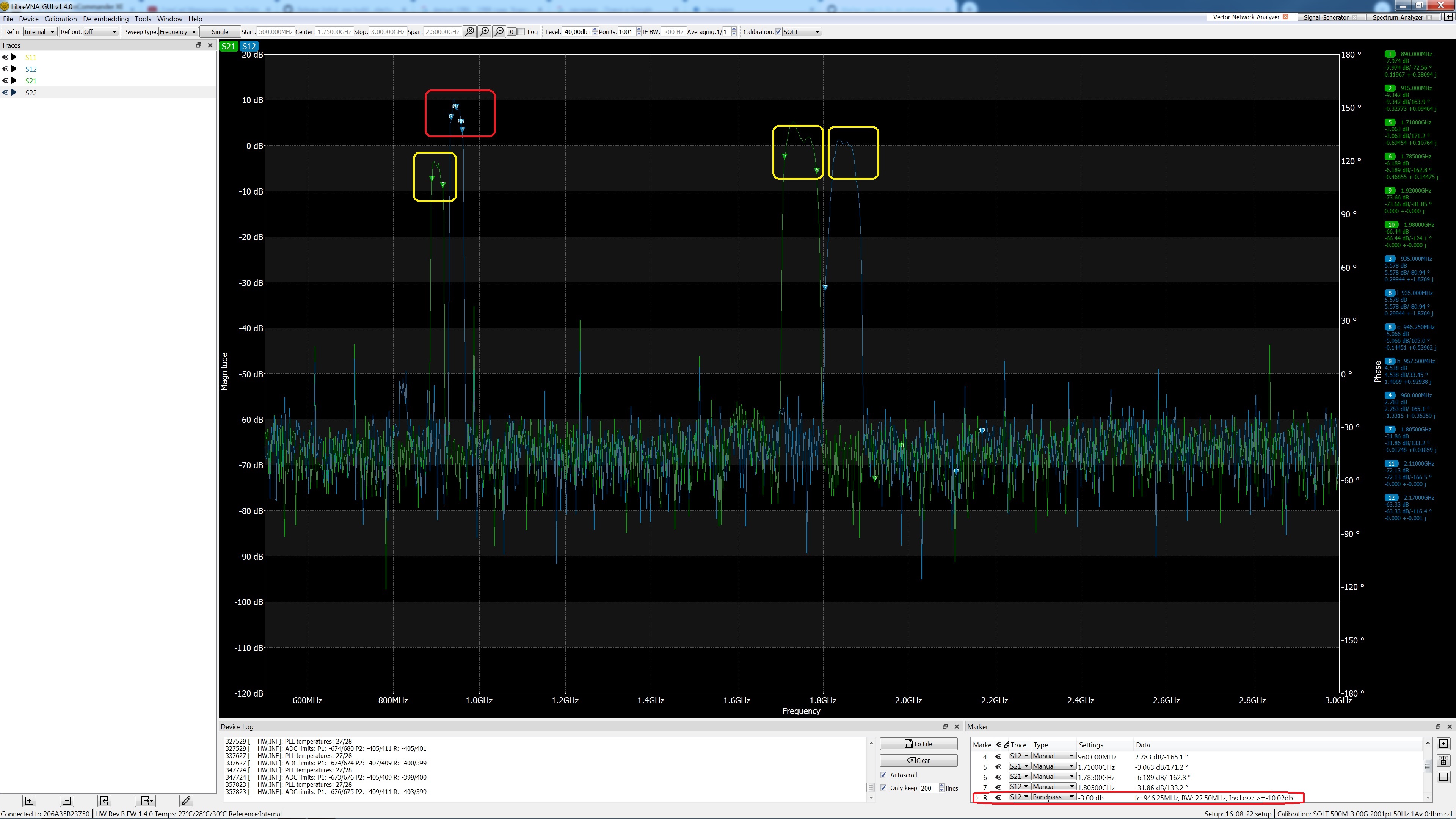
I haven't checked every edge case but with the way I have implemented it, the frequency restriction should work for every marker type, including the bandpass.
LibreVNA Version (64 bit): 1.5.0-alpha.1-c7a99af82
OS: Windows 7 Version 6.1 (Build 7601: SP 1)
CPU Arch: x86_64
Good evening!
There is not much observation of the operation of the frequency limiter for searching for extremes in frequency. Device not connected. After entering both the lower frequency limiter and the upper limiter, the marker remains at the lower limit of the range. To perform a search in this version, you must uncheck and re-check the box on the frequency limiter. Probably, this action can be automated when the lower frequency limit is not equal to the upper one.Although it works now, but with a slight hitch. ))
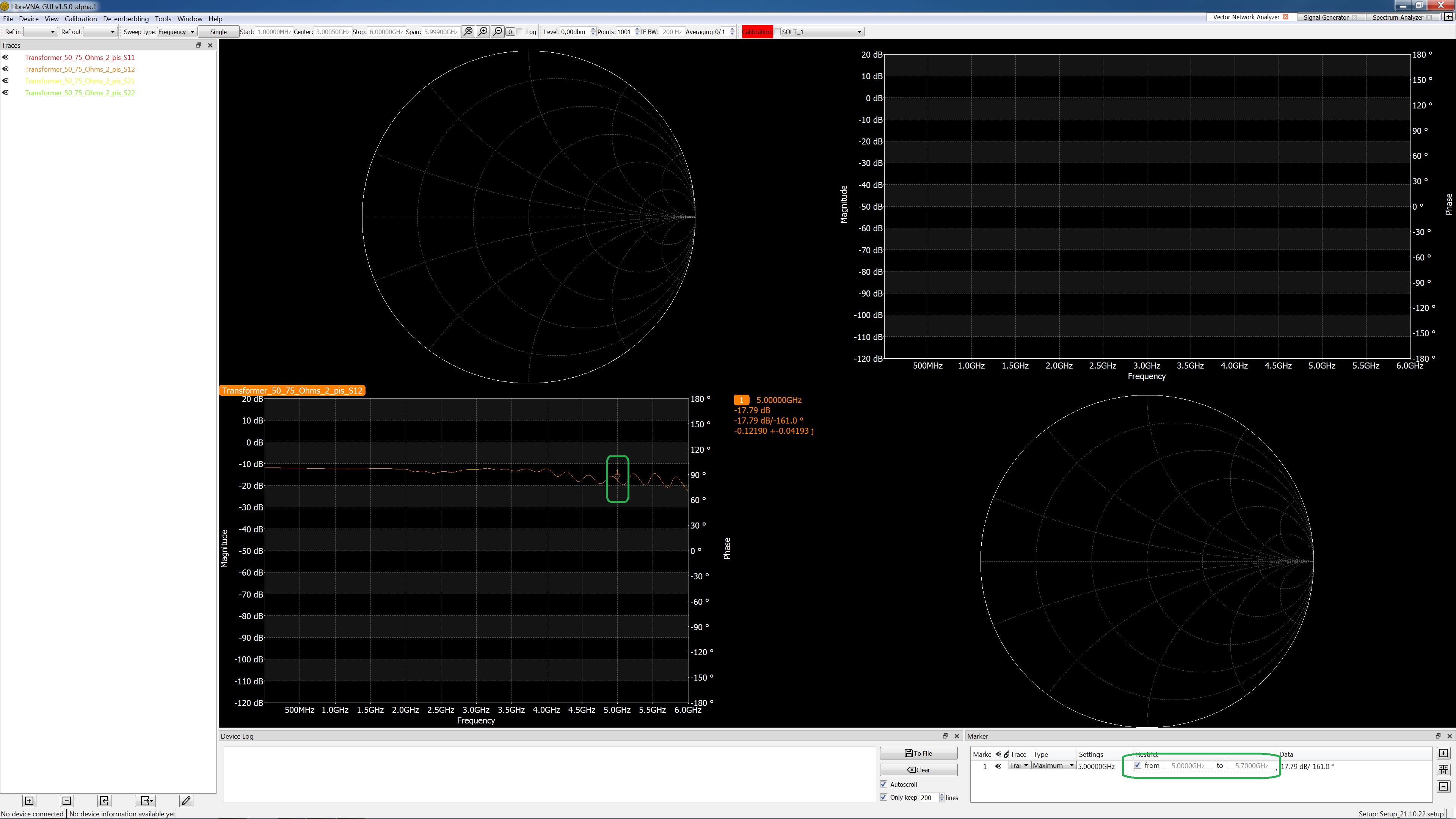
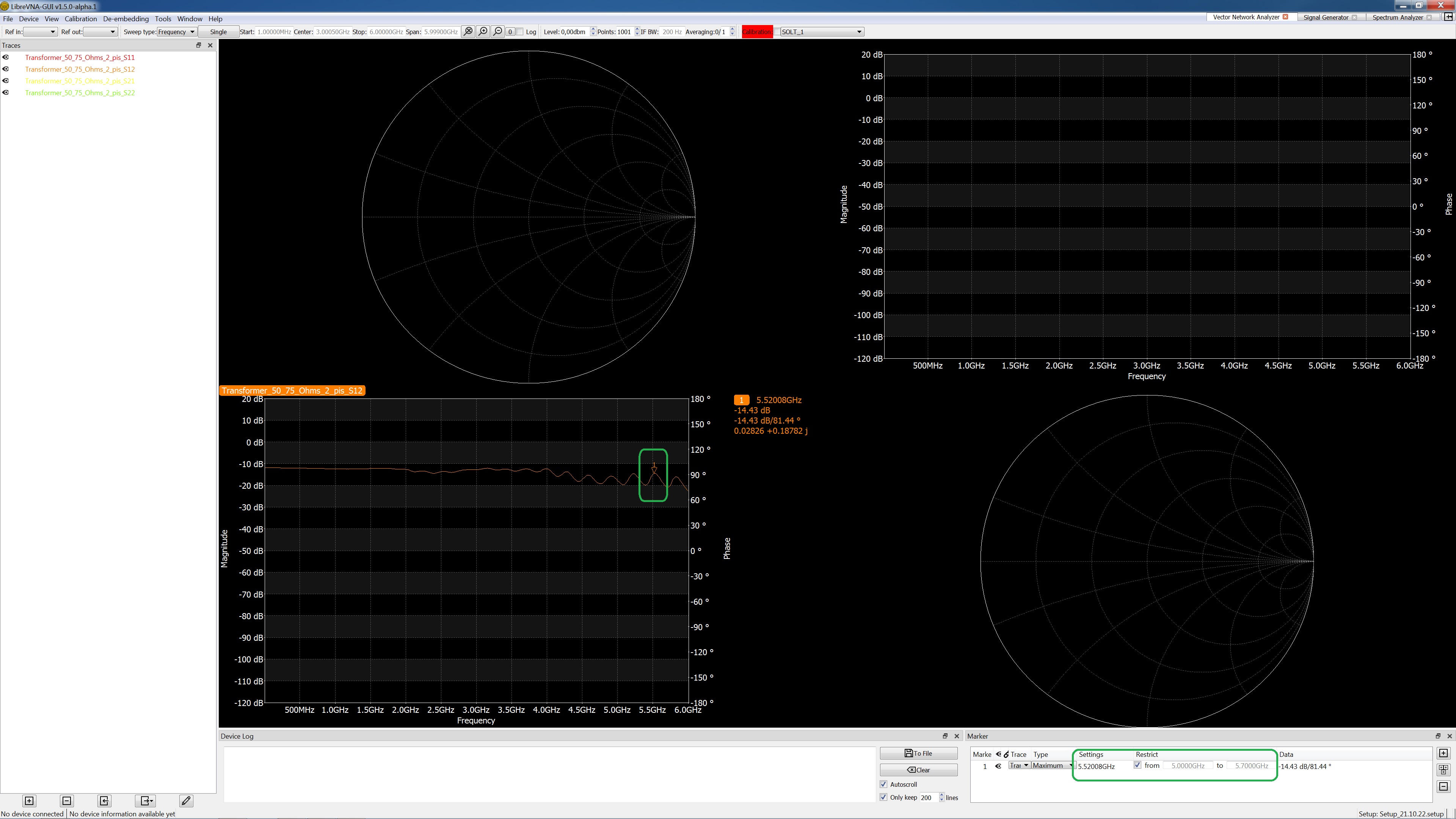
My bad, I was testing with the LibreVNA connected and the incoming data was triggering the marker update, so it worked during the test. With 796a8cb, the marker update is also executed when either of the restrict frequencies are changed.
Thanks a lot! If I find another link to an already assembled application here or on the forum, I will protest. )) Yes, in this version of LibreVNA, when trying to run an eye diagram, the application hangs for the given S12. Was it too early to test the eye diagram?
another link to an already assembled application
Latest compilation run with the fixed marker restriction: https://github.com/jankae/LibreVNA/actions/runs/3300070765
Was it too early to test the eye diagram?
Probably, but for a more precise answer I need the exact commit you used. I have basically done nothing else but work on the eye diagram in the last three days so there are quite a few different versions. Ideally, you only use the latest otherwise we might look for bugs that are already fixed.
Последний запуск компиляции с фиксированным ограничением маркера:
LibreVNA Version (64 bit): 1.5.0-alpha.1-796a8cb3f OS: Windows 7 Version 6.1 (Build 7601: SP 1) CPU Arch: x86_64 I checked for the minimum and maximum - immediately after changing the frequency with the Enter key, the cursor position takes the right place. Thanks for the release!
Probably, but for a more precise answer I need the exact commit you used.
LibreVNA Version (64 bit): 1.5.0-alpha.1-c7a99af82 OS: Windows 7 Version 6.1 (Build 7601: SP 1) CPU Arch: x86_64
Transformer_50_75_Ohms_2_pis.zip
In version LibreVNA Version (64 bit): 1.5.0-alpha.1-796a8cb3f OS: Windows 7 Version 6.1 (Build 7601: SP 1) CPU Arch: x86_64 no eye diagram.
In version [...] 1.5.0-alpha.1-796a8cb3f [...] no eye diagram.
There is, I have just moved it from tools and implemented it as a new graph type instead (more flexibility and you can save it as .setups). Just close one of the graphs and you can create the eye diagram instead.
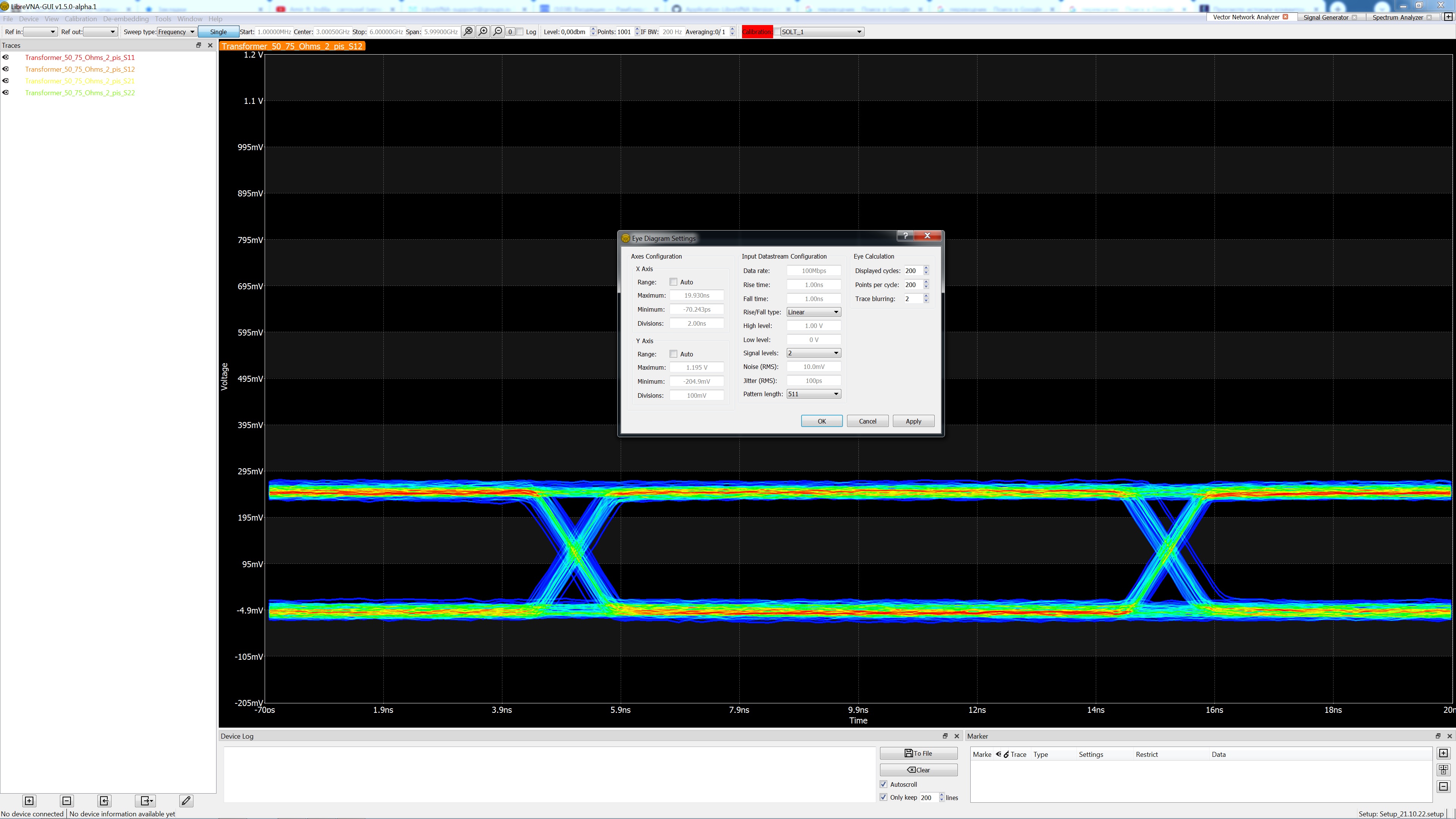
I think this feature is complete, verified and can be closed. If you find new problems with it, we can always re-open it