itsgoingd
Extension shows nothing, No tabs, no data.
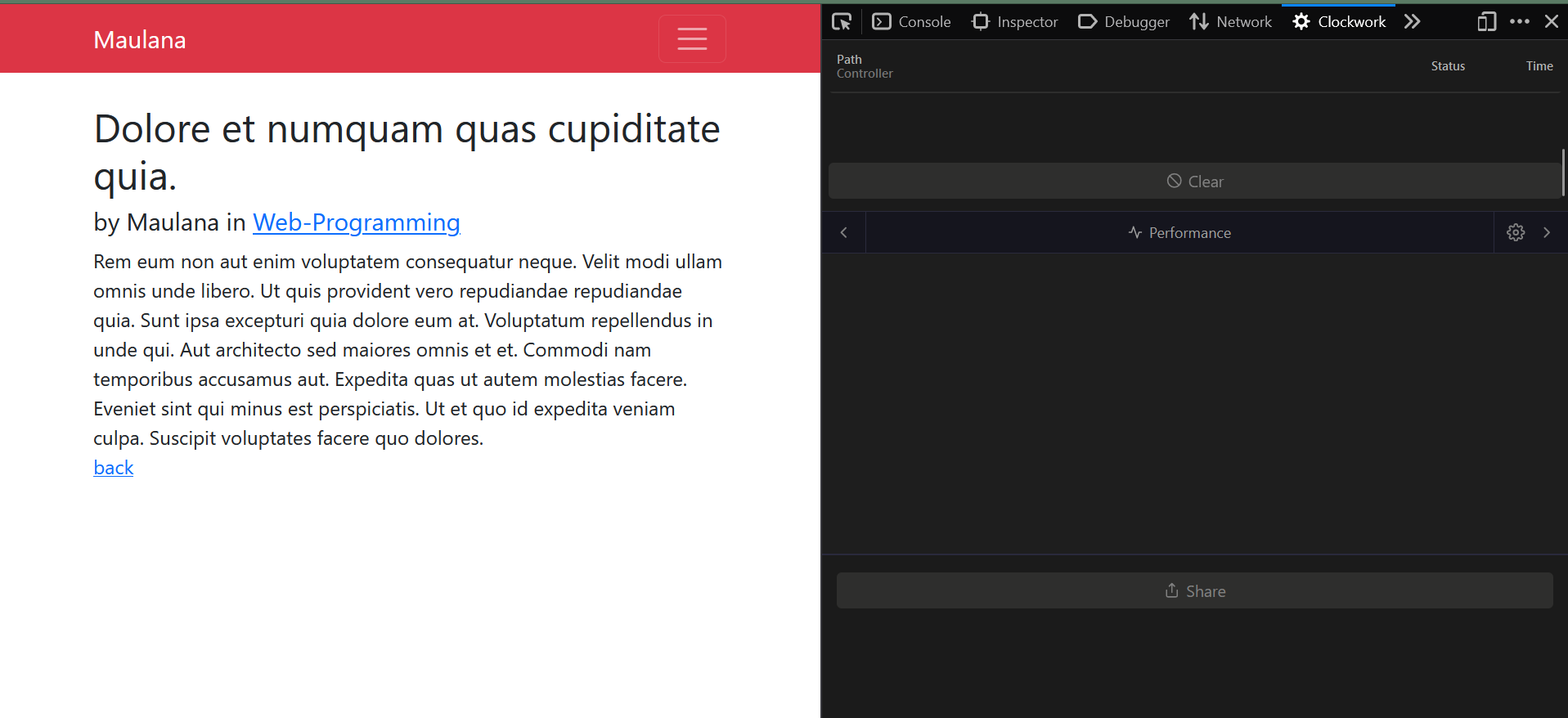
I've installed the browser extension on FireFox, Chrome and MS Edge. I can't seem to be able to use it at all. There are no tabs ( only performance ). and there's no content in that tab either. None of the buttons work either.
I tried reinstalling it but no avail. The same exact issue exists across all the browsers.
Could this possibly be an OS issue? I was using it on my macOS but I don't have access to my mac now, so I installed it on a computer running Windows 7, which doesn't work.
Here's an screenshot:
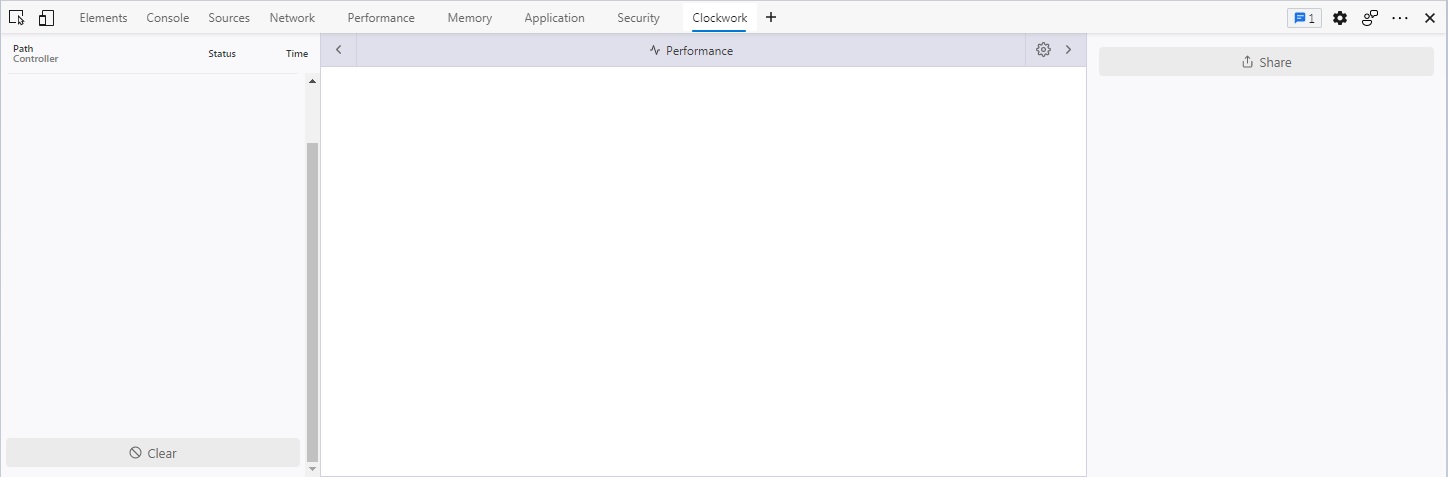
There are no files related to clockwork under this directory:
User\AppData\Local\Microsoft\Edge\User Data\Default\Storage
Clockwork used to show some basic information about any websites, but nothing now.

Hey, does your web app have the Clockwork server-side library correctly installed?
If you'd just want to try if the extension works you can try it on https://underground.works/clockwork/, which has Clockwork server-side installed.

@itsgoingd please help me, i have Clockwork installed using composer, default config. But it only shows performance tab!
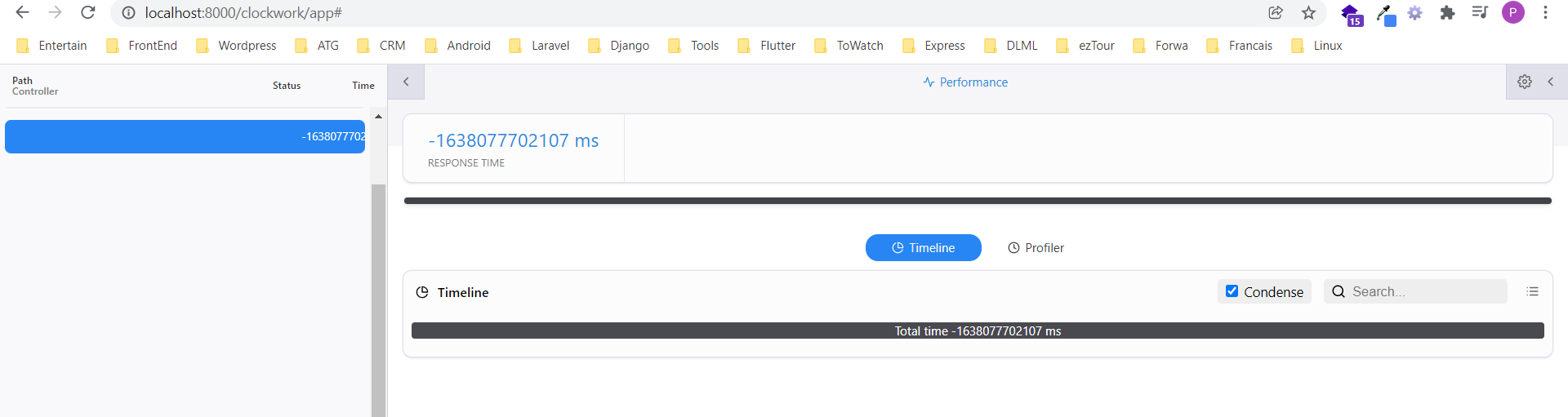

@itsgoingd Sorry I forgot that I posted here! My issue was that clockwork wasn't enabled. It worked fine after enabling it.
@phuhung273 Did you try on a fresh Laravel installation? Did you try it on a different browser? You could narrow down the issue, to figure out if it's related to the plugin, Laravel, or the browser.
@JackJohansson how did you enable it? I have it installed and APP_DEBUG=true but no Clockwork data is showing up in the extension.

Update; for me, installing the latest version of Clockwork server-side did the trick. Removed the package and installed the latest. I think the versions were out of sync somehow.
I have same issue untill now but I've already installed clockwork through composer and it show nothing