

 irzyxa
Crashing/Closing on a daily basis
Volume2 "stops working", virtually every day. It could occur at any time, but pretty much when the system has been idle for an extended length of time. In that scenario, perhaps it is connected to when the machine goes to sleep, but that's just speculation.
When I discover it has happened, I go to the systray. The volume2 icon is either missing, or it has a red dot in place of the volume level number, and when the mouse cursor touches it, the icon disappears. Sometimes, the icon remains, but bringinu up the interface restore the volume changing function.
In either case, relaunching Volume2 restores functioning.
I believe I reported this quite a while ago, and it was rectified, but now it has returned and seems more often than before.
Tested with Volume2_1.1.8.460 beta (31.12.2022), 1.1.8, build 458 (25.05.2022), and Volume2_1_1_7_449
Microsoft Windows 10 Professional (x64) Build 19045.2486

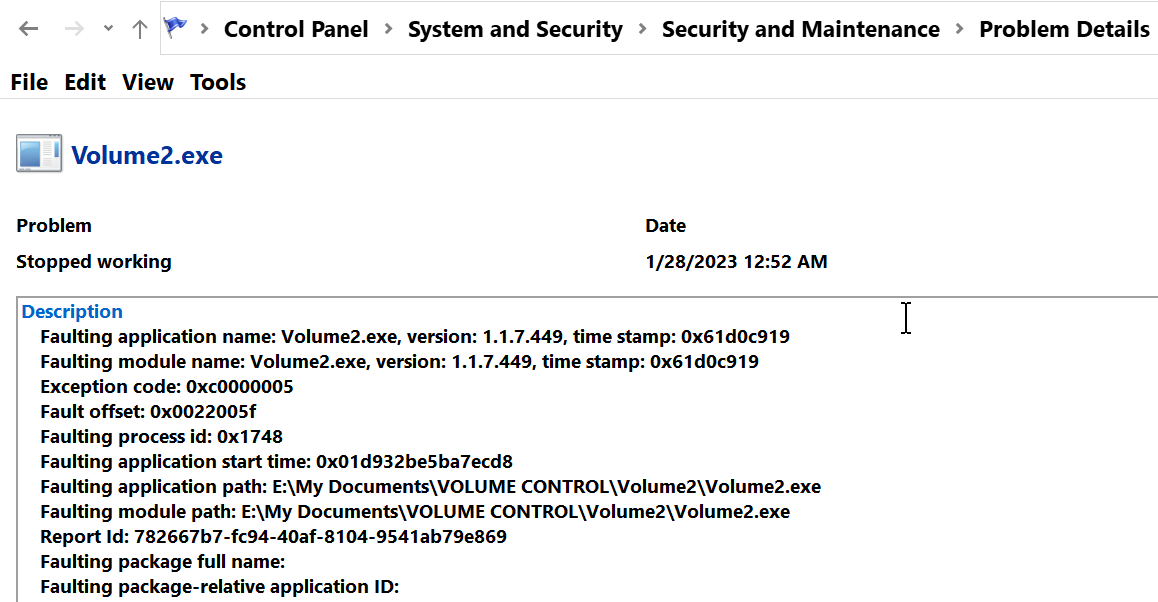

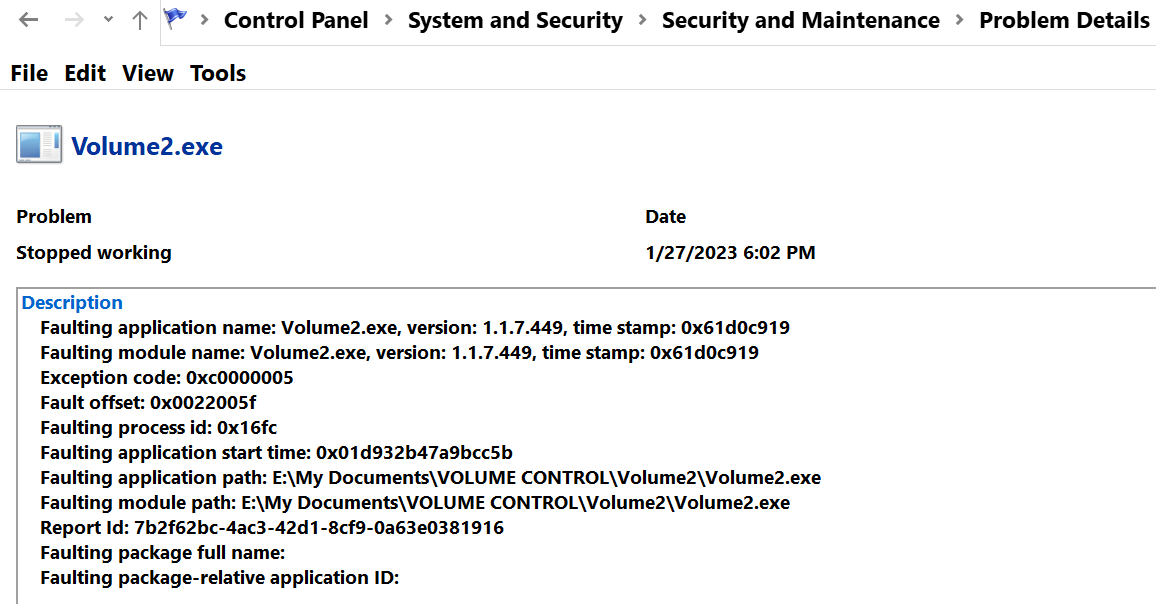
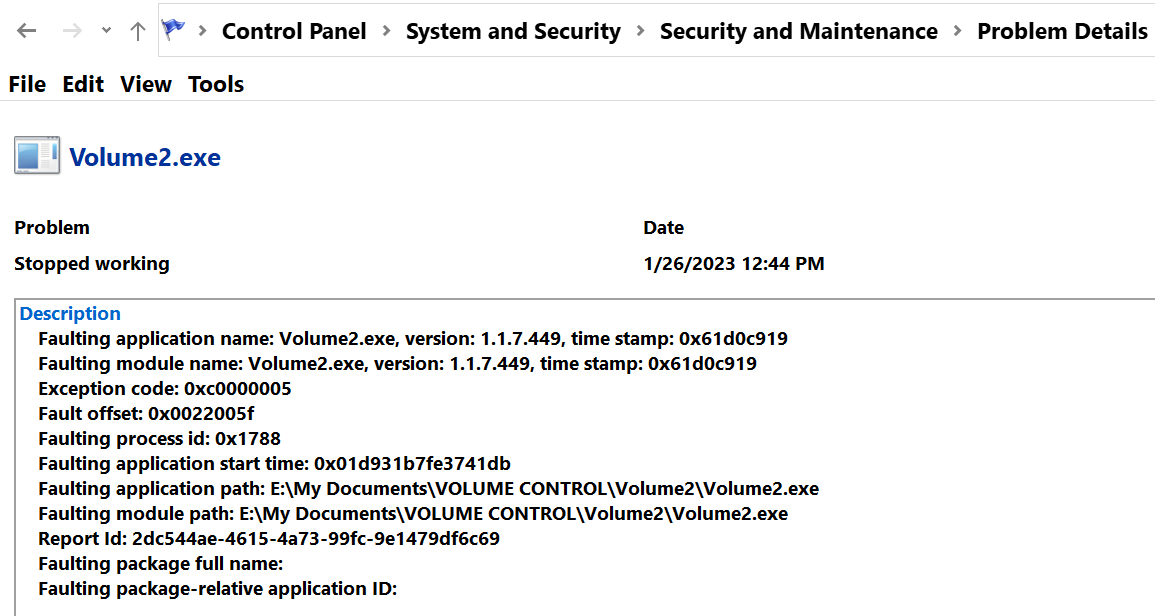

Please try to run Volume2 with debug key: Volume2.exe -debug And attach Errors.log after it will crash.

Will do. I will report back. Would you prefer I use the latest stable version?
Should I continue running with in debug key mode? In normal mode , I use a schedule task
C:\Windows\System32\schtasks.exe /run /TN "Volume2"
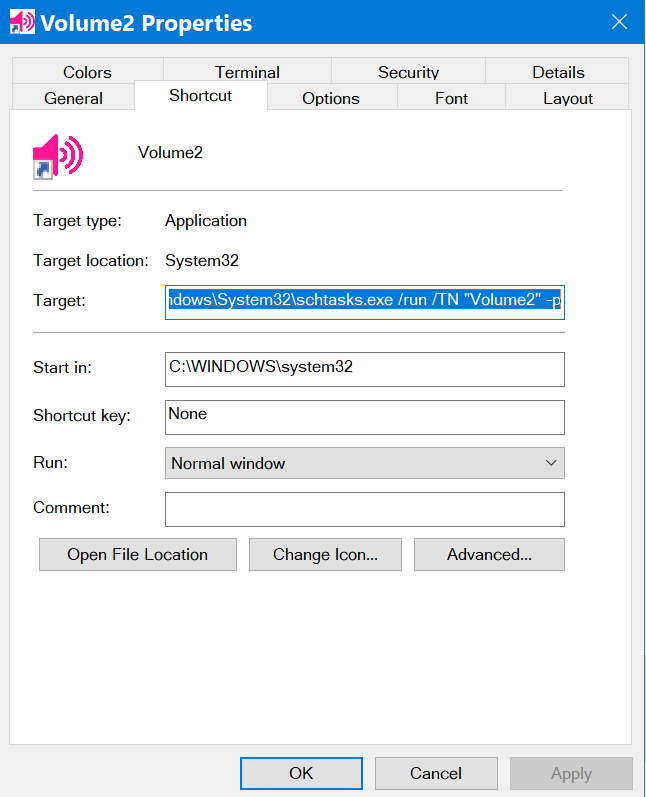
in order to avoid this
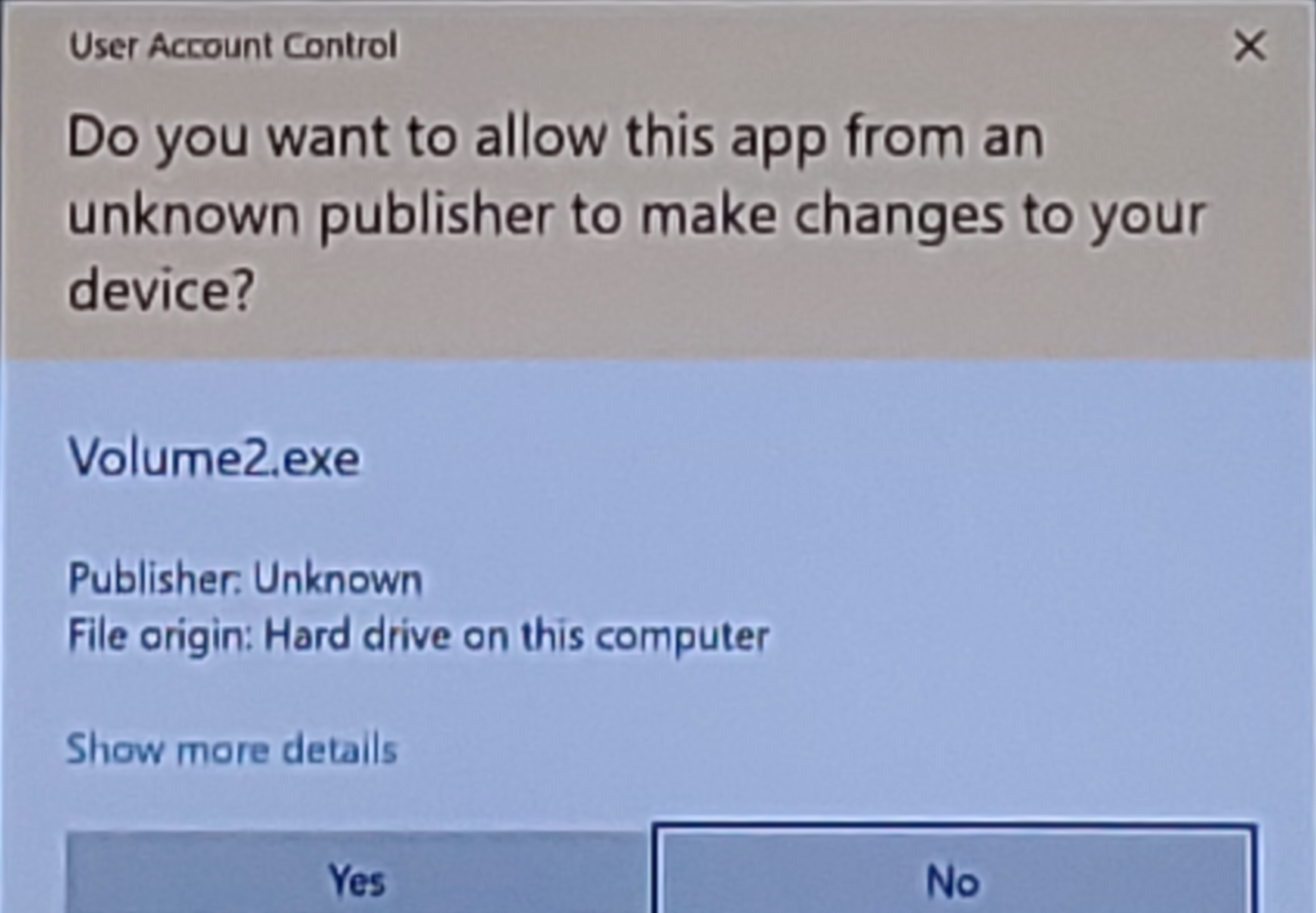
Is there a way to run the debug command with this Scheduled Task address? Is there a problem running in debug mode all the time?

I've been using 1.1.8.461 Beta since yesterday. It still randomly stops working, but not like before. In the past, the volume level badge number would turn into it red dot, and taskbar icon would disappear if clicked upon.
With the beta, when the sound gets "interrupted", for lack of a better term, the taskbar icon still looks normal. When the button is clicked upon, sound returns.
I'm running in debug mode now, so, if you wish, I can report the results when it recurs?
Also, is there any harm always running in debug mode? Is there a way to have it launch in debug at windows startup?
I see only one issue it log file size, it will grow up. And yes, please send your log.
Will there be any update to 1.1.8.461? Still stops working. Should I be using another version? Was there something in that log I could address on my system?
I did not see any issues in log file. Let's try the following steps: Run Volume2 as administrator and go to System tab and select autorun as task (if it is checked then select another option, save, as tas and save) And please remove your schedule task.
Is this correct?
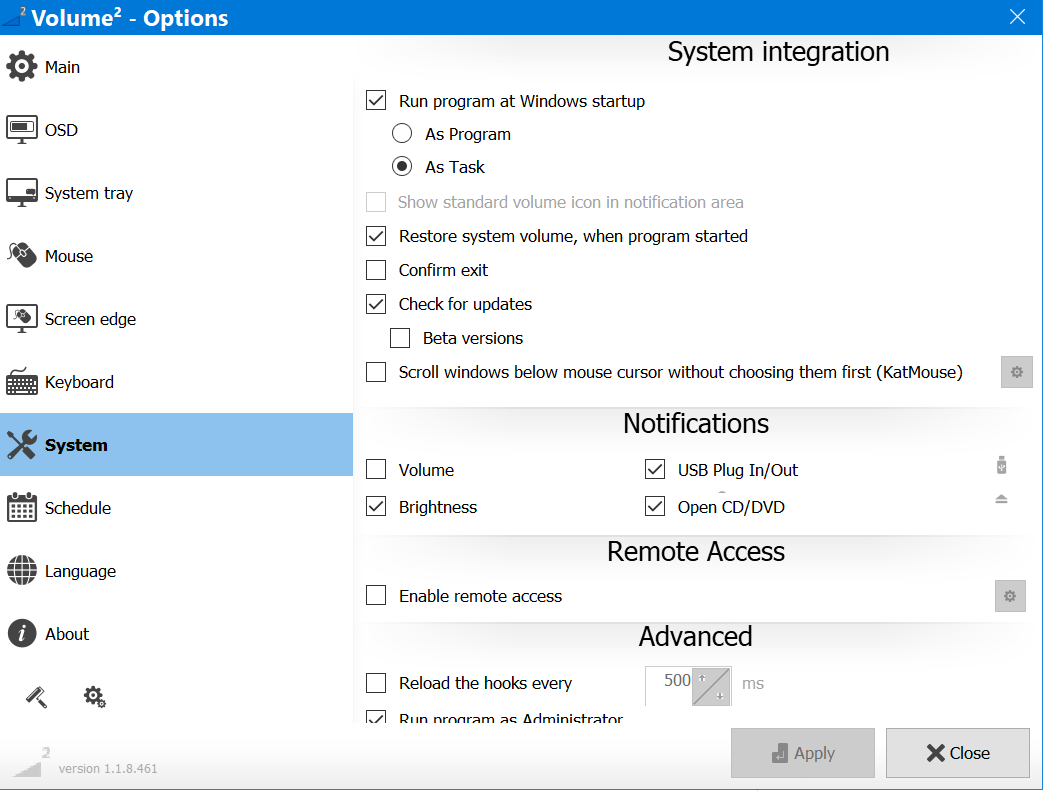
Save as task was already selected. Scheduled task has been disabled.
Also, notice the bottom option partially hidden. Maybe consider making the interface resizable?
I'm really sorry to keep reporting this, but 2 crashes today. While the icon remained visible in the systray, I had to close/restart the app to get it to work.
Could the error.log demonstrate anything that my system may be doing to cause a problem?
My screen edge scroll becomes randomly "inactivated", once or twice a day. I have to go to click the systray icon, which opens interface, to activate.
That's all. No changes have to be made in the settings, Just the opening the settings.
@nollinvoyd there's option on System tab called Reset hooks every..., Try to enable it.
@irzyxa
Stopped working. Had to close and reopen
Lastest error log stuff is from 8/23
8/21/2023 3:16:42 PM ERROR SetUseScheduleAutorun: Access is denied 8/22/2023 12:44:22 AM ERROR SetUseScheduleAutorun: Access is denied 8/22/2023 11:18:52 AM ERROR SetUseScheduleAutorun: Access is denied 8/23/2023 4:11:43 AM ERROR SetUseScheduleAutorun: Access is denied 8/23/2023 3:49:16 PM ERROR SetUseScheduleAutorun: Access is denied
Closed by itself today. Nothing current in error log. Should I keep running in debug mode error.
Would you prefer If I refrained from posting further?