
Volume2

Volume2 copied to clipboard
 irzyxa
Alternative Device sys tray icon not working
when single clicking on the sys tray icon for the alternative device, the main device volume mixer shows up. also when middle clicking the alternative sys tray icon it mutes the main device, not the alternative device as it should.
Desktop (please complete the following information):
- Windows version: Win10 (19043.1586)
- Volume² version: 1.1.8.457
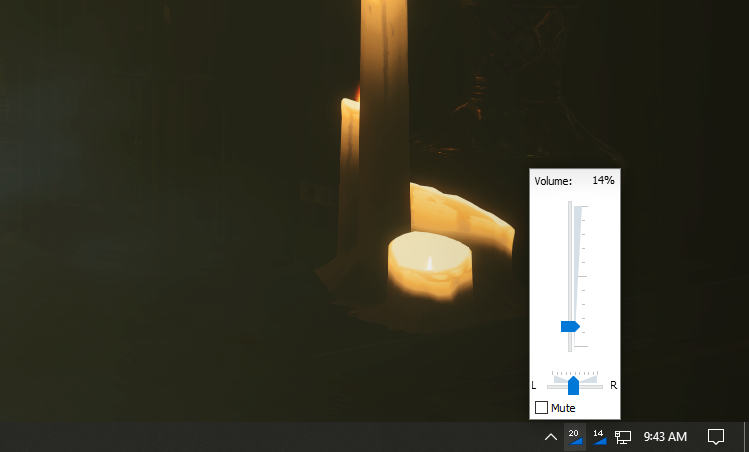

Okay, I found some workaround, when volume control appears just press Alt key to control alternative device (second icon in tray)
