ipython
Problems with SVG rendering in IPython.display in Jupyter ipynb
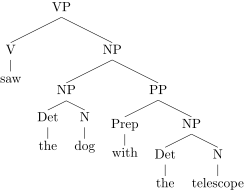
I'm trying to use IPython to display SVGs in the output of code cells, but I've observed some very strange behaviour in the way it renders: text in the images displays correctly in the first SVG I display, but in all the subsequent SVGs displayed, it is scrambled.
Displayed in markdown cells using html, all the SVGs display perfectly, but rendered in the code output by IPython they are scrambled. If I create a new IPython.display.SVG object from the file that was the first to display, it also displays correctly. It seems that the factor that determines which image will be displayed correctly is the order in which the IPython.display.SVG object is passed to display, not the order in which the filenames for the svg-files are passed to SVG. I've included the three svg-files, and an ipynb that demonstrates all of this.
This is very confusing - can you help?