
ipfs-docs
 ipfs-docs copied to clipboard
 ipfs
ipfs
Host multipage website on IPFS
I saw the same issue has already been brought up and closed; however, as a resolution had not be reached, I am bringing up the issue again.
I tried doing the single-page website and multipage website, following the steps outlined in the tutorials: https://docs.ipfs.io/how-to/websites-on-ipfs/single-page-website/#set-up-a-domain https://docs.ipfs.io/how-to/websites-on-ipfs/multipage-website/#prerequisites
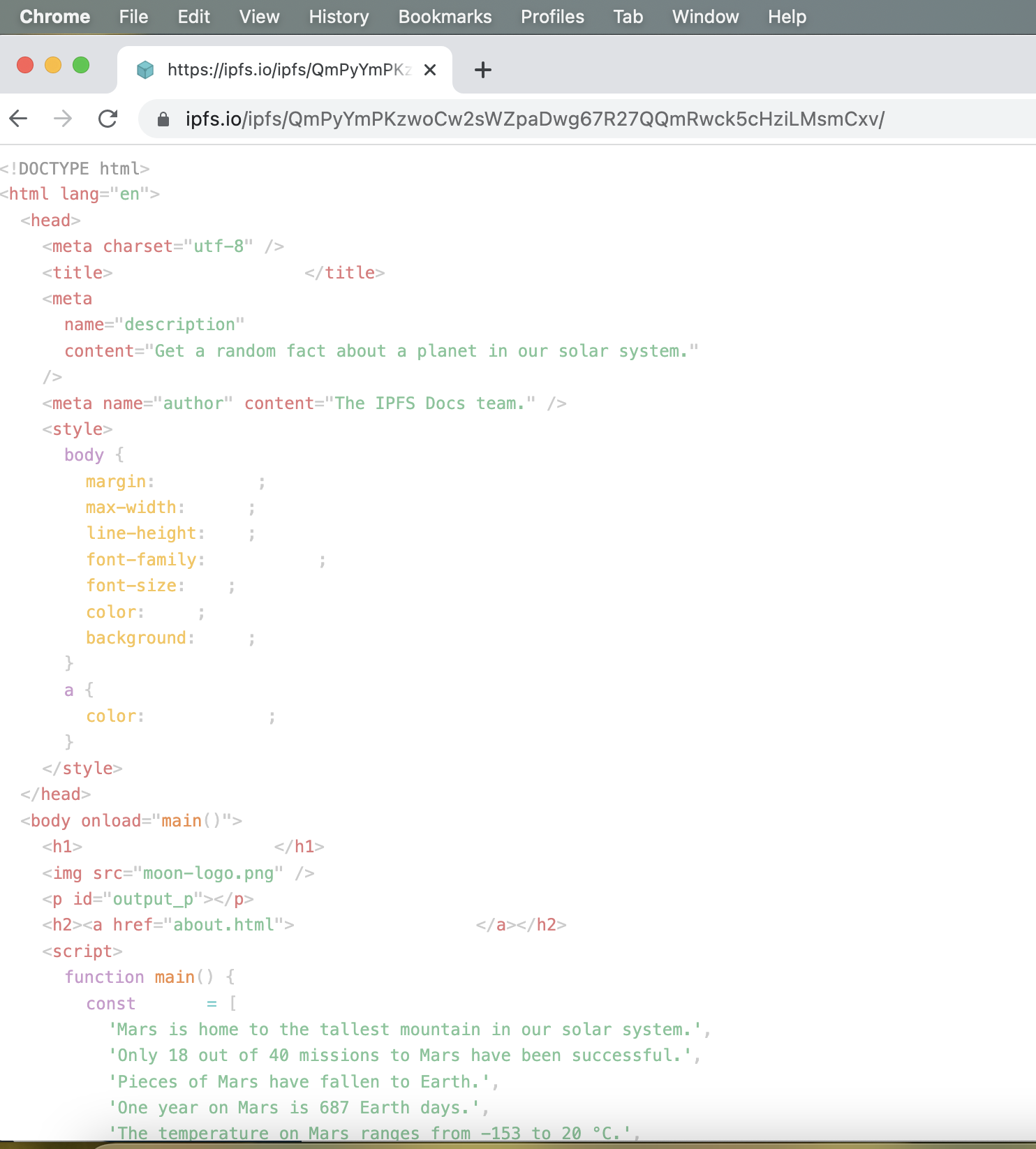
But when I copied and pasted the links into my browser (I tried Chrome, Firefox and Safari), I just got lines of code. I removed all extensions from Chrome and I never put any extensions on my Safari browser.
Here is a screenshot of the multipage website in Chrome:
Thank you in advance for your assistance!

Thank you for submitting your first issue to this repository! A maintainer will be here shortly to triage and review. In the meantime, please double-check that you have provided all the necessary information to make this process easy! Any information that can help save additiona round trips is useful! We currently aim to give initial feedback within two business days. If this does not happen, feel free to leave a comment. Please keep an eye on how this issue will be labeled, as labels give an overview of priorities, assignments and additional actions requested by the maintainers:
- "Priority" labels will show how urgent this is for the team.
- "Status" labels will show if this is ready to be worked on, blocked, or in progress.
- "Need" labels will indicate if additional input or analysis is required.
Finally, remember to use https://discuss.ipfs.io if you just need general support.
![welcome[bot] avatar](https://avatars.githubusercontent.com/in/4141?v=4 "Published by a pub.dev verified publisher")
But when I copied and pasted the links into my browser
Which links are you trying to use?

Thank you for responding to my query.
I am referring to the links that are generated by following:
- the instructions on “Host a single-page website on IPFS” (https://docs.ipfs.io/how-to/websites-on-ipfs/single-page-website/#install-ipfs-desktop), under the heading “Add your site,” in steps 5-6; and
- the instructions on “Multi-page website” (https://docs.ipfs.io/how-to/websites-on-ipfs/multipage-website/#prerequisites), under the heading “Add files to IPFS,” in steps 4-5.
Thanks again!
Sorry for the delay. I couldn't replicate your problem, but I'm running Ubuntu right now. I'll see if I can run through stuff on a Mac.
Edit: So, I'm not running into the same problem you are, even on a Mac. Just to confirm, are you adding .html to the end of the file that you're creating? And when you say "the links that are generated", do you mean when you click on the triple dot menu in IPFS Desktop?
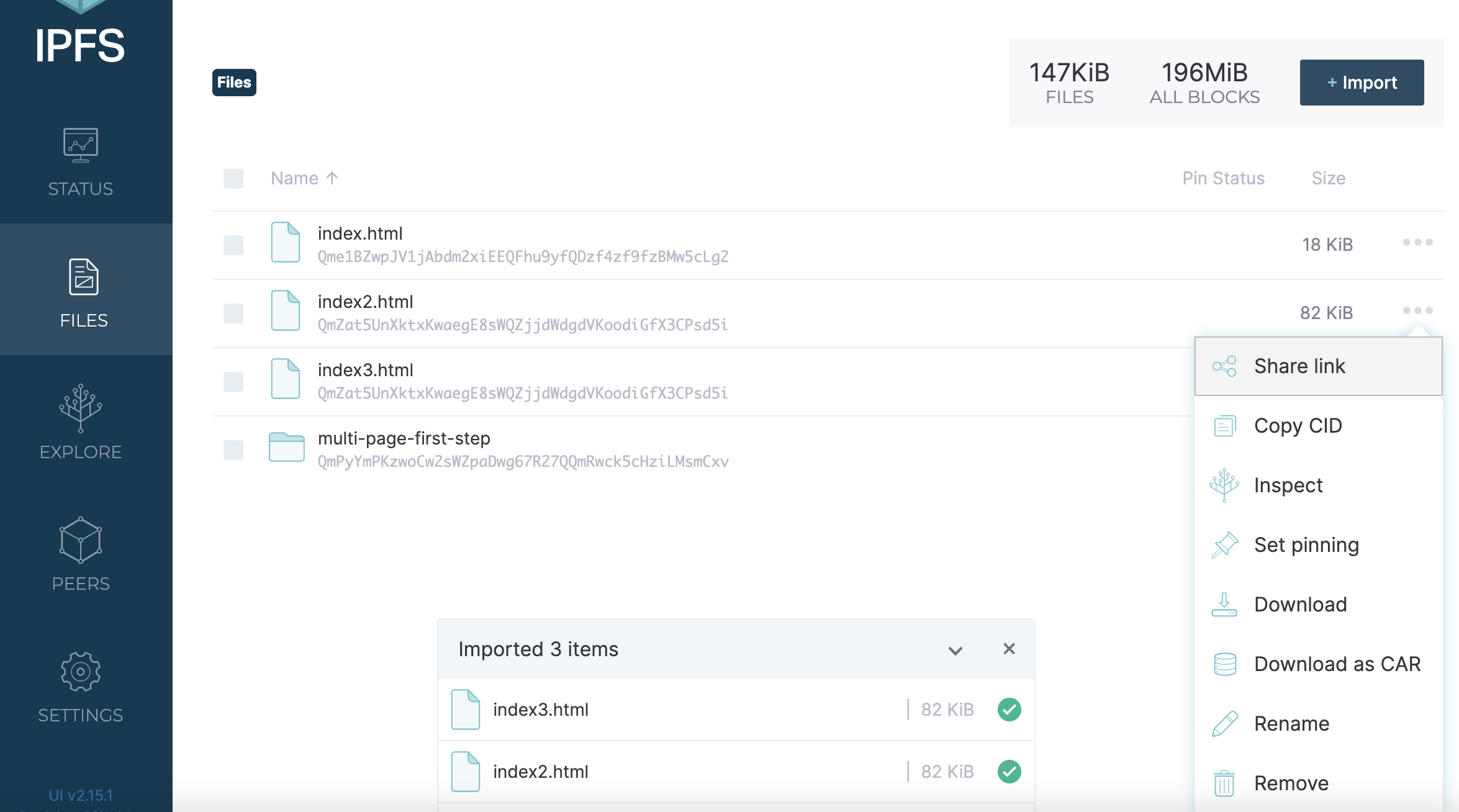
Thanks for getting back to me. Yes, I believe I have saved the file properly. Yes, “links that are generated” = clicking on the 3 dot menu. I really don’t know what I am doing, so I’m attaching images for you to see.

Thanks again for your help!
Sorry for the delay. I'm having a hard time figuring out what's going wrong for you here. In that 2nd screenshot, when you double-click on any of the .html files, what happens? It looks like they're formatted correctly, and your computer should just open .html files like any normal webpage.
If you're able to create a short video of what you're doing, then that might help narrow down exactly what's going on. If you're on MacOS you can use Quicktime to create a video.
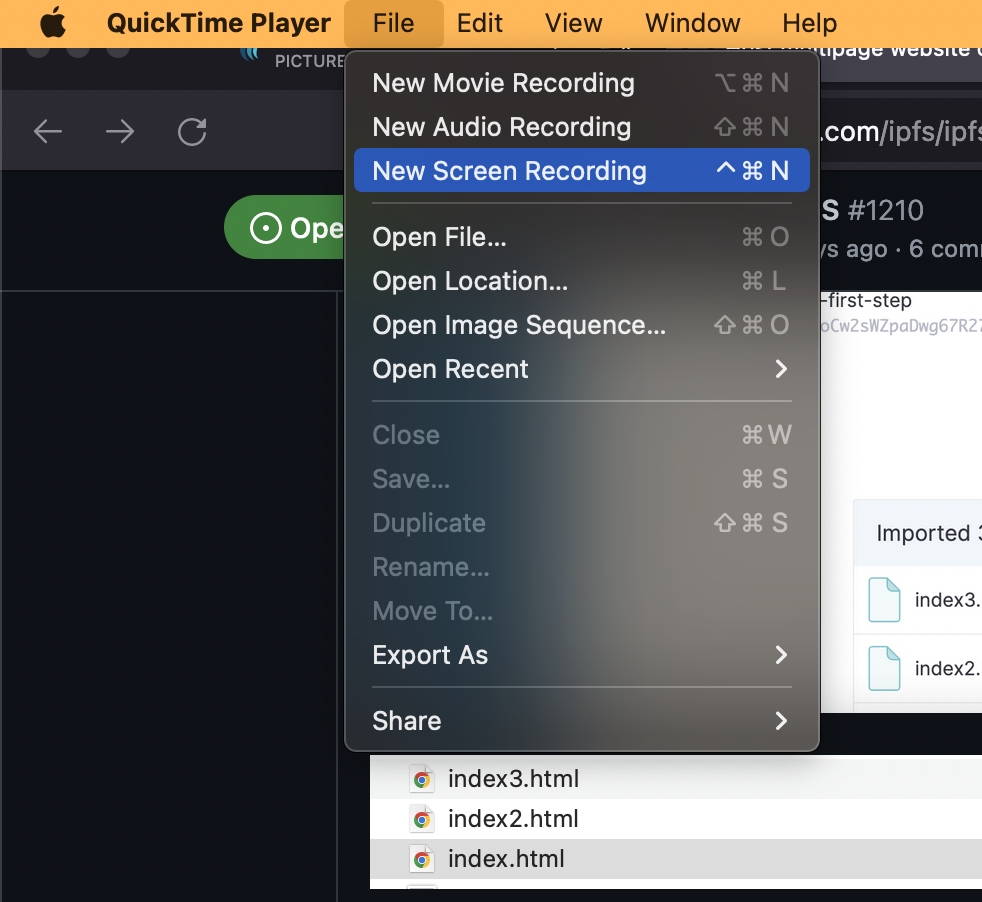
Okay, here it is... Thank you for your help. I really do appreciate it!
https://user-images.githubusercontent.com/98928666/184817616-55e9fdcc-de0a-4819-a9cb-1b126d519f35.mov
.
I'm gonna grab another engineer to take a look at this, because it isn't a situation I've seen before.
~~Heya! Happy to try to help. @ireney2022 Could you please:~~
~~1. Share the CID you're working with (I've used OCR to grab it, but just in case)~~ ~~2. Upload / pin the content somewhere so it's available to me (this can be via web3.storage or Pinata for example)~~
~~This way I can work with exactly what you have, and try to figure it out. It looks quite odd as it really seems like you've done everything correctly.~~
Edit: BTW my theory currently is whatever text editor you used converted all instances of < to <, which would cause the character to look like < in a web browser, but not function as one.
Edit2: Looks like even the syntax highlighting got copied by whatever editor was used.

@ireney2022 Looks like whatever editor you used copied all the formatting of the text, instead of the characters themselves. Something like VSCode should help with this problem, I've heard Sublime is popular on Mac as well.
I'm gonna close this, since it looks like we've got a solution to the problem. @ireney2022 if you're still running into issues, I suggest posting your problem in the IPFS Forum, or join the IPFS Discord.