
ipfs-companion

ipfs-companion copied to clipboard
 ipfs
ipfs
Import to Files on My Node does not work on disabled origins
v2.19.0 introduced "Import to Files on My Node" feature in the main browser action menu:
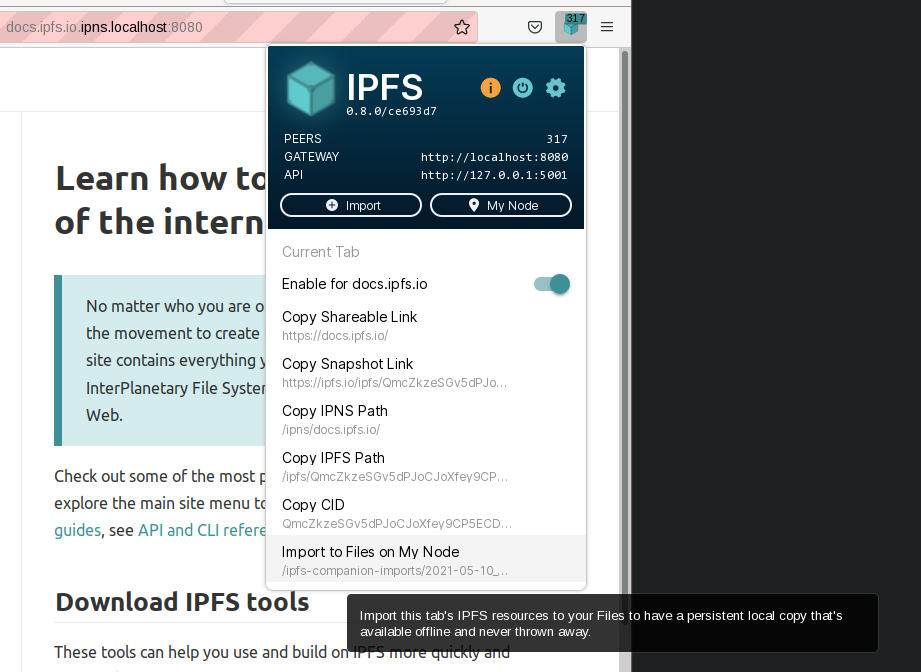
User can disable IPFS integrations on specific origin, and when that happens, this feature does nothing.
We need to either:
- wire things up so the proper
/ipns/{dnslink-name}content path is used, even when page is athttps://{dnslink-name} - OR fade out this option so it is obvious it is deactivated
