

 iperov
Merge error
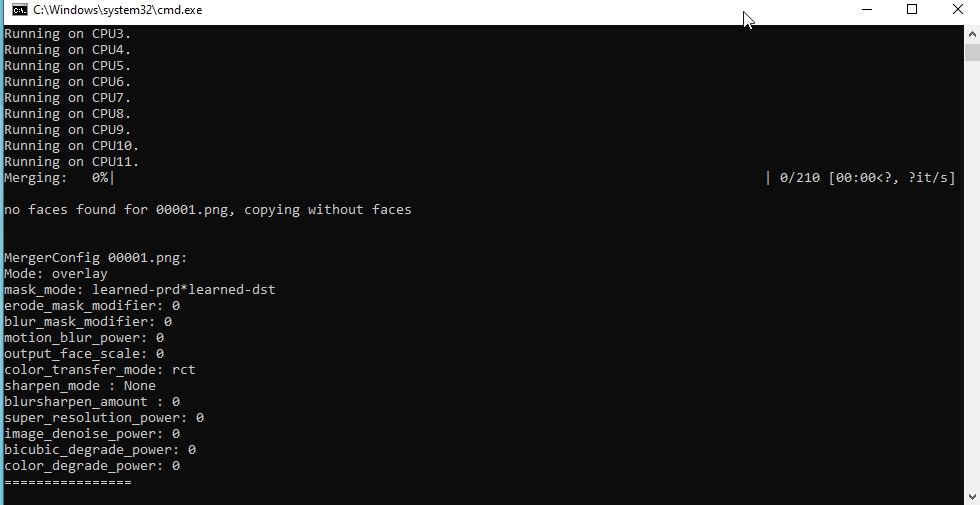
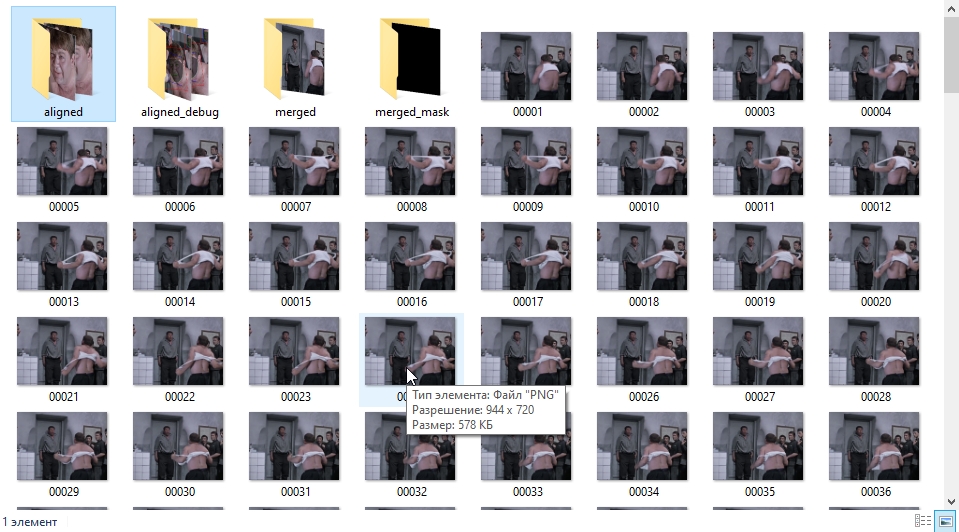
after learning through Quick96, I put on the merge. As a result, it writes "no faces found for 00001.png, copying without faces" and a window with hot keys appears. Inside the data_dst folder, a merged folder appeared, containing one frame that really does not contain the desired face, as well as a merged_masked folder, respectively containing a file with a black square. That's all. My dst video contains more than just the face I'm about to replace. How then to replace the face with a video in which there are other faces? (P.S. in the frame where there is a face that I am going to replace, while other faces do not fall. P.P.S. In the aligned folder, I deleted the frames without the face that I want to replace). Tell me what's wrong?

Did you ever find the answer? If so, would you mind sharing it and closing this issue?

