
BadgedBarButtonItem
 BadgedBarButtonItem copied to clipboard
 iosdevmax
UIBarButtonItem with a customizable badge for iOS applications
BadgedBarButtonItem
UIBarButtonItem with a customizable badge for iOS applications
Instructions to use:
-
Add BadgedBarButtonItem class to your project
-
Create a new object with your image:
let btn = BadgedButtonItem(with: UIImage(named: "your_image"))
- Add the button to the navigation bar
self.navigationItem.rightBarButtonItem = btn

- Customise badge appearance
-
Set a tint color
btn.badgeTintColor = .blue
-
Set a text color
btn.badgeTextColor = .green
-
Set badge position (left or right)
btn.position = .left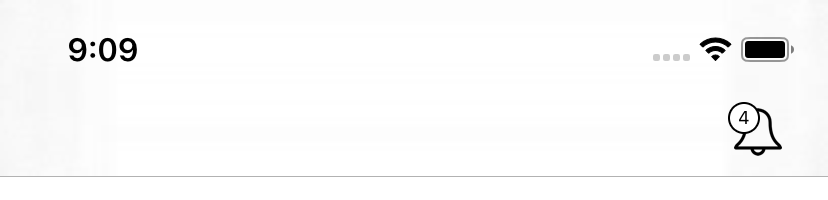
-
Add a border to the badge
btn.hasBorder = true
-
Remove a border from the badge
btn.hasBorder = false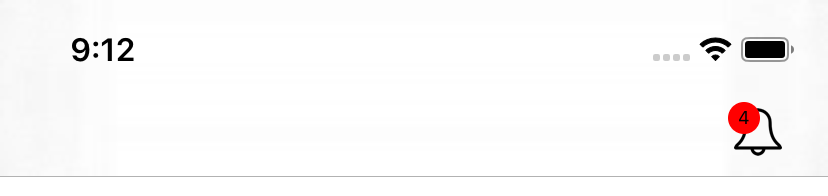
-
Set badge border color
btn.borderColor = .red -
Set bagde size
btn.badgeSize = .medium -
Set badge animation
btn.badgeAnimation = true
- Set the badge with a value
btn.setBadge(with: 1)
- Add an action to the button
    btn.tapAction = {
    // do something

    }
 iosdevmax