

 invoke-ai
[enhancement]: The image with the selected area highlighted - how to get full image when masking?
Is there an existing issue for this?
- [X] I have searched the existing issues
Contact Details
What should this feature add?
Hello. I am trying to get full image of masked area when using mask feature.
However I don't know how to make it work
What I want is providing a full image like below
image A
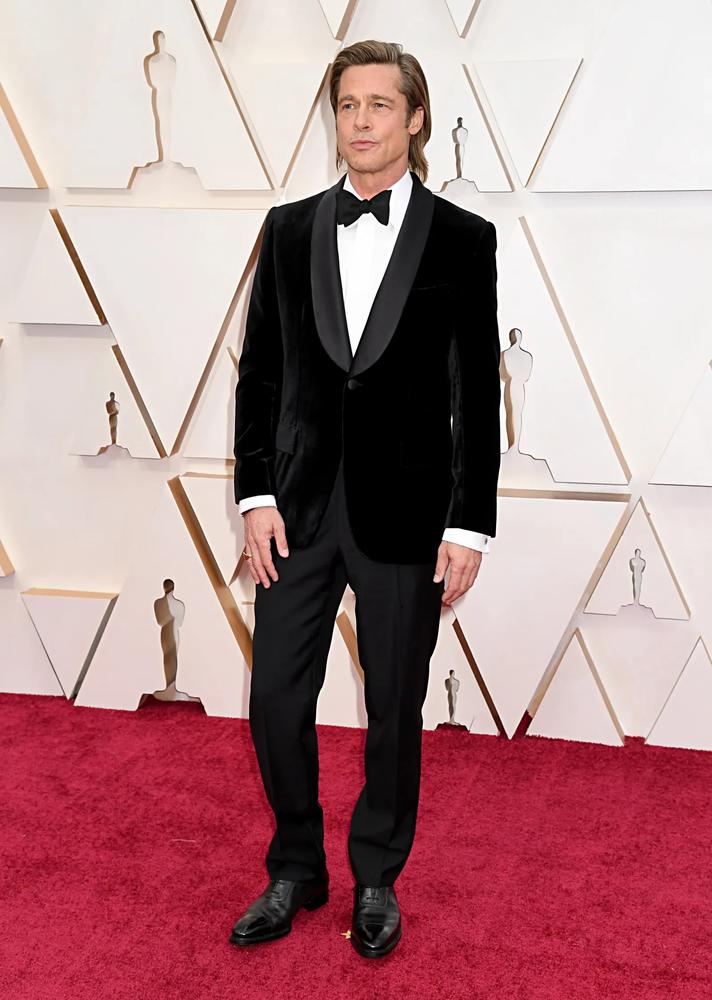
Then run mask command like this
!mask "C:\Users\King\Downloads\a.jpg" -tm "clothes" 0.7
Then I want to get below output
image B

However I am getting the below outputs
image C
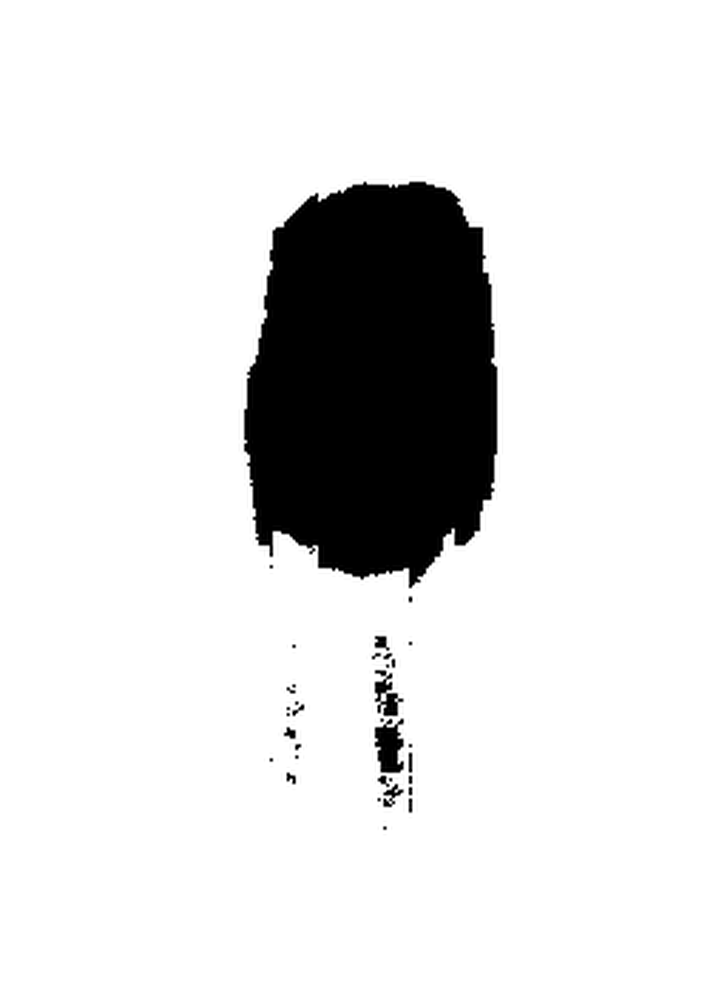
image D
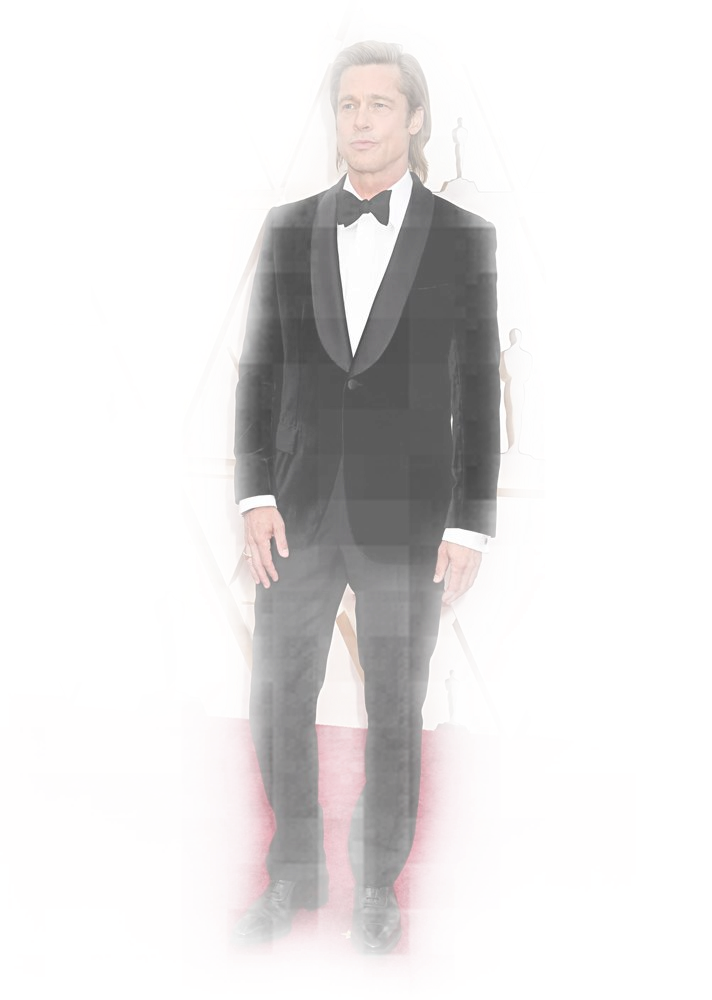
At the very least instead of highlighted output as above, how can I get full output of masked area? I mean instead of getting image D as transparent / highlighted how to get it full?
How could I getimage B? What should I look for?
Thank you so much for answers
Alternatives
No response
Aditional Content
No response

The transparent images show the confidence of the model. It is showing transparency values ranging from 0 (area is not part of the mask) to 1.0 (area is part of the mask). The threshold is applied to the transparency value in order to segment the image into white (not masked) to black (masked). Basically this operation is used to determine the most appropriate threshold to apply to image generation when using inpainting.
To extract the image the way you want, you need to open up Photoshop (or similar), import the black and white mask, import the original image, and then apply the one to the other.

The transparent images show the confidence of the model. It is showing transparency values ranging from 0 (area is not part of the mask) to 1.0 (area is part of the mask). The threshold is applied to the transparency value in order to segment the image into white (not masked) to black (masked). Basically this operation is used to determine the most appropriate threshold to apply to image generation when using inpainting.
To extract the image the way you want, you need to open up Photoshop (or similar), import the black and white mask, import the original image, and then apply the one to the other.
could invoke ai add that option to the script? how hard it is? I need it automated
There has been no activity in this issue for 14 days. If this issue is still being experienced, please reply with an updated confirmation that the issue is still being experienced with the latest release.
![github-actions[bot] avatar](https://avatars.githubusercontent.com/in/15368?v=4 "Published by a pub.dev verified publisher")
Due to inactivity, this issue was automatically closed. If you are still experiencing the issue, please recreate the issue.