
admin-portal
 admin-portal copied to clipboard
 invoiceninja
v5.3.85 - Payment Gateway list organisation not working properly
Noticed after v5.3.85.
It is either not possible or very difficult to re-arrange the payment gateways list and a UI glitch is present in all browsers.
Seems to mostly be with Stripe.
VIDEO: https://youtu.be/AVL53FmzhVE
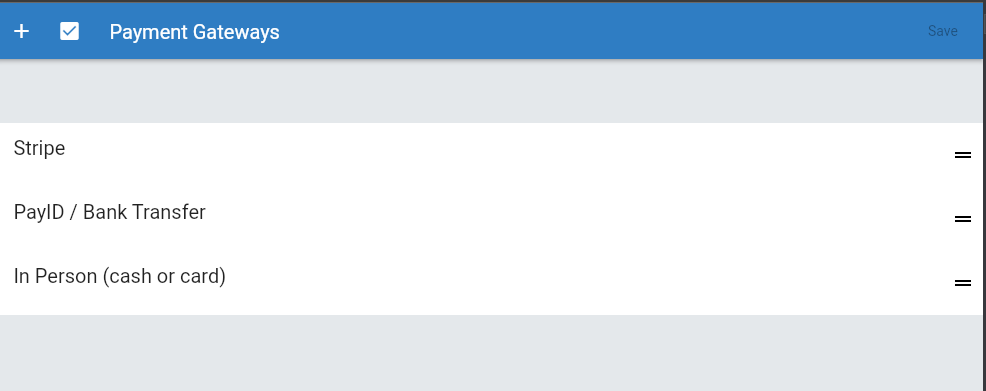

Thanks for reporting this!
If you re-order and save does it help or does the problem persist?

Thanks for reporting this!
If you re-order and save does it help or does the problem persist?
If you muck around enough and get it in the right order then save, it does appear to save the order.
Are you able to test with the desktop app to see if there's a difference?
Are you able to test with the desktop app to see if there's a difference?
Same issue is occurring with the desktop app on .86.
Thanks for trying it. I'm not sure, I haven't been able to reproduce it. I think the problem may be triggered by specific data in your account, do you see the same problem in the demo or in a test account?
Thanks for trying it. I'm not sure, I haven't been able to reproduce it. I think the problem may be triggered by specific data in your account, do you see the same problem in the demo or in a test account?
@hillelcoren @turbo124 It doesn't occur in a new test company so something erroneous is in my main company.
Any ideas what I can do to fix this? Check something in the DB? I'm sure if I remove the gateways and set them up again it will work but then I will lose the information such as processed amounts etc.
It only seems to happen when re-arranging Stripe.
I'm not sure, do you have any archived/deleted gateways?
I do have a few that I archived, yes.
Issue is still occuring for me in 5.5.8. I restored Square which was archived so I could use it instead of Stripe and the same bug is happening with the square entry as well.