internetarchive
Clicking “Related Books” jumps down too far; causes nav bar to disappear
Whenever a patron clicks on a book page navbar link, the navbar partially obscures the section that they have navigated to. A patron must scroll up a small amount to see the section's header.
Evidence / Screenshot (if possible)
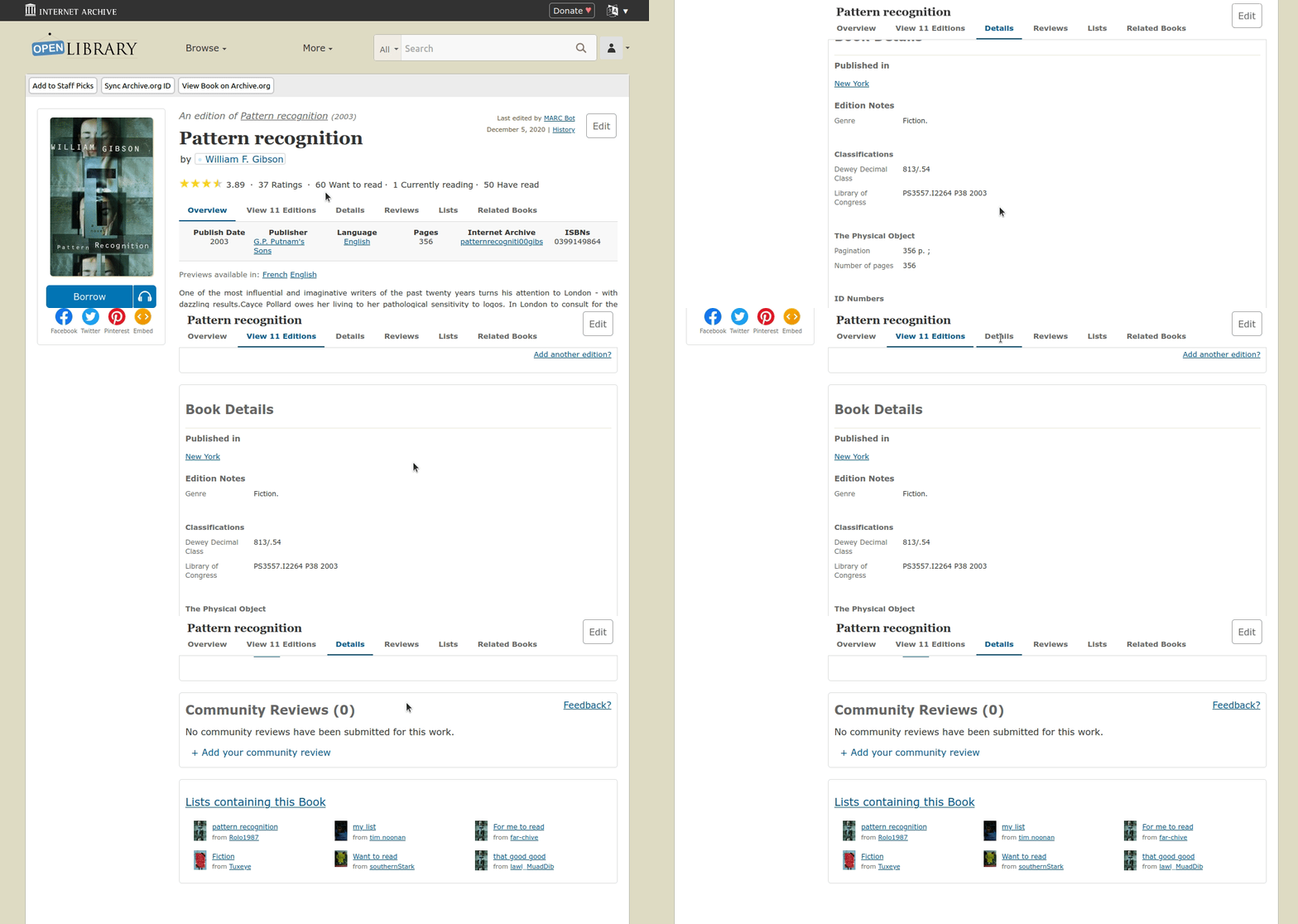 Desktop view
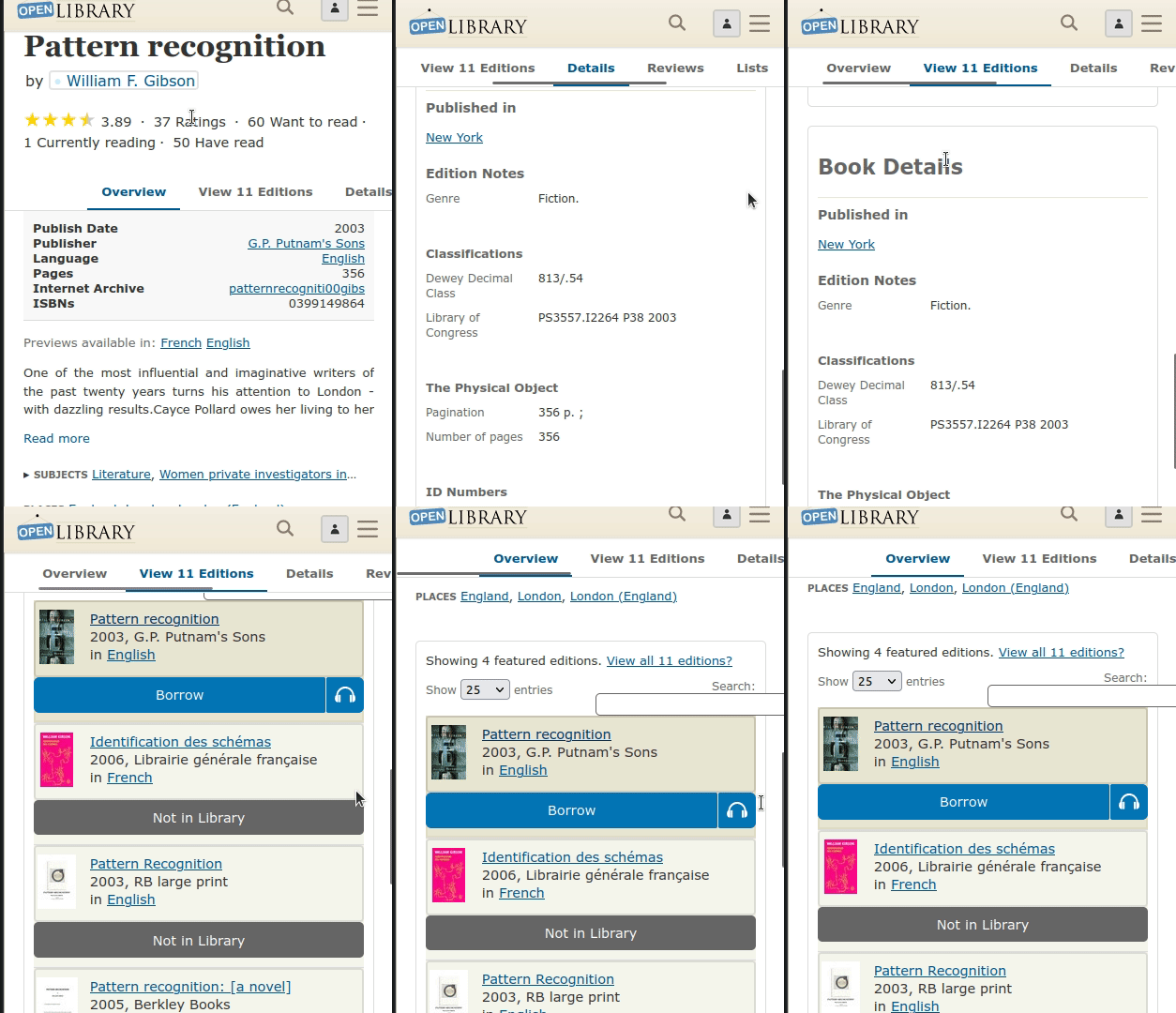 Mobile view
Relevant url?
Any edition or work page.
Steps to Reproduce
- Go to any edition or work page.
- Click on a navbar link.
- Observe the page after the scrolling has stopped.
- Actual: The top of the target section is obscured by the navbar.
- Expected: The navbar rests neatly above the target section.
Details
- **Logged in (Y/N)?**N/A
- Browser type/version? N/A
- **Operating system?**N/A
- Environment (prod/dev/local)? prod
Proposal & Constraints
Apply enough scroll-padding to the top of the html element to offset the incorrect positioning. You will likely need to use different amounts for mobile and desktop.

I'm interested in working on this issue. Is there an ideal position for the viewport?

@jeremyng353 thank you for your interest in this issue Lead @jimchamp will answer your question on this issue once you have all the necessary information for the issue, I will assign this issue to you Happy Contributing 🕺🏼 Have a good day ahead

Hi @tuminzee , This issue seems to be a good initiation of my journey towards contribution to FOSS projects. I see that this issue is yet to be resolved and is not assigned,Can you please assign this to me?

Thanks @theshashankpal, help would be appreciated!
More context is provided in the duplicate issue #6627
One proposal is: Apply enough scroll-padding to the top of the html element to offset the incorrect positioning. You will likely need to use different amounts for mobile and desktop.
Hi @mekarpeles , I am starting working on this, i will look into the proposal you made and will try and get this resolved!