
canvas-lms
 canvas-lms copied to clipboard
 instructure
iFrame not loading css files MIME Type problem
Summary:
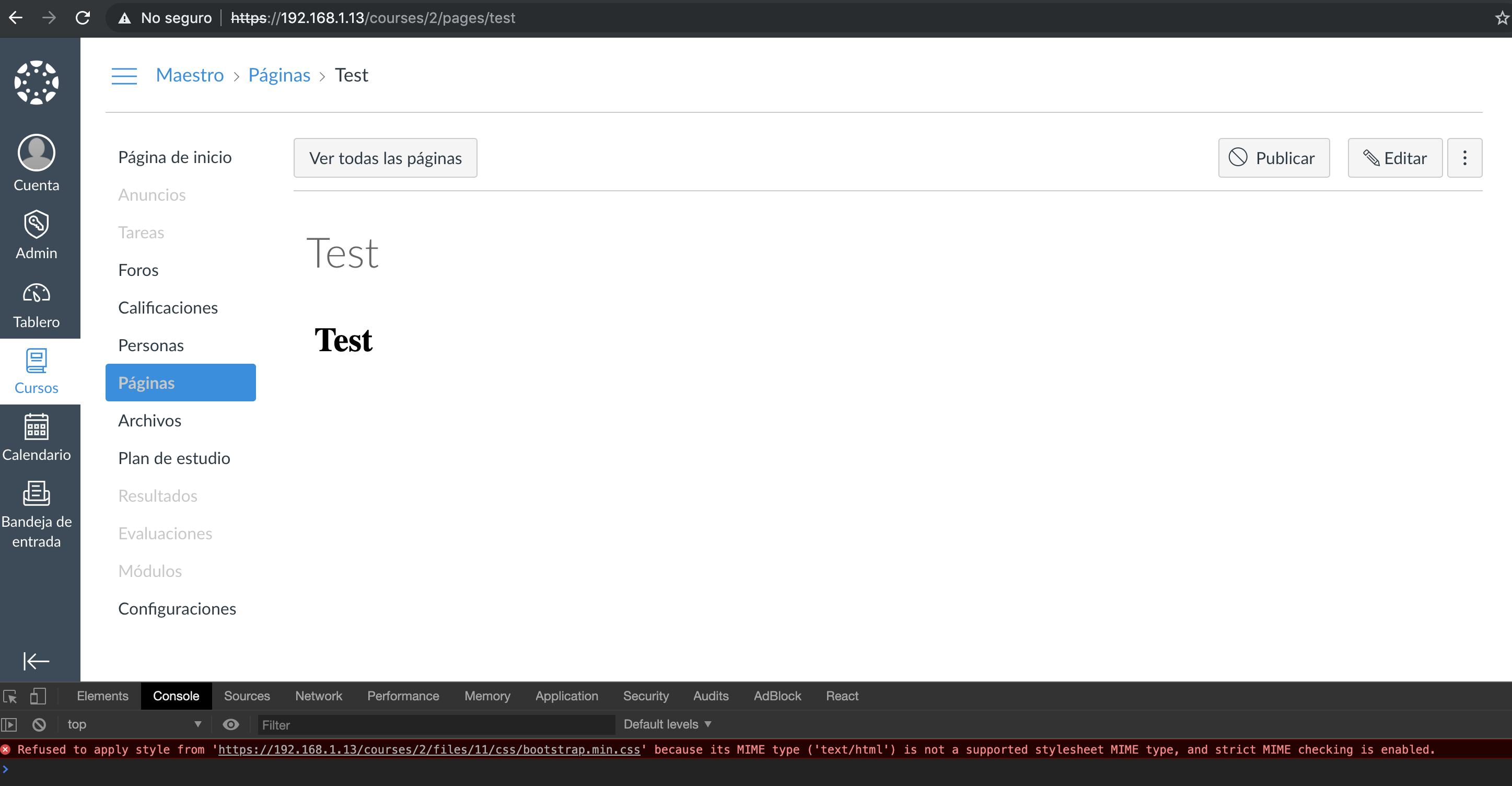
When trying to embed a content hosted in the course files section with an iframe the .css, .jpg and .js files aren't getting loaded and Chrome's inspector shows: "Refused to apply style from 'http://192.168.1.13/courses/2/files/11/css/bootstrap.min.css' because its MIME type ('text/html') is not a supported stylesheet MIME type, and strict MIME checking is enabled."

Steps to reproduce:
- Create a simple html page with an image and some styles (css)
- Then upload the files (html, css, js) in any course in the files section
- Create a new page for the course
- Select the .html file, then the editor will show the relative path it will show an href like this:
<a target="" title="index.html" href="/courses/2/files/11/download?wrap=1" class="instructure_file_link ">index.html</a>
- Then get the relative path
/courses/2/files/11/downloadand make an iframe with the absolute path:
<iframe src="http://192.168.1.13/courses/2/files/11/download" width="100%" height="700" data-api-endpoint="http://192.168.1.13/api/v1/courses/12/files/1356" data-api-returntype="File"></iframe>
- Save the page.
Expected behavior:
After the page is saved the html page should be shown with full css styles and so on.
Actual behavior:
Just the html is shown and the .css files are getting blocked and Chrome's and Mozilla's inspector show the error message: Refused to apply style from 'http://192.168.1.13/courses/2/files/11/css/bootstrap.min.css' because its MIME type ('text/html') is not a supported stylesheet MIME type, and strict MIME checking is enabled.
Additional notes:
This is the preview of the .html file, .css files are getting blocked as shown before
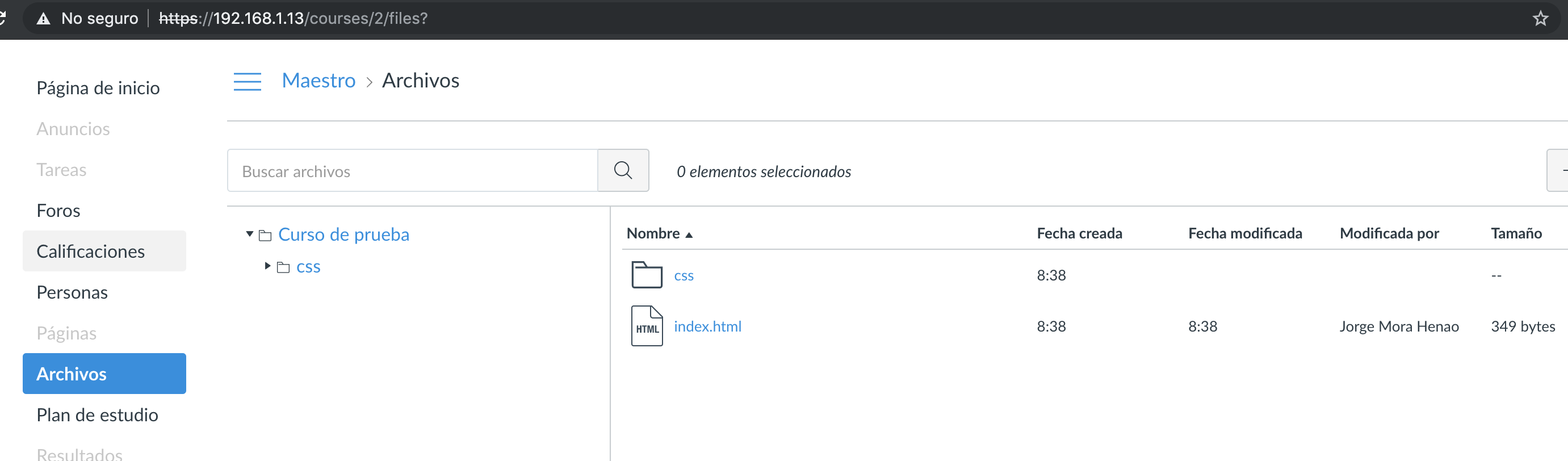
 These are the uploaded files in the course:
 This is the page preview, with the same blocking message as shown before.


@diegotejadav
So I found the code(file) where that preview image was setup by url
I just edit that and setup .image MIME type at end of url.
File I have edited is /app/views/file_previews/img_preview.html.erb

This seems to be a problem with the sanitizer, but this only in our particular case.
- We edited the normal course page and added an iframe to show some custom index.html:
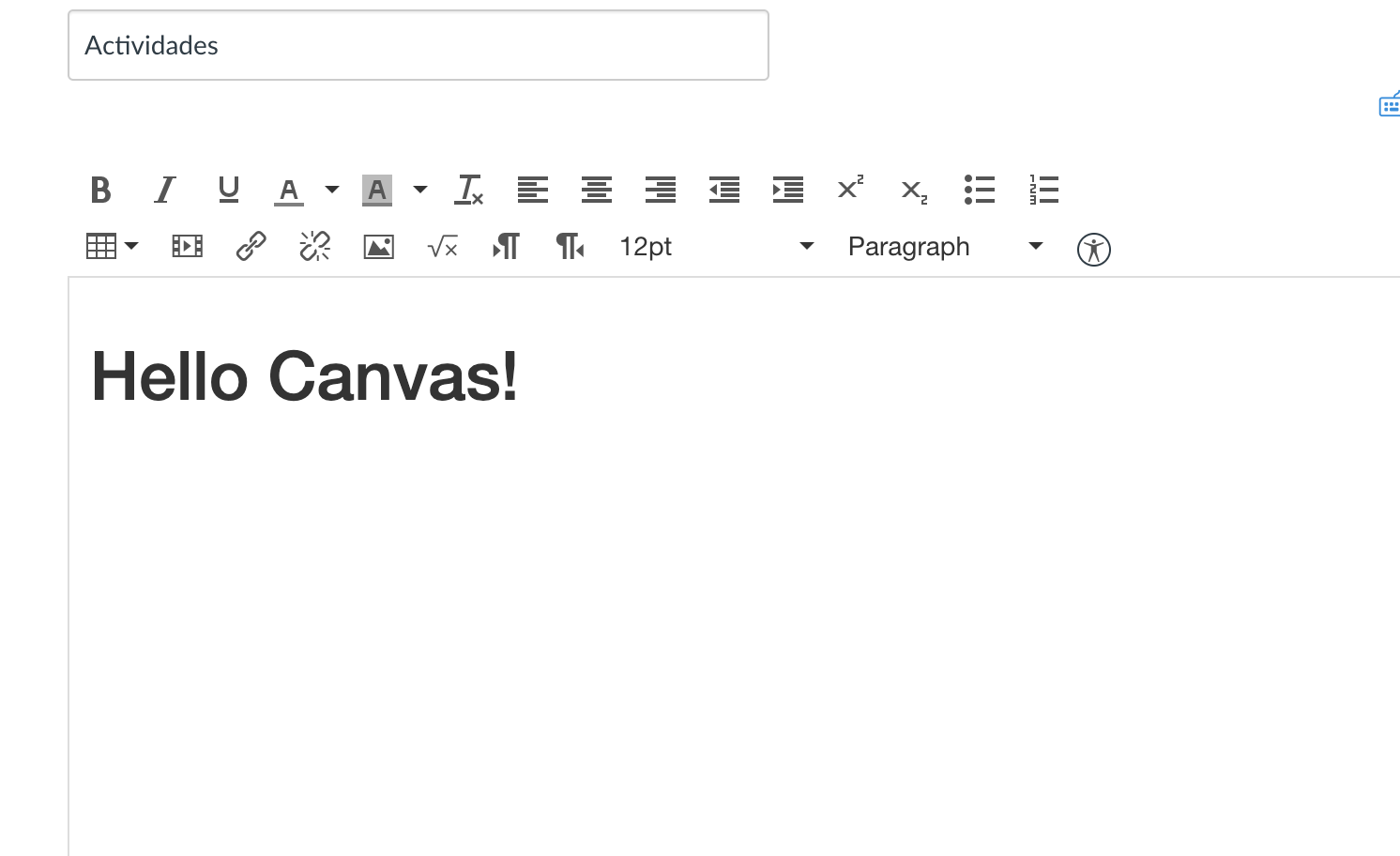
- As you can see, the rich text editor loads the bootstrap.css file and the H1 tag get the correct style:
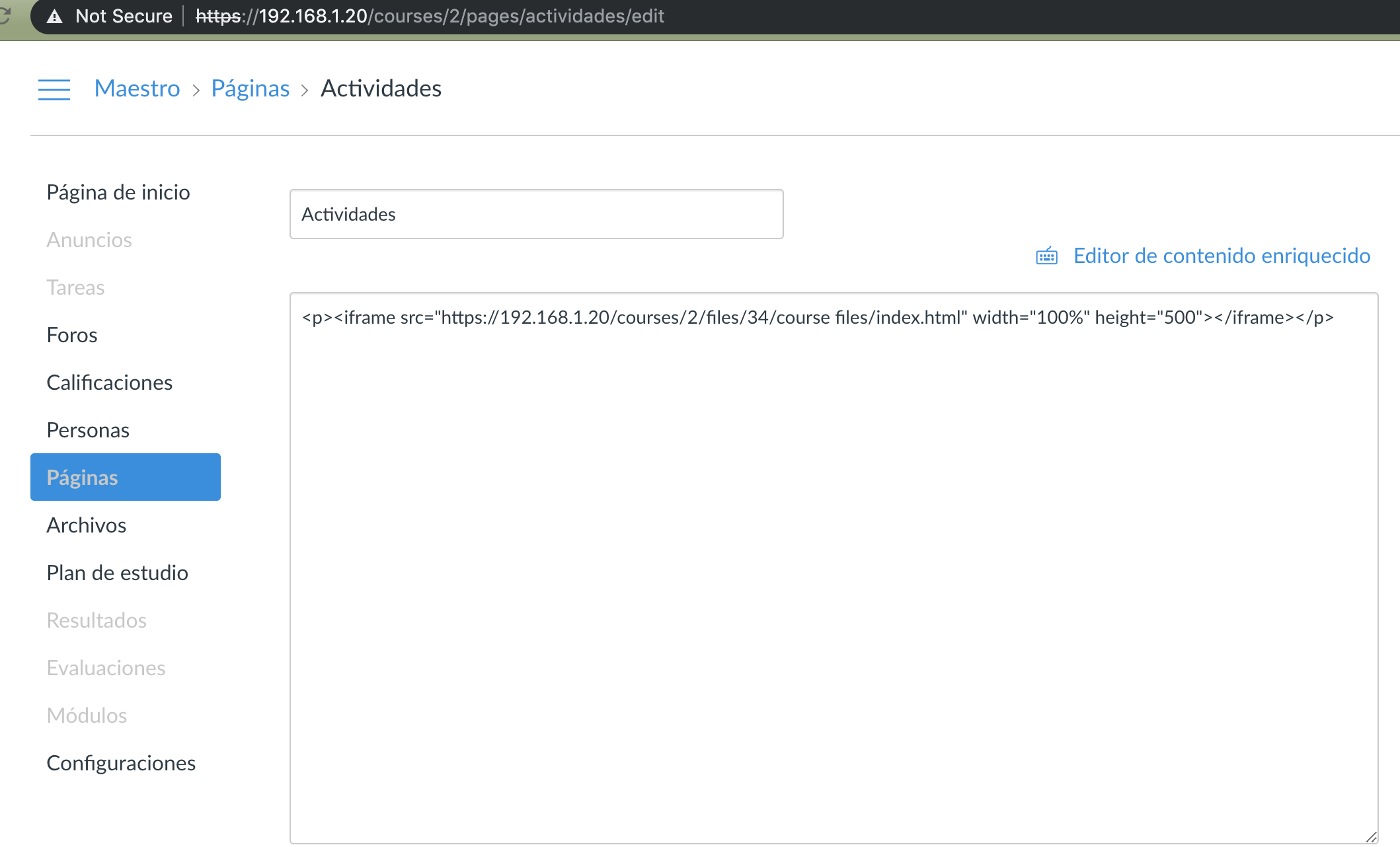
- But when the page content is saved and we get back to the edition, the src tag has changed this way:
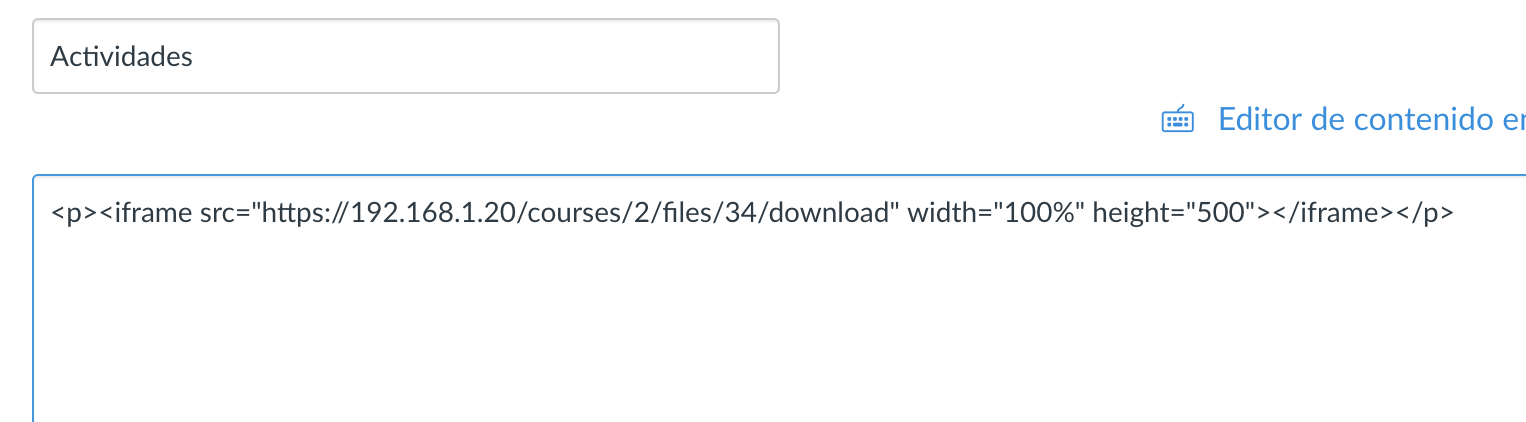 it originally was:
<iframe src="https://192.168.1.20/courses/2/files/34/course%20files/index.html" frameborder="0" width="100%" height="500"></iframe>
And after saving it:
<p><iframe src="https://192.168.1.20/courses/2/files/34/download" width="100%" height="500"></iframe></p>
And now the bootstrap.css file could not be loaded due to the MIME type problem as shown in https://github.com/instructure/canvas-lms/issues/1443#issue-442927799
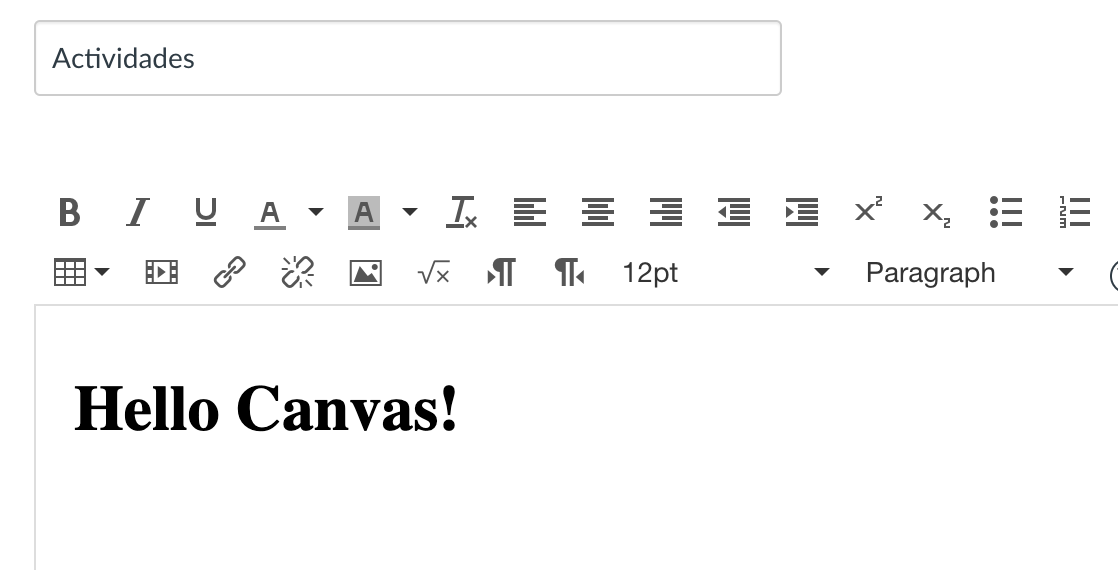
Note the difference in the src attribute. We think that the canvas sanitizer is doing that, are we ok? any suggestion? we need to enable some config to allow "any" url at the src of the iframe?
Thanks for contributing to this issue. As it has been 2 years since the last activity, we are automatically closing the issue in 30 days. This is often because the request was already solved in some way and it just wasn't updated or it's no longer applicable. If that's not the case, please respond before the issue is closed, or post a message on the mailing list. We'll gladly take a look again!
![stale[bot] avatar](https://avatars.githubusercontent.com/in/1724?v=4 "Published by a pub.dev verified publisher")