
notesnook
 notesnook copied to clipboard
 streetwriters
Monograph publishes and does not render image attachments
A note with 2 image attachments show in the editor and in the attachments pane of the note, but do not render in a Monograph publish. There are blank spaces where the images should be
Device information: App version: 215 Platform: android Model: samsung-SM-N986W-31 Pro: true Logged in: yes
![streetwriters[bot] avatar](https://avatars.githubusercontent.com/in/154083?v=4 "Published by a pub.dev verified publisher")

Here you go. Monograph: https://monograph.notesnook.com/62f23c3d3f3f3f3c78f3f400/
For reference, here is what I see in the editor
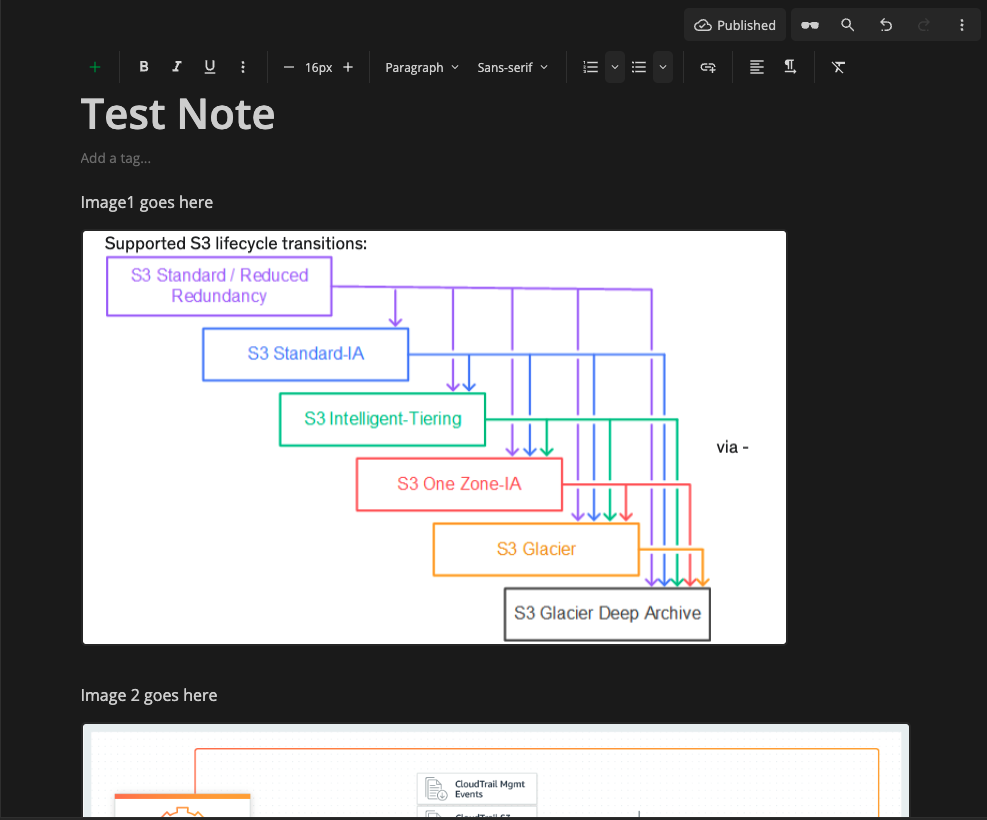

Is there a fix for this coming? In the latest version 2.1.5 desktop, now the images aren't even downloaded in the note viewer. All I see is the NN placeholder image for "an image is supposed to be here" but no download activity occurs
See #822
Hi @thecodrr Images now render in the editor, but still do not render in Monographs.
See monograph here: https://monograph.notesnook.com/62f23c3d3f3f3f3c78f3f400/
And editor view
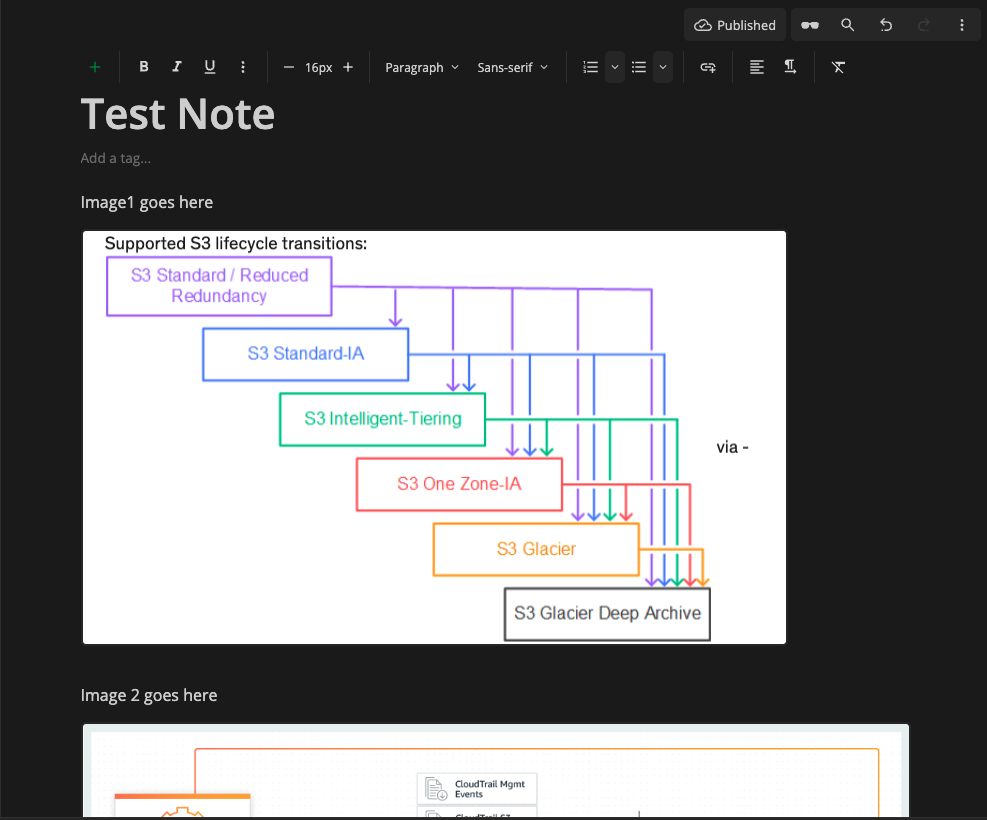
Yes, I've unpublished, republished, made some changes, updated the publish... no help. However, this does not affect all of my notes, only a few notes that were created before Desktop 2.1.4 was published.
I reported issue 6 / Fix 6 in the bugfix list via email, and so was solved, but perhaps that pre existing issue causes the issue I'm seeing in these Monographs?
@jordanhandy I am able to see Image 1 (from your sample). Try clearing your browser cache. Upon debugging, Image 2 is not included in the monograph at all (try republishing or creating a new note).
Okay, it is showing locally in a debug instance but not in the published version. Weird.