Storj-Dashboard-Client

Storj-Dashboard-Client copied to clipboard
 sibblegp
Windows Service Wont Start
Tried installing/re-installing as admin and not as admin, starting with admin and not as admin. It just wont start.
This is what comes up if I run the exe inside installation folder
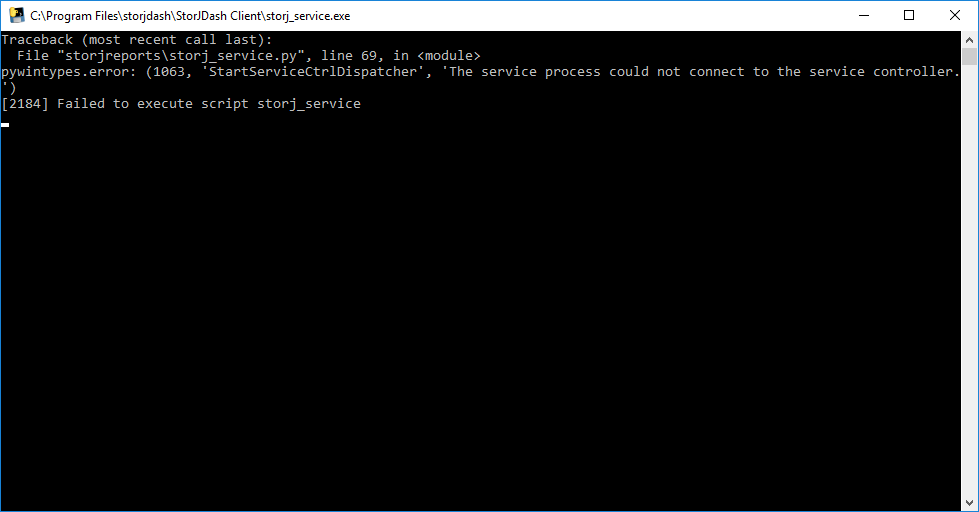
This is on a VM running Win10 pro 1709, v16299.125

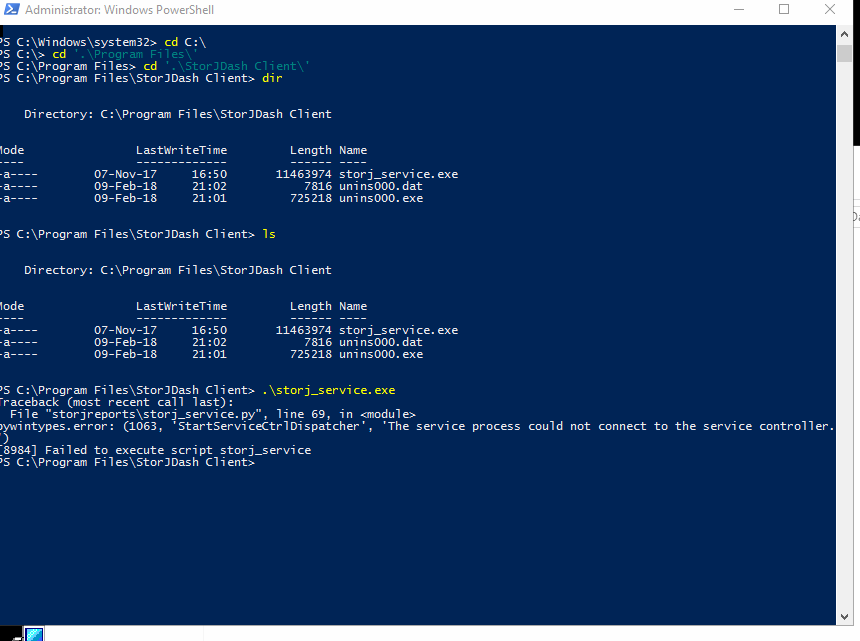 I am running into this issue on windows server 2016
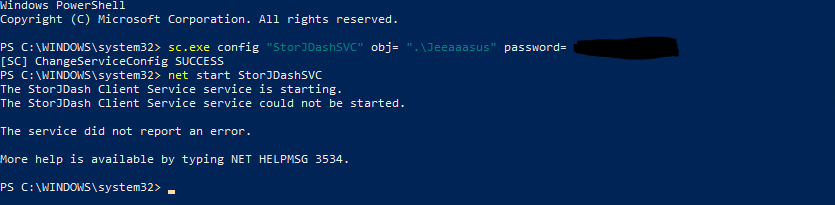
Open cmd as admin and type:
sc.exe config "StorJDashSVC" obj= ".\LOCALUSERNAME" password= "USERPASSWORD"
Example:
sc.exe config "StorJDashSVC" obj= ".\User1" password= "Pa$$w0rd"
It must be the same user running Storj-Share!
Then start the service:
net start StorJDashSVC
I hope this will help 😃 👍