
lively

lively copied to clipboard
 rocksdanister
Taskbar appear as a block when the second monitor is on top of another monitor
Describe the bug The taskbar will appear as a block when the second monitor is on top of another monitor. And this block will be on top of any application.
To Reproduce Steps to reproduce the behavior:
- Install Windows 11
- Enable Automatically hide the taskbar
- Click Start Button
- block appear
Expected behavior Not to have the block
Screenshots/Video
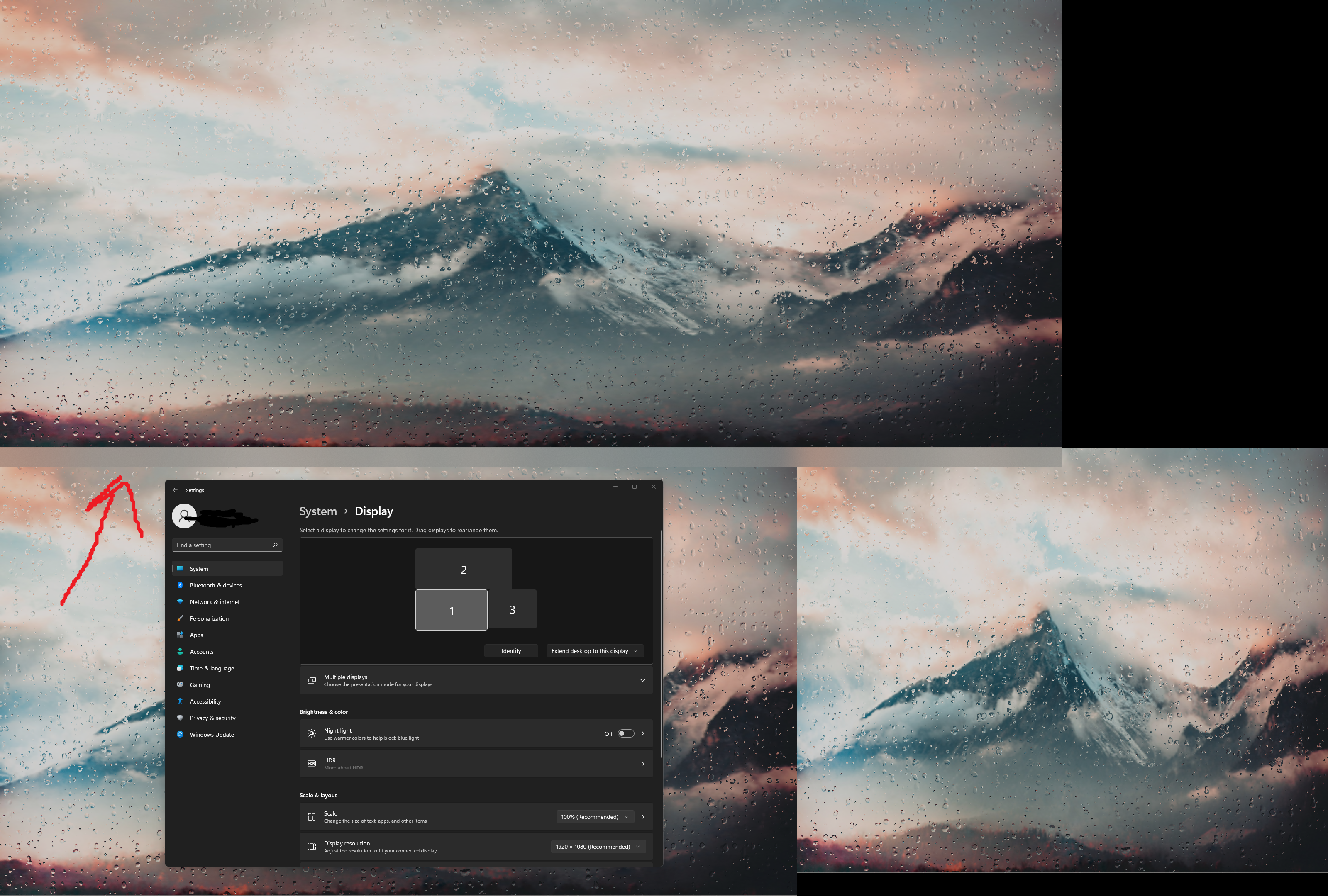
Desktop (please complete the following information):
- OS: Windows 11 21H2
- Rain v2
Additional context
Log file (Important) lively_log_20211010_192020.zip

This looks like an issue with the taskbar theming (looking at the logs.. you have fluent wallpaper theme enabled.) Does it still happen when taskbar theme is off and system restart?
