

 playcanvas
Dockable Camera viewport UX Change
Clicking on the camera viewport will switch users' viewport to what the camera sees, but it is unclear to users how to get out of the camera view.
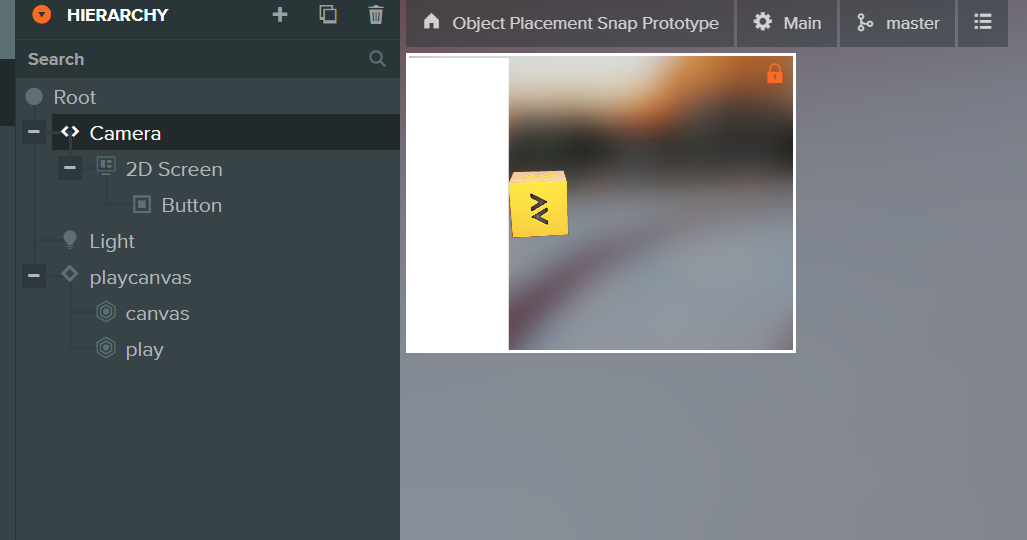
@jiajasper Ticket to self - UX needs work.

Please see this Figma link for changes:
https://www.figma.com/file/USwW0a6rU12PJkcz4wfwzg/PlayCanvas-Editor?node-id=158%3A17510
1.Camera entity selected and a dockable camera viewport appears
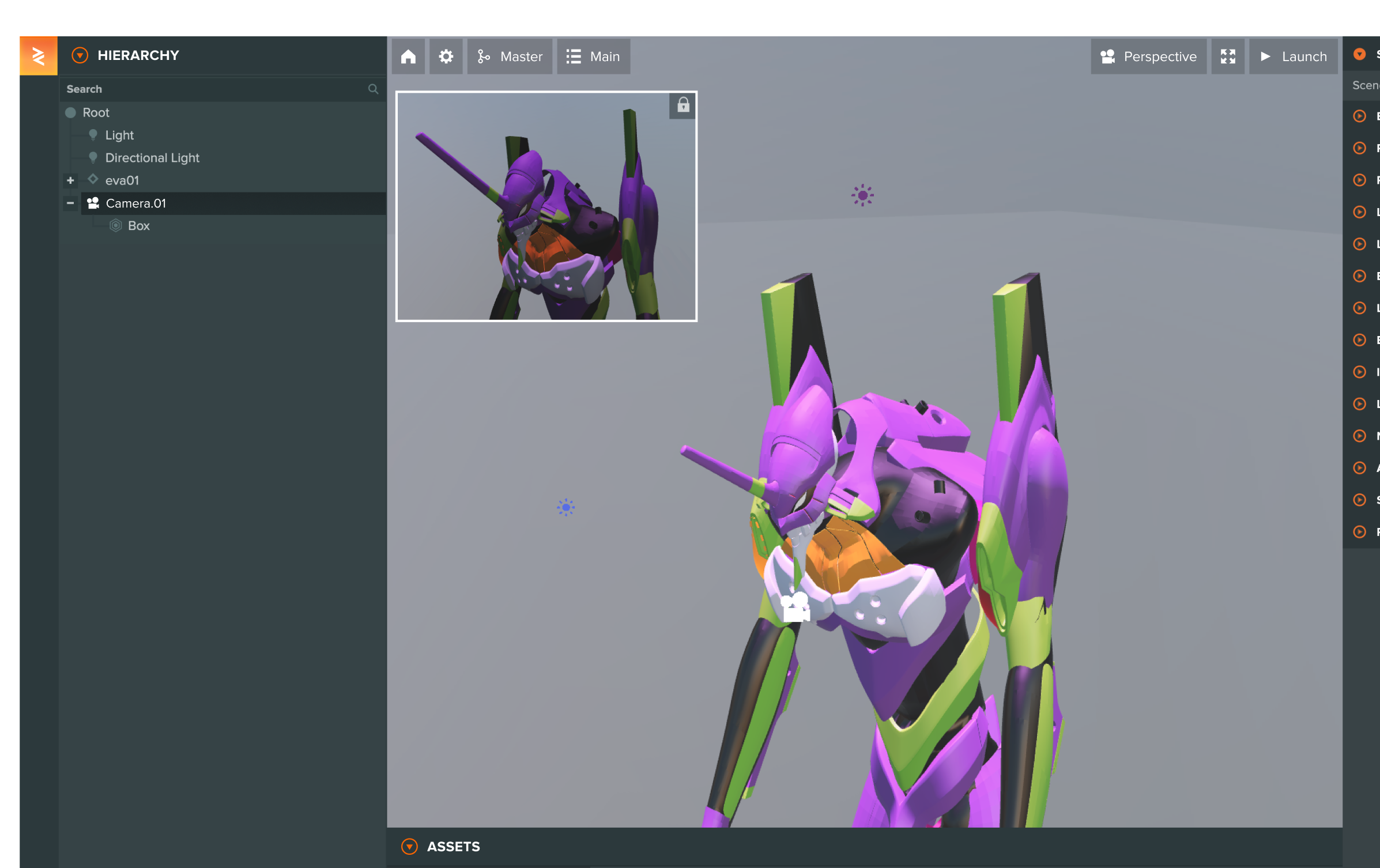
2.Hover over the camera viewport
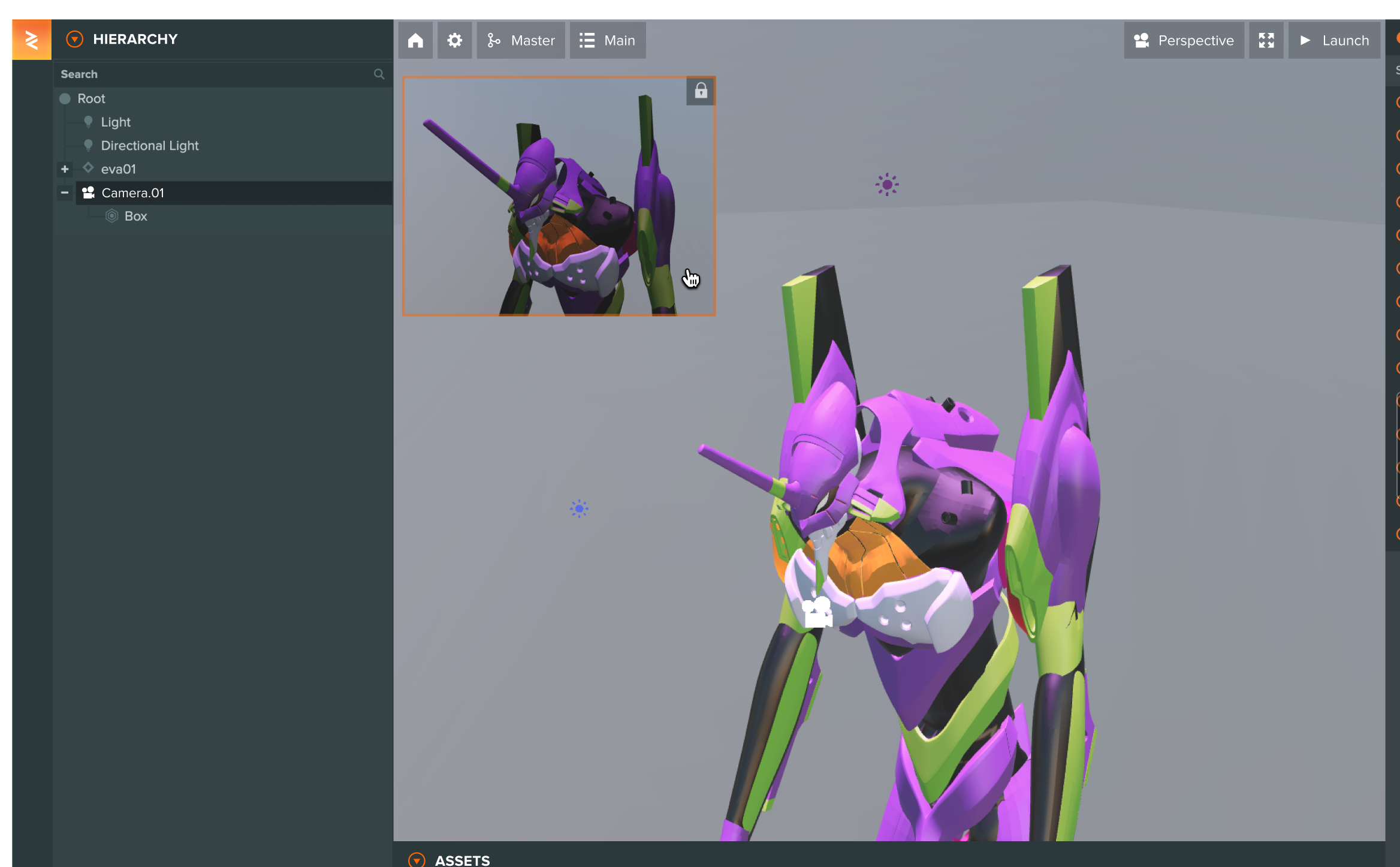
3.Click to enter camera view

So nice to be able to see Figma previews for UI changes. Though those links right now aren't public, not sure if they are meant to be.

@leonidaspir thats a great point actually, the link is now only open to internal members. I am unsure if it is safe to share the file to public - but i will make sure to attach screenshots to each link so even the public can preview the changes!
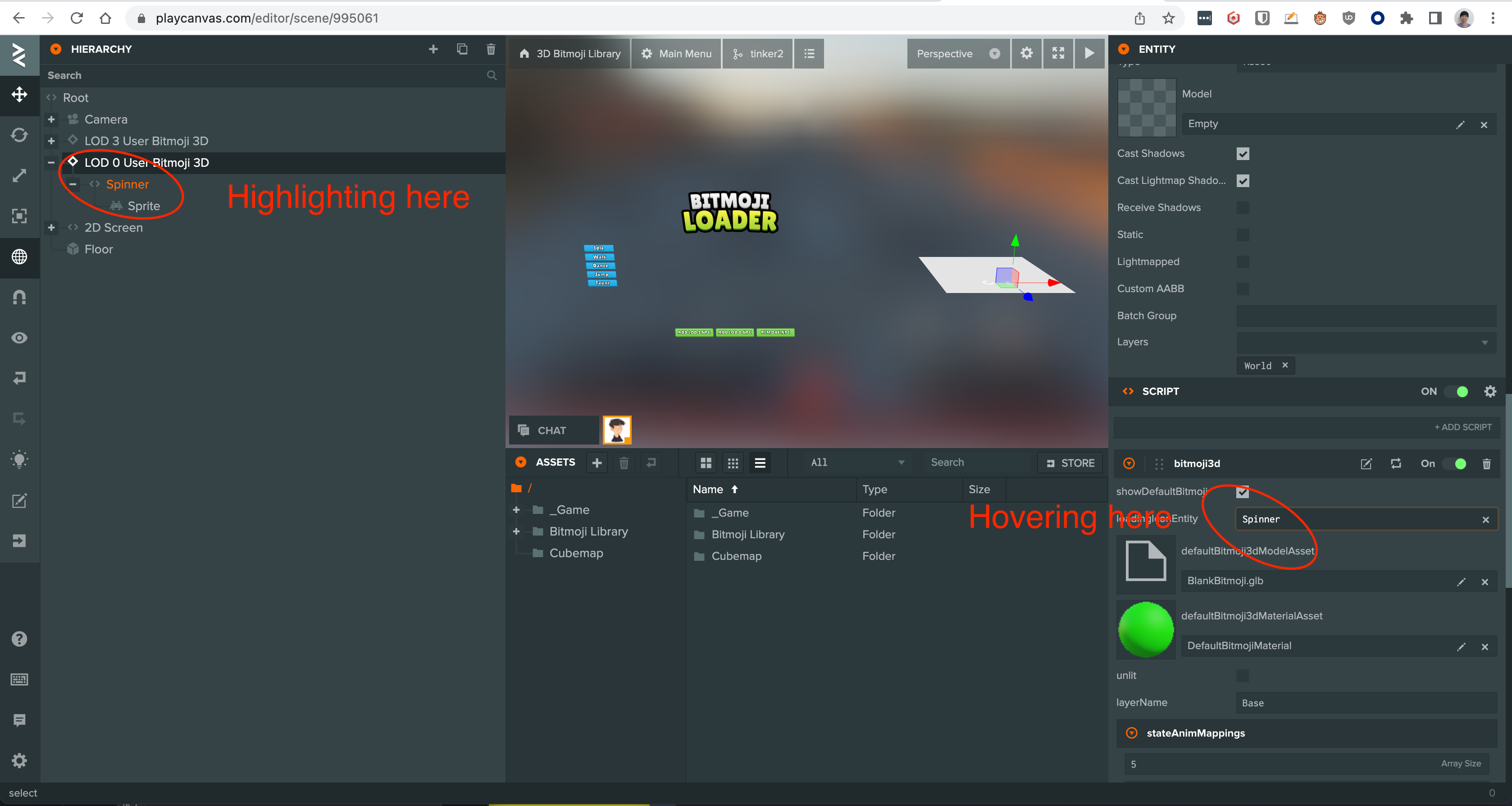
Wouldn't 3 clash with other highlighting functionality that we have (eg highlighting a referenced entity from script attributes)? We also have some drag and drop highlighting that may clash (eg dragging a template into the scene from the assets panel, dragging texture to a material, etc)

@yaustar After some more testing, I think highlighting the entity is essential to build association, so I'd like to keep the highlight.
However, happy to explore different ways to highlight.
How does this look to you?
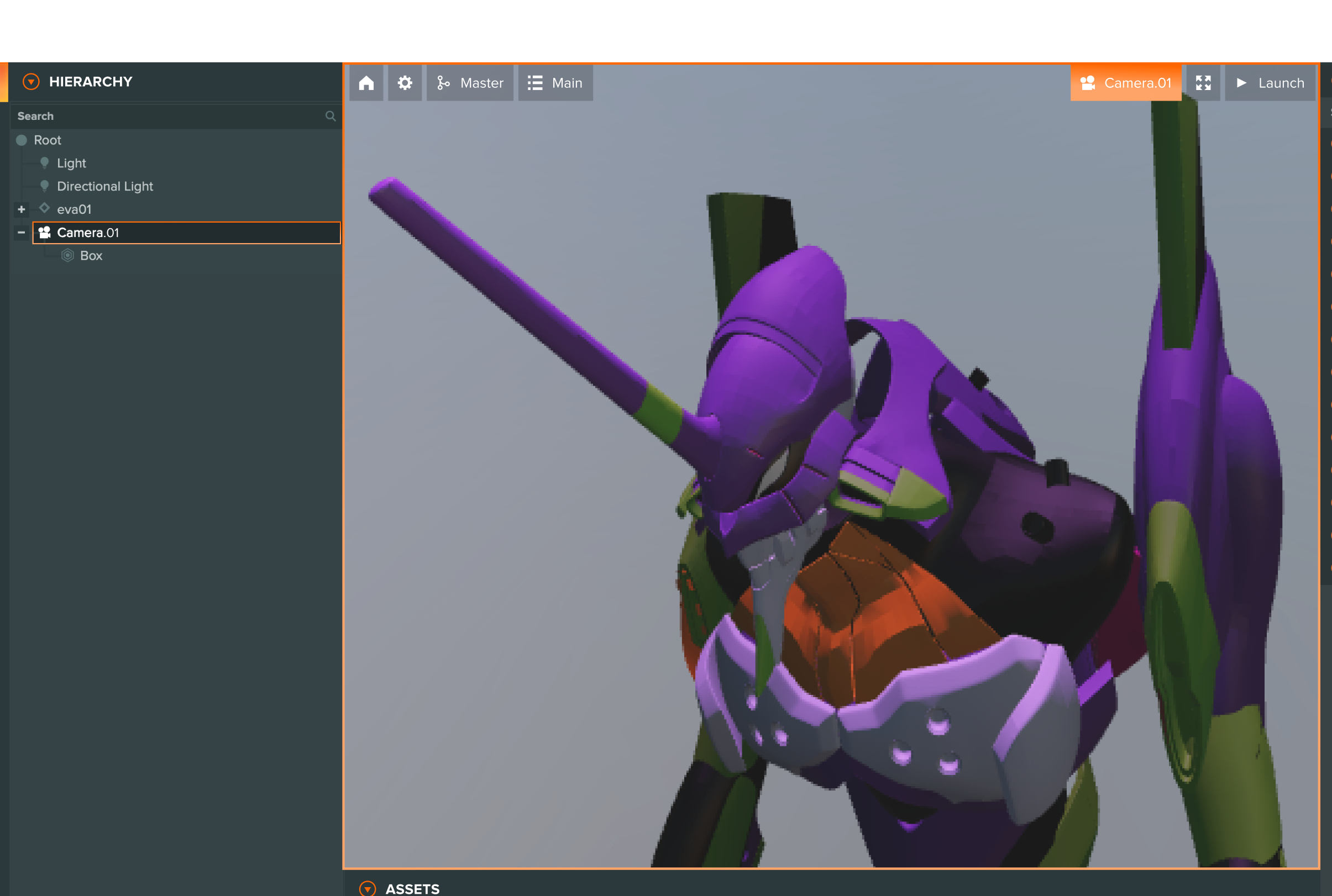
For reference, this is the current behaviour of the Editor
https://user-images.githubusercontent.com/16639049/175351824-52d36a00-ef32-4f70-9629-e9573e83ab77.mp4
The window is highlighted in the video saying 'you can drag here'
@yaustar We can skip highlighting camera in the hierarchy as long as the camera dropdown in the viewport is highlighted.
~~I disagree with this as I would like to be able to position a camera even if it's disabled. Otherwise I would have to enable it, select the camera in the list, move it it and then disable it.~~
Oh wait, you don't want any cameras at all in the list unless it's selected