phpmyadmin
big trouble using phpmyadmin with large databases with 15k tables. Any configuration advice?
Describe the bug
We've trouble using phpmyadmin for large databases with many tables (~15k)
After certain operations or when just clicking on the large database link, phpmyadmin executes queries like
- " SELECT *,
TABLE_SCHEMA..." - "SHOW INDEXES..." for every single table
These queries always have to be killed from the mysql processlist because of the super long execution time.
We could not identify a proper configuration setting or any hints on the web. Is there a way to turn off these queries or any other piece of advice for our problem?
Thank you in advance for your time.
Webserver: phpmyadmin 5.1.1 PHP-FPM Version: 8.0.16 DB-Server: MySQL 8.0.27-0ubuntu0.20.04.1 - (Ubuntu)

I respectfully suggest that a database with 15000 tables has a design problem : using table names to hold some data. For example, instead of having table names with a month suffix like sales01 to sales12, better have the month number as a column in one sales table.
So maybe you uncovered a weakness in the MySQL engine for the queries you mention, but having 15000 tables is uncommon in my opinion.

@jb-cologne Any feedback?
@lem9, I think the same... it shows that there is an architecture problem in this database 15k tables is not common... but I would have to ask how many records these 15k tables have, how many megabytes does it weigh???
@jb-cologne, Honestly, phpmyadmin is limited in its execution by the environment variables applied to the LAMP Web server... With 15K tables, I would seriously be transferring this to a console or terminal dump...

@jb-cologne Any feedback?
@lem9, I think the same... it shows that there is an architecture problem in this database 15k tables is not common... but I would have to ask how many records these 15k tables have, how many megabytes does it weigh???
@jb-cologne, Honestly, phpmyadmin is limited in its execution by the environment variables applied to the LAMP Web server... With 15K tables, I would seriously be transferring this to a console or terminal dump...
Is there any public database I can load to have a serious test case of 10-15K tables ?

@williamdes I doubt it, I have a 600 Mb database for development testing, with about 30 tables and about 3 million records and on a laptop with windows 10/11 and Laragon (LAMP) with PhpMyAdmin 5.X beta it takes 20 minutes lift the data... I don't see the point of 10K or 15K of tables only if this is created from some CRM/ORM/ERP with very bad database engineering... in the end there is no way to test something like that, unless someone here creates a script in php that generates said structure dynamically just to test... it's still nonsense...
@williamdes I doubt it, I have a 600 Mb database for development testing, with about 30 tables and about 3 million records and on a laptop with windows 10/11 and Laragon (LAMP) with PhpMyAdmin 5.X beta it takes 20 minutes lift the data... I don't see the point of 10K or 15K of tables only if this is created from some CRM/ORM/ERP with very bad database engineering... in the end there is no way to test something like that, unless someone here creates a script in php that generates said structure dynamically just to test... it's still nonsense...
I kind of agree with that, but any data test case would be great to improve the performances of phpMyAdmin even if it looks crazy. You know some php lines run a lot of times consume too much ressource. I am willing to track them down and improve the performance of phpMyAdmin.
@williamdes You can write a short PHP script containing a loop that sends CREATE TABLE tablenameX statements with X varying inside the loop.
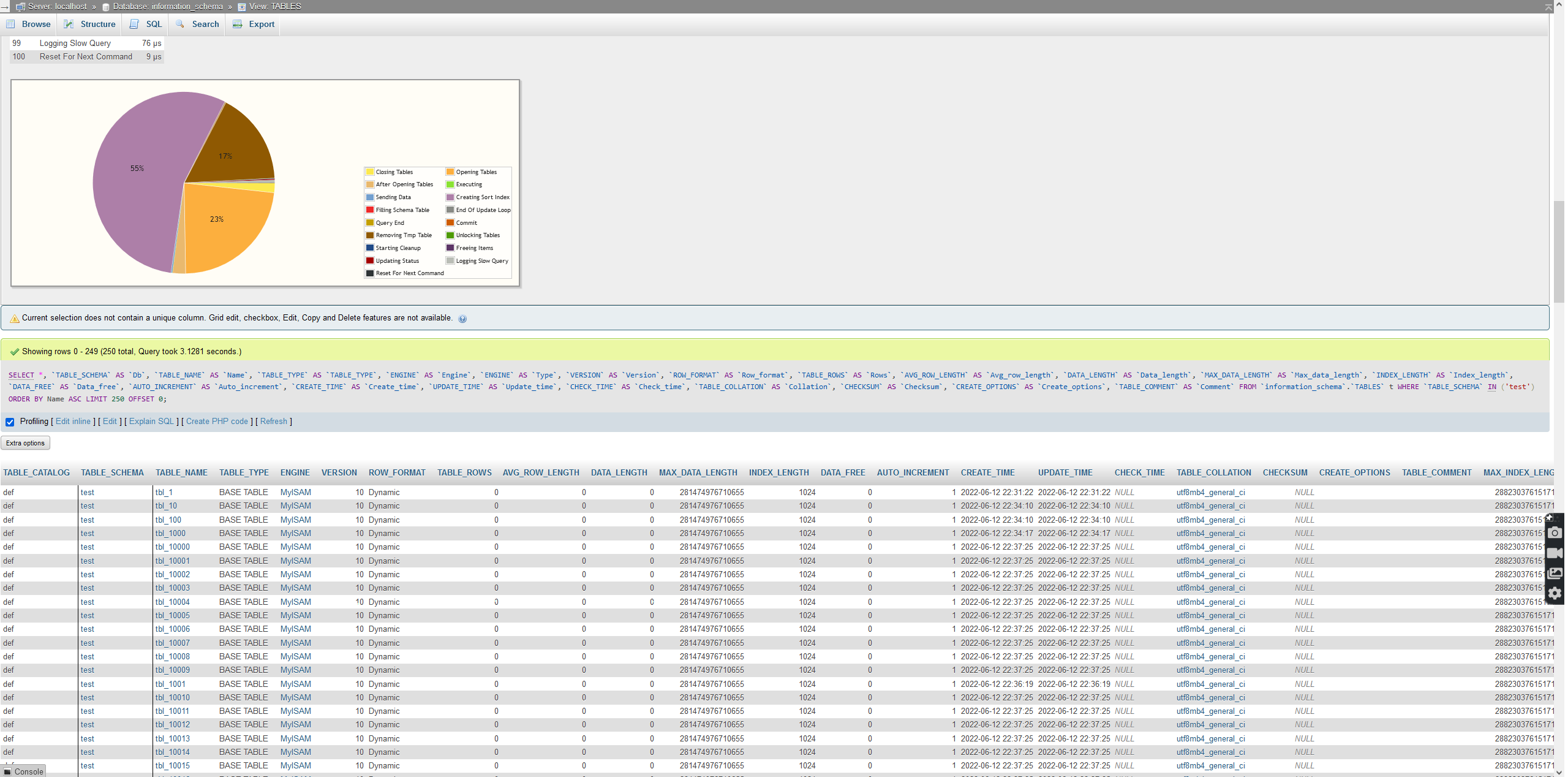
@williamdes the culprit here is this query that takes ~2-3 seconds (15000 tables). On databases with a few tables is okay, but when you have > 1000 tables it keeps increasing.
SELECT *, `TABLE_SCHEMA` AS `Db`, `TABLE_NAME` AS `Name`, `TABLE_TYPE` AS `TABLE_TYPE`, `ENGINE` AS `Engine`, `ENGINE` AS `Type`, `VERSION` AS `Version`, `ROW_FORMAT` AS `Row_format`, `TABLE_ROWS` AS `Rows`, `AVG_ROW_LENGTH` AS `Avg_row_length`, `DATA_LENGTH` AS `Data_length`, `MAX_DATA_LENGTH` AS `Max_data_length`, `INDEX_LENGTH` AS `Index_length`, `DATA_FREE` AS `Data_free`, `AUTO_INCREMENT` AS `Auto_increment`, `CREATE_TIME` AS `Create_time`, `UPDATE_TIME` AS `Update_time`, `CHECK_TIME` AS `Check_time`, `TABLE_COLLATION` AS `Collation`, `CHECKSUM` AS `Checksum`, `CREATE_OPTIONS` AS `Create_options`, `TABLE_COMMENT` AS `Comment` FROM `information_schema`.`TABLES` t WHERE `TABLE_SCHEMA` IN ('test') ORDER BY Name ASC LIMIT 250 OFFSET 0;
or a shorter query:
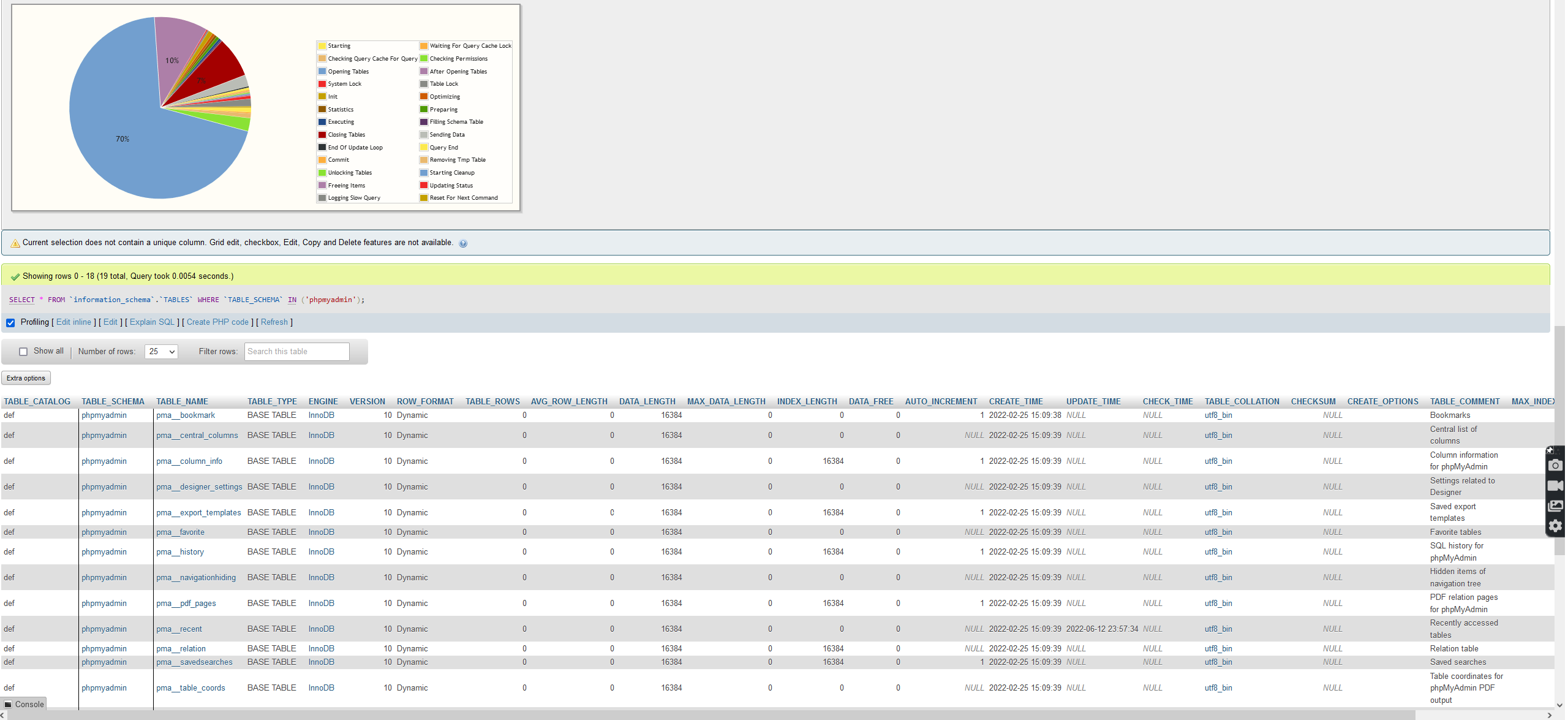
SELECT * FROM `information_schema`.`TABLES` WHERE `TABLE_SCHEMA` IN ('test');
15000 tables:
phpmyadmin