

 microsoft
Mouse wheel scrolling glitch
Mouse wheel scrolling not work in notebook when cursor is above the query results Steps:
- run query in notebook
- results should be long enough, like 10+ rows
- locate cursor above the result table
- rotate mouse wheel

I'm unable to repro this. @ArtemOrlovGmail can you provide some information about which build you're using and the OS?

This issue has been closed automatically because it needs more information and has not had recent activity in the last 7 days. If you have more info to help resolve the issue, leave a comment
![adsbot[bot] avatar](https://avatars.githubusercontent.com/in/25741?v=4 "Published by a pub.dev verified publisher")
this issue still exists, really bad experience while scrolling in query window
my ver
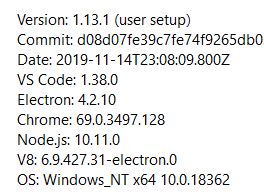

I have same issue
Version: 1.13.1 (user setup) Commit: d08d07fe39c7fe74f9265db02cb963c38d048299 Date: 2019-11-14T23:08:09.800Z VS Code: 1.38.0 Electron: 4.2.10 Chrome: 69.0.3497.128 Node.js: 10.11.0 V8: 6.9.427.31-electron.0 OS: Windows_NT x64 10.0.18363

@ellbosch Please reopen this issue. Last build or insiders build, Windows 10 up to date.
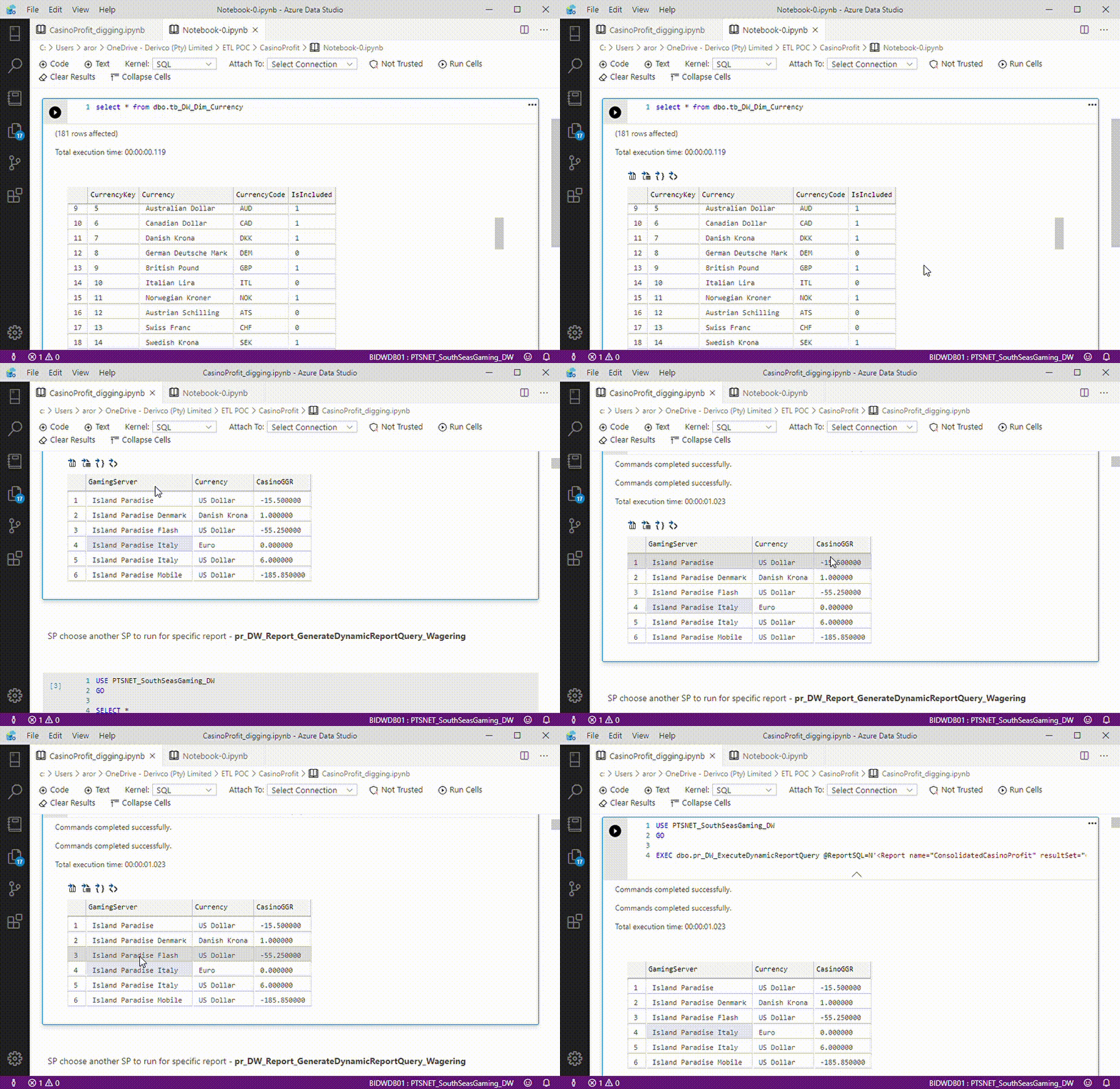
That's an example. Both notebooks were saved and reopened many times. One notebook allow scrolling through long list that have it's own scroll bar, another notebook stuck wheel scrolling scrolling above short list.
It still reproduces. @ellbosch I suppose there should be a label "Area - Notebooks". Before I found this issue it seemed like the interface was not responding sometimes.
Version: 1.19.0 (system setup) Commit: 4095037f2578c23033867e611e82c13de114ca5a Date: 2020-06-11T22:06:05.429Z VS Code: 1.46.0 Electron: 7.2.4 Chrome: 78.0.3904.130 Node.js: 12.8.1 V8: 7.8.279.23-electron.0 OS: Windows_NT x64 10.0.14393

One extra related bug that may be relevant is clicking on the scrollbar above or below the marker does not cause the screen area to scroll
