
tag-manager
 tag-manager copied to clipboard
 matomo-org
Add support for element inheritence
Currently when configuring triggers that use something such as a
Click Classes contains or Click Classes equals it only works if the element has the class directly applied to it. So for example if we had the following:
<div class="myClass">
<p>Some Text Here </p>
</div>
Using a Click Classes contains myClass would not work for any clicks on the <p> element as it doesn't have the class directly set. This is kind-of supported when using a CSS selector, but a CSS selector is quite specific in certain cases
(Eg. list items would have a different selector for every list item which makes this sort of setup quick difficult to achieve)

This issue has been mentioned on Matomo forums. There might be relevant details there:
https://forum.matomo.org/t/really-how-to-track-a-click-on-an-element/47578/2

Thanks @Starker3 - sounds like this could be an impactful improvement!
-> i have a request, could you please share a list of steps to reproduce this issue?
this will make it easy for the team to reproduce the issue and estimate how much effort it will be to address.

To reproduce you can use something such as a div with an anchor element in a page where you have a Tag Manager container:
<div class="myClass">
 <a href="https://www.example.org">URL Link</a>
</div>
Then create a All Links Click Trigger with Click Classes Contain or Click Class Equals myClass
Then use Preview mode and click on the "URL Link" element and you'll see in the Matomo Preview window that Matomo doesn't detect any Classes for the clicked anchor element. This is simple to fix in the example above by adding the class to the element directly, but in pages where you have a lot of elements in a Div and just want to track any element clicks or URL clicks in that Div it becomes more of a challenge.
This issue has been mentioned on Matomo forums. There might be relevant details there:
https://forum.matomo.org/t/selecting-by-css-does-not-work-with-parents/48059/2
any updates on this feature request? I found a workaround but its tedious to maintain

@its-Saab we haven't prioritise this yet, will you be willing to submit a PR with the fix ?

@AltamashShaikh unfortunately I do not have the capacity to do it anytime soon.

@Starker3 @LordTorvus @its-Saab You can use something like this for now
Create a Custom Javascript variable isMyClass
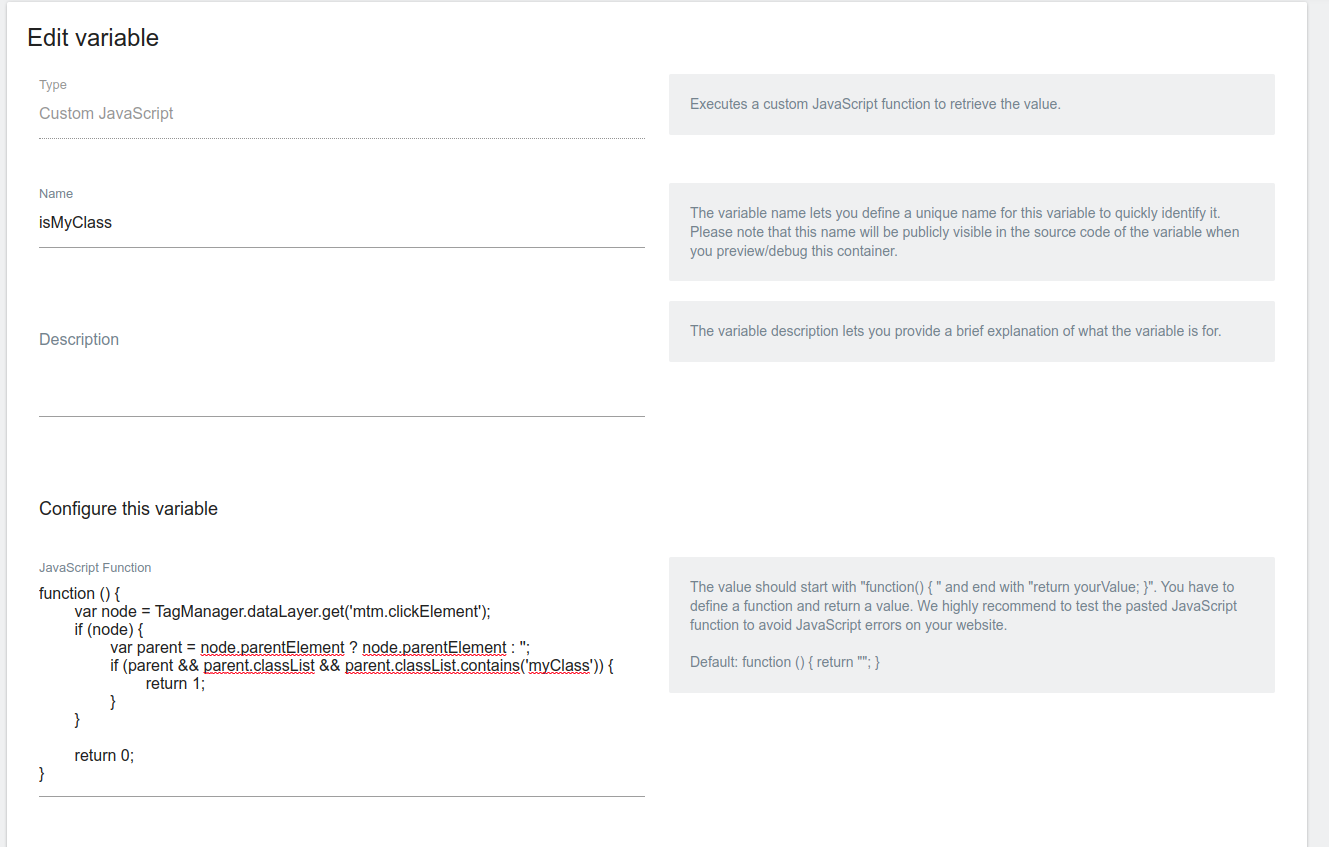
Code
function () {
	var node = TagManager.dataLayer.get('mtm.clickElement');
	if (node) {
		var parent = node.parentElement ? node.parentElement : '';
		if (parent && parent.classList && parent.classList.contains('myClass')) {
			return 1;
		}
	}

	return 0;
}
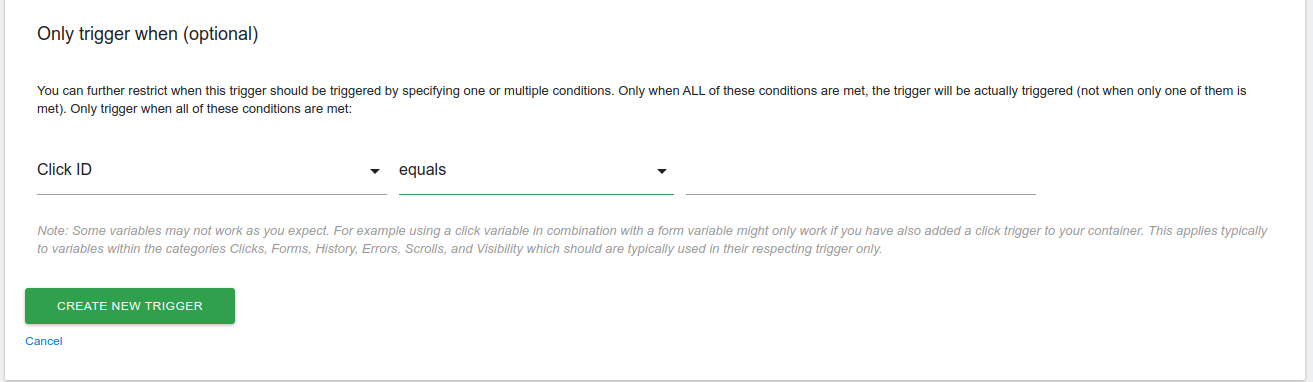
And create a trigger like this
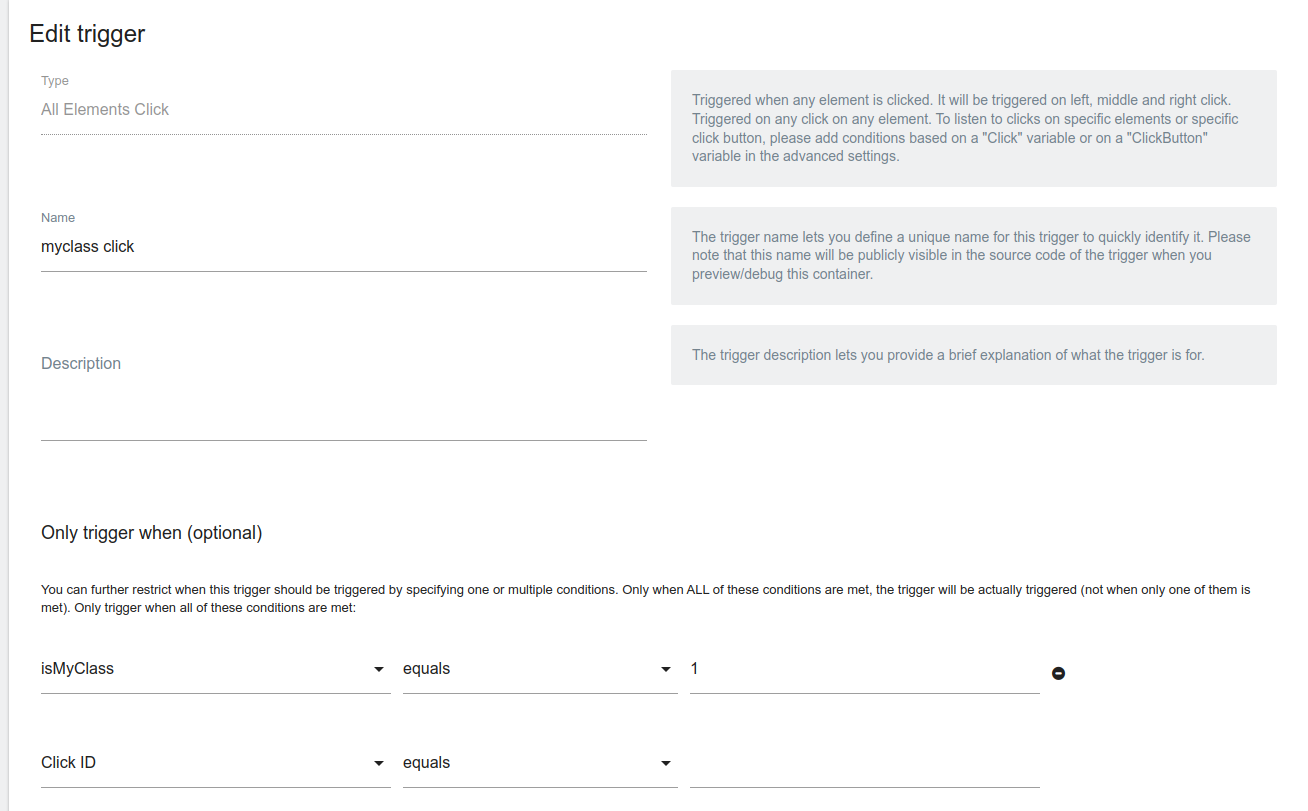
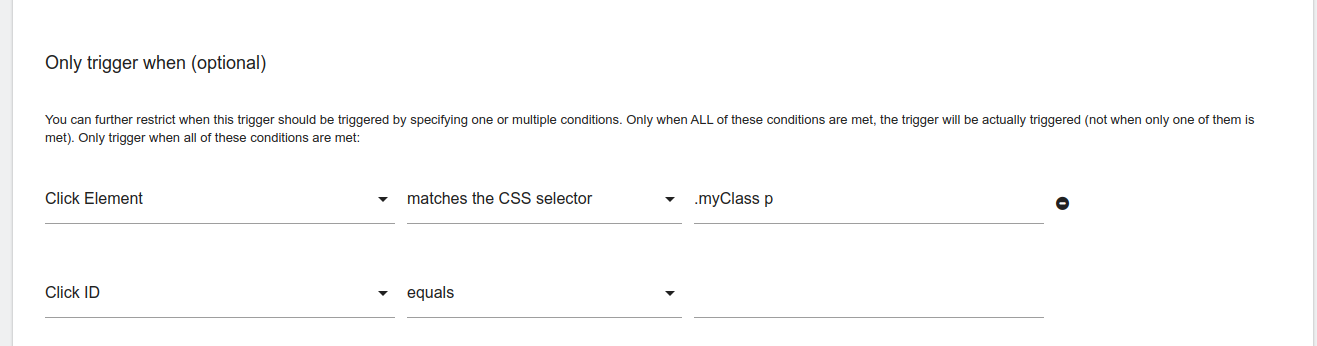
I've tried the above-mentioned workaround with no luck. The Trigger won't fire when the span class in the button class is pressed, ie, the text in the button. Could you possibly give me a timeline of when this feature would be released? If not, could you help me with the workaround above?
We are using the Matomo Tag Manager to track the clicks on buttons all over our website. We've added the button class (ie, "w-btn us-btn-style_5") as the trigger for our tag but realized quickly the Tag wouldn't trigger if a user clicked the text on the button. Thanks for your help!

@JessiBee293 is there any url or HTML you can share where we can check this??
<div class="w-btn-wrapper align_none">
<a class="w-btn us-btn-style_5" id="test" title="CX" target"_blank" href="/customer-iam/" rel="noopener">
<span class="w-btn-label">Mehr erfahren</span>
</a>
</div>
@JessiBee293 I tried with above code, since it has a anchor tag, created a trigger "All links click" and filtered using clickClass contains w-btn and that seems to work for me always, can you try the same and check?
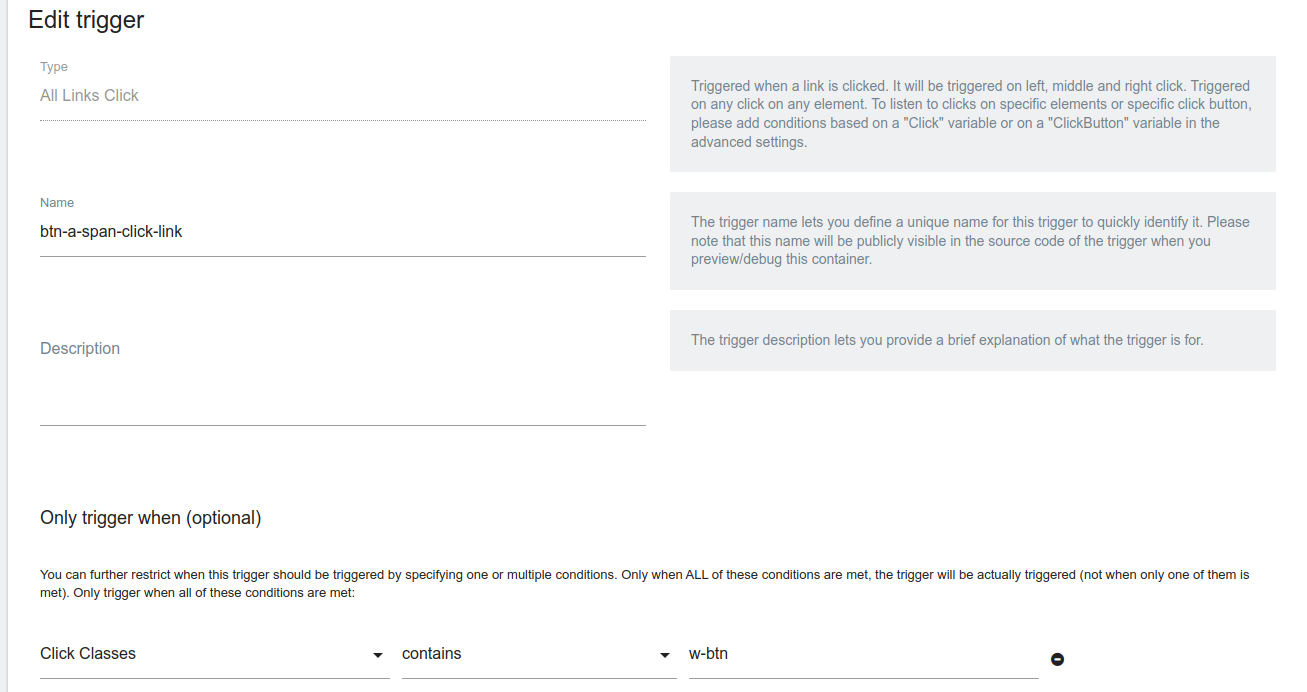
Detecting clicks on child Html elements can work by using the universal selector, for example like this for given code by OP
div.myClass *

Thanks @FrontendJesus This solution looks like it works to detect click element classes using a CSS selector.
The only challenge I can think of is that this solution might not be obvious to most users of the Matomo Tag Manager, so even if we documented it somewhere it would likely still cause a bit of frustration for users. But it's a fairly simple workaround in the mean time.
@Starker3 We can mention it somewhere here with a link to a FAQ in detail to make it more obvious
@AltamashShaikh Thanks! Your workaround with the "all Links Click" worked. The buttons fire now, no matter where the user presses.