
OpenOversight
 OpenOversight copied to clipboard
 lucyparsons
browse department as directory
Status
Ready for review / in progress
Description of Changes
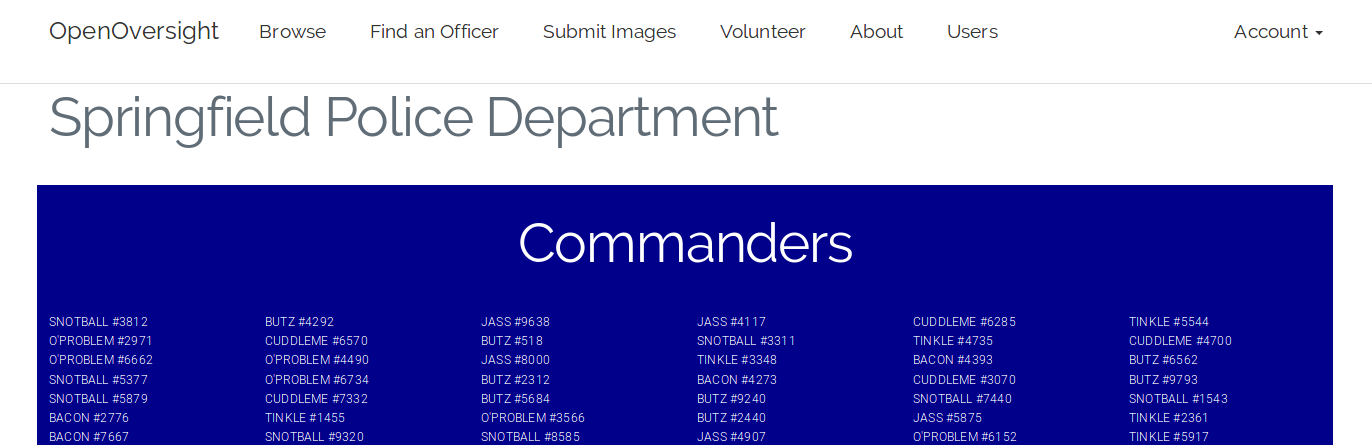
Related to #527 #474 #500 , provides a directory view of the department that users can quickly Ctrl-F through if they know name or star number.
Changes proposed in this pull request:
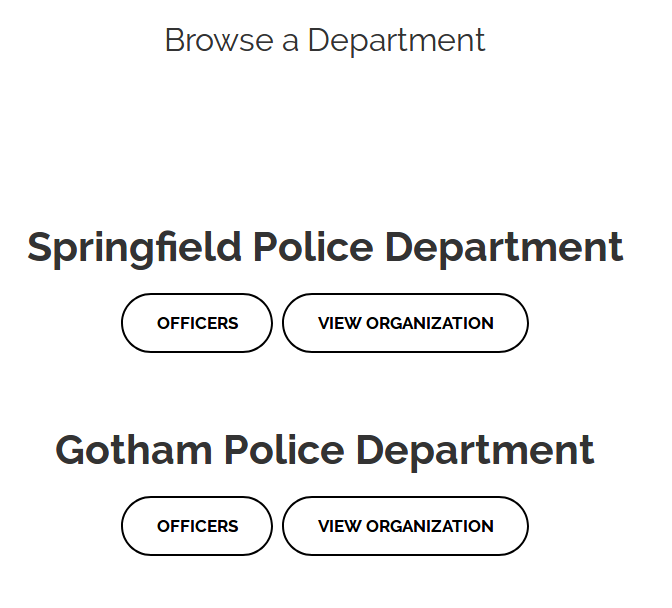
- Add a departmental view button to browse.html
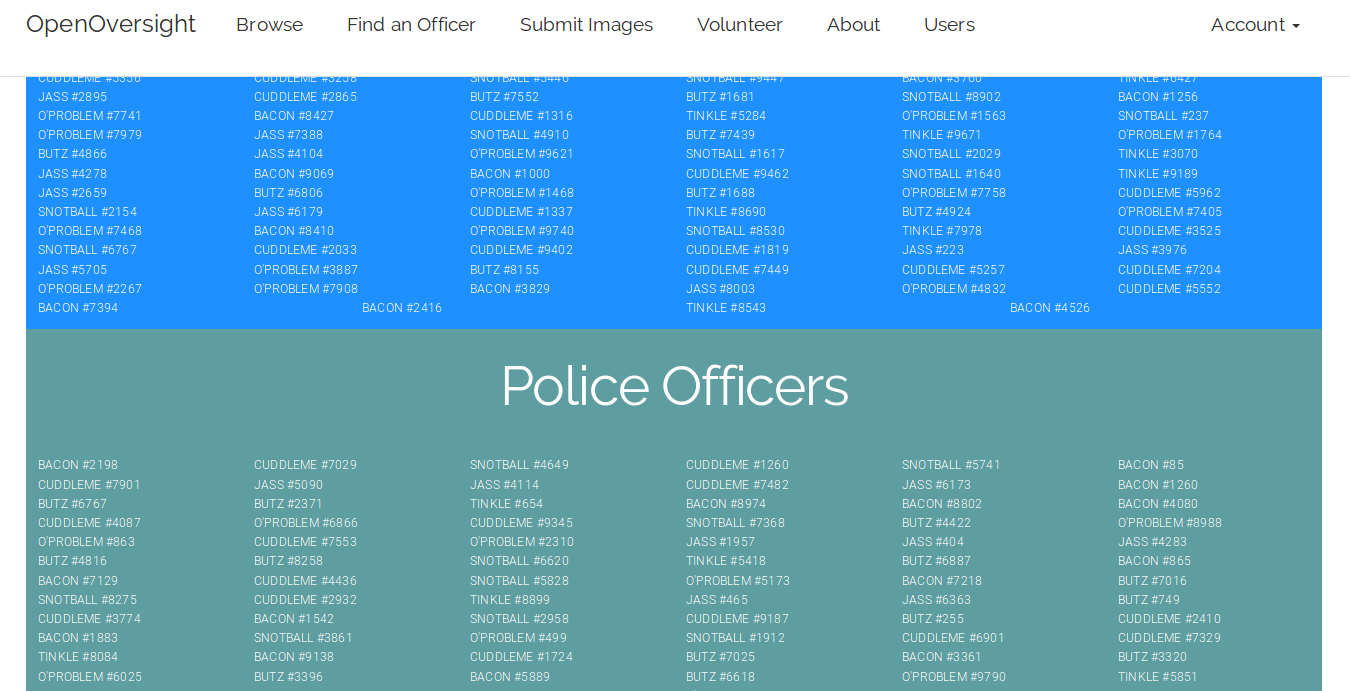
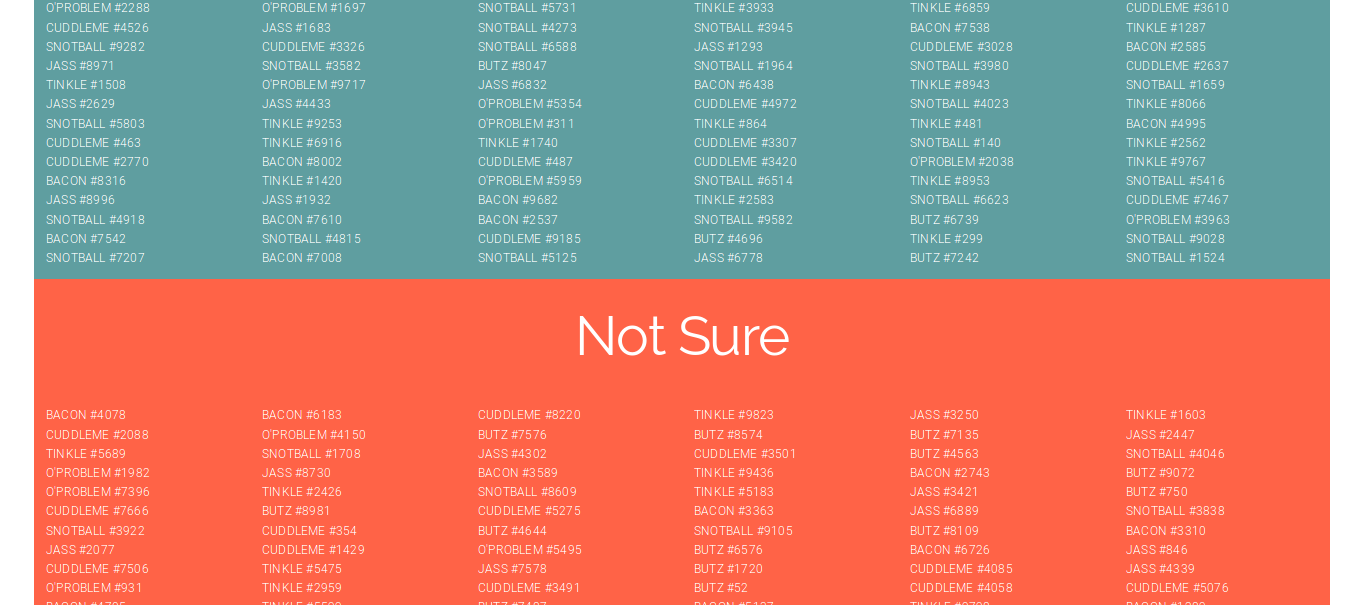
- Leads to directory page that listing all officers in a department, with links to officer profiles
Notes for Deployment
- Depends on maintaining ranks in RANK_CHOICES in high-to-low order, excluding Not Sure
- Only Commander, Captain, PO, and Not Sure rank included in template right now
Screenshots (if appropriate)
Tests and linting
-
[x] I have rebased my changes on current
develop -
[x] pytests pass in the development environment on my local machine
-
[x]
flake8checks pass

This is great, thanks! I was able to get it to work with the test data, but when I tried to use Baltimore data the ranks don't match up with what's in RANK_CHOICES and so it throws an error. Is there a way this could gracefully handle departments that have different sets of ranks?

Thanks for the feedback. You're right, it could be hard to manually maintain proper rank names for many departments with slight variations. I pushed another approach that makes it independent of RANK_CHOICES. It makes up a list of ranks found in the data and uses those to demarcate sections in the directory view. The html was also generalized so all ranks found would be displayed, with Not Sure at the end, and a random (blue-ish) background color.
The disadvantages of this approach are -they aren't guaranteed to be ordered from high to low rank in the directory view, and -the ranks in the data must be consistent, no typos or alternate names. this type of validation/cleaning should happen when the data is imported imho.
Let me know if it fixes your error, I can also try your dataset if you like, just let me know where to find it.
Cool, I like that approach and I was able to get it working for Baltimore data. We have like dozens of job titles, some with only 1 or 2 employees, so that made the list pretty long and unwieldy. But the solution to that is probably just to filter out what officers I import (e.g. not forensic scientists).
I wonder if the best way to allow department-specific ranks but not have the disadvantages you listed above, would be to have a per-department list of ranks provided when a department is created. Maybe by uploading an ordered CSV or otherwise storing it in the database? But that may also be a follow-on issue beyond the scope of this PR :)
I wonder if the best way to allow department-specific ranks but not have the disadvantages you listed above, would be to have a per-department list of ranks provided when a department is created. Maybe by uploading an ordered CSV or otherwise storing it in the database?
:+1: to this, storing the ranks in the database is the right way to go (fine to do in a separate issue/PR imo, see #326)
