

 dracula
Unable to identify whether an element is selected or not
See the GIF directly.
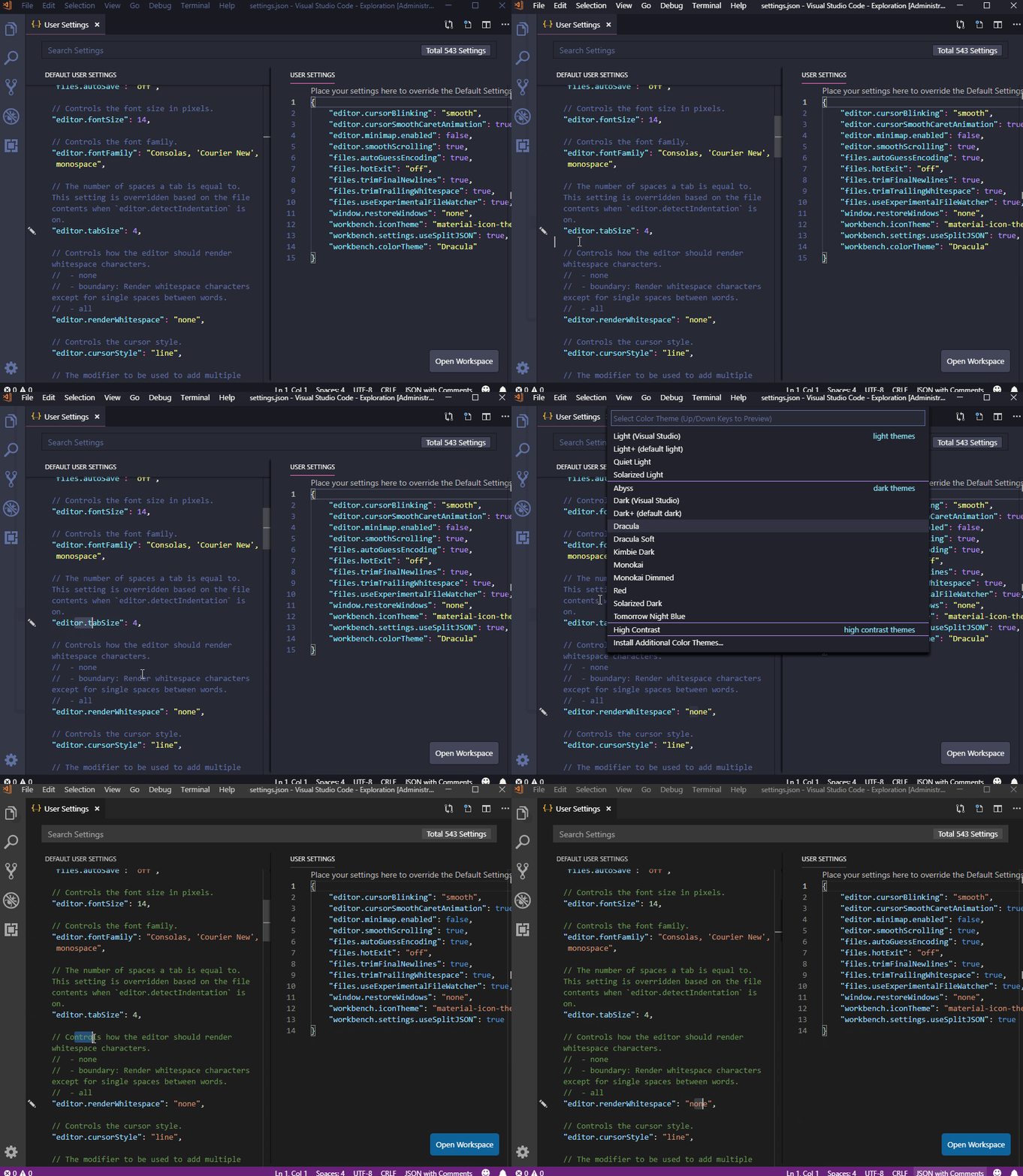 Dracula uses the same background color for a word which is selected or which is just highlighted.

This has been reported several times in the past. It's particularly difficult to handle with VSCode due to how VSCode layers highlights in the editor.
Ping @DanielRamosAcosta --- Any thoughts here?


Hey @dsifford, can I have a quick way to chat with you? maybe Telegram/Slack or something

@dsifford Good news! I have found the corresponding values!
editor.selectionBackground
editor.lineHighlightBackground
list.activeSelectionBackground
list.focusBackground
list.hoverBackground
Please check and modify these keys.
@byyxx128 This problem is trickier than just identifying the scope names..
See here for more info: https://github.com/dracula/visual-studio-code/issues/61#issuecomment-346242336