

 d2phap
Change keyboard shortcuts through the Settings window
Is your feature request related to a problem? Please describe.
Describe the solution you'd like
Describe alternatives you've considered
Additional context

Could you provide a concrete example? Which shortcut key(s) do you want to change?

Thank you! I was wondering if there is a way for me to set "Copy Image Path" to (Ctrl+Shift+C) and "Full Image" to (F).
It would be nice to be able to. I'd like to edit the shortcut for the "Scale to Width" setting. I keep hitting that accidentally when I mean to close the window.

@Unknow0059
The next release will have an update for shortcuts to make it more convenient and to prepare/standardize for the keyboard shortcuts customization
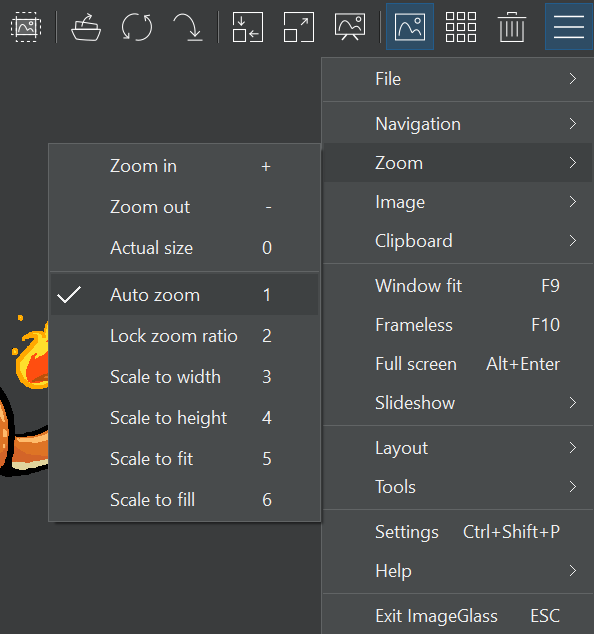

Personally I'm also missing hotkey for "Copy Image Path" option :slightly_smiling_face:

@mlewand "Copy image path" menu has a hotkey in the latest build of IG Moon: https://imageglass.org/moon
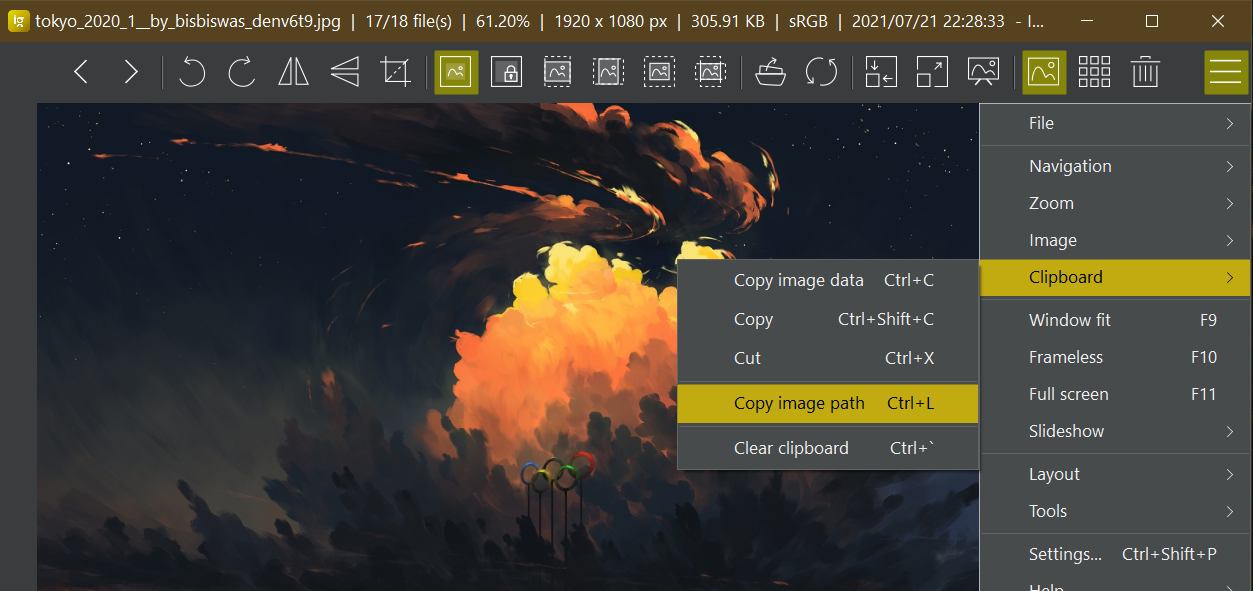
@d2phap thank you I can confirm that it works like a charm in the stable release 👍

Please, let me edit shortcuts like I want. I really don't like to have to press Ctrl+Shift+C to copy an image, I would like to hit just Ctrl+C; I would like a way to toggle full-screen with F; I would like a new shortcut to close ImageGlass, like Ctrl+W; and I would like to change the order of the Fit commands.

You can change the hotkey of the menus in v9.0 beta 2.
For example:
// in igconfig.json file

"MenuHotkeys": {
  "MnuOpenFile": "O",
  "MnuPrint": "Ctrl+Shift+Alt+P"
},
You can find all the menu names (begin with Mnu) in https://github.com/d2phap/ImageGlass/blob/40c22af09e81ac6ffc8b8e0f3114615677ee4c45/v9/ImageGlass/FrmMain.Designer.cs
Same as vitormathews, if it would be possible to edit shortcuts/keybindings from settings.
Pressing CTRL+Shift+S for every image I want to save as , GRUELLING. Please let the user choose the keys/shortcuts best suited.
Thank you.

You already can change the hotkey of the menus in since IG v9.0 beta 2 as mentioned in my above comment. UI for settings will be added once the stable version is released
You already can change the hotkey of the menus in since IG v9.0 beta 2 as mentioned in my above comment. UI for settings will be added once the stable version is released
But how to do it? What should I add at the MenuHotkeys section in igconfig.json? And how to correctly format it?