

 clauderic
Specifying dropAnimation on DragOverlay causes Sortable item to remain visible
Compare these two scenarios (using a basic sortable grid):
Scenario 1: DragOverlay with no props specified.
Gif:
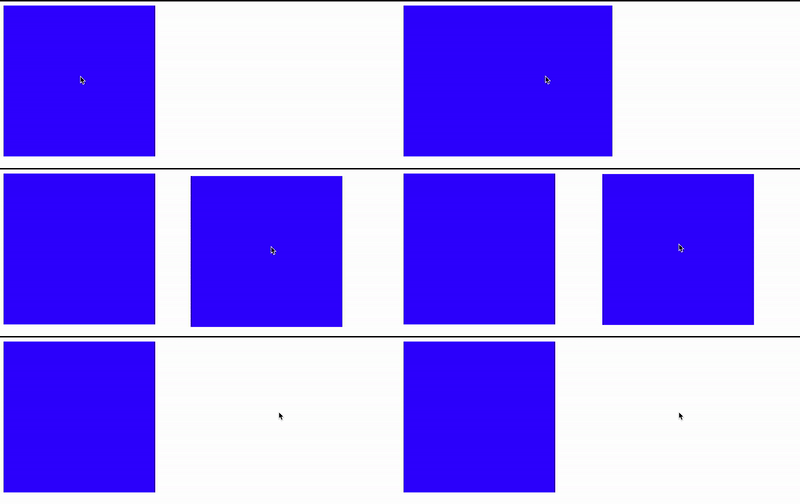 Code sandbox: https://codesandbox.io/s/react-dnd-kit-basic-sortable-grid-wyt2y
Code snippet:
Code sandbox: https://codesandbox.io/s/react-dnd-kit-basic-sortable-grid-wyt2y
Code snippet:
<DndContext>
    <SortableContext items={["1"]}>
        <SortableItem />
    </SortableContext>

    <DragOverlay>
        <div className="sortable-item" />
    </DragOverlay>
</DndContext>
Scenario 2: DragOverlay with dropAnimation prop specified using the default value.
Gif:
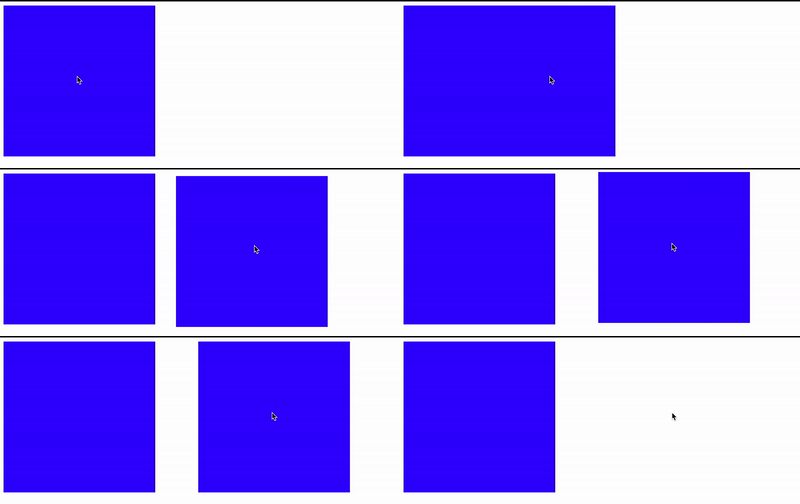 Code sandbox: https://codesandbox.io/s/react-dnd-kit-basic-sortable-grid-forked-fnvi8
Code snippet:
Code sandbox: https://codesandbox.io/s/react-dnd-kit-basic-sortable-grid-forked-fnvi8
Code snippet:
<DndContext>
    <SortableContext items={["1"]}>
        <SortableItem />
    </SortableContext>

    <DragOverlay dropAnimation={{ duration: 250, easing: "ease" }}>
        <div className="sortable-item" />
    </DragOverlay>
</DndContext>
These scenarios are a minimal reproduction of the issue I'm facing locally, where I have an actual usable grid with proper state.
As you can see, in the 2nd scenario, all I do is specify dropAnimation using the default value, so presumably this should change nothing, but it appears to change the behaviour of my sortable, which is unexpected.
In scenario 1 the sortable item disappears when I let go of the overlay. In scenario 2 the sortable item is always visible. I noticed this when trying to re-create the basic sortable grid example, https://5fc05e08a4a65d0021ae0bf2-xwhnirlxeb.chromatic.com/?path=/docs/presets-sortable-grid--basic-setup:

I wanted to re-create the grid from scratch (the Storybook examples are awesome but damn are they complicated when I open up the source to actually see what's going on). In the grid example you can see the sortable square is visible but transparent; how can this be accomplished in a simple way?

So it appears this is a "bug" with the documentation (and me not looking at the actual props interface). The docs at https://docs.dndkit.com/api-documentation/draggable/drag-overlay#drop-animation mention the duration and easing properties of the DropAnimation interface but don't mention the dragSourceOpacity property, which happens to be optional and if not specified, modifies the default behaviour.
I'd be happy to put up a PR if I get some spare time, to:
- Update the relevant section of the docs to mention
dragSourceOpacity. - Modify the
dropAnimationprop onDragOverlayso that if the optionaldragSourceOpacityproperty is not specified, it uses the default value.- Maybe make all properties optional and use the default value if not specified? This is kind of what I expect having used things like https://lodash.com/docs/4.17.15#defaults in the past.
The dragSourceOpacity option isn't documented because I'm considering deprecating it in favour of having a global state that can be accessed via useSortable / useDraggable and useDroppable that sets isPerformingDropAnimation to true / false.
This would let consumers have full control over how to update the styles and rendered output of their components during the drop animation.

Fantastic! This would solve my other issue (which you linked) as well, thanks 😃
Hi. So how to prevent sortable Item from disappearing when dragging? Still struggling to prevent that. Thanks
