
openrgb.nvim
 openrgb.nvim copied to clipboard
 antoinemadec
Bring RGB to life in Neovim
Bring RGB to life in Neovim
Change your RGB devices' color depending on Neovim's mode.
Fast and asynchronous plugin to live your vim-life to the fullest.
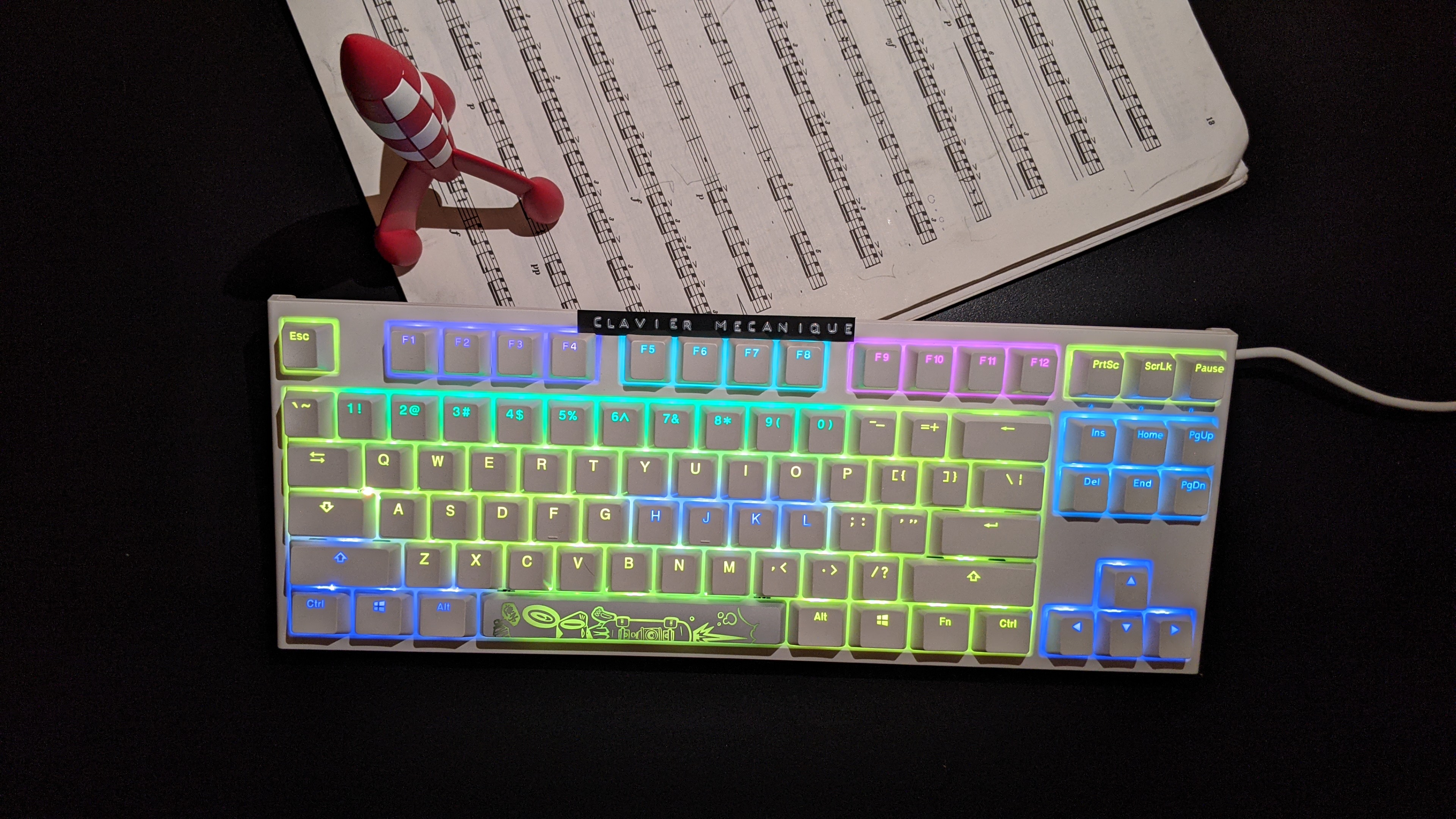 |
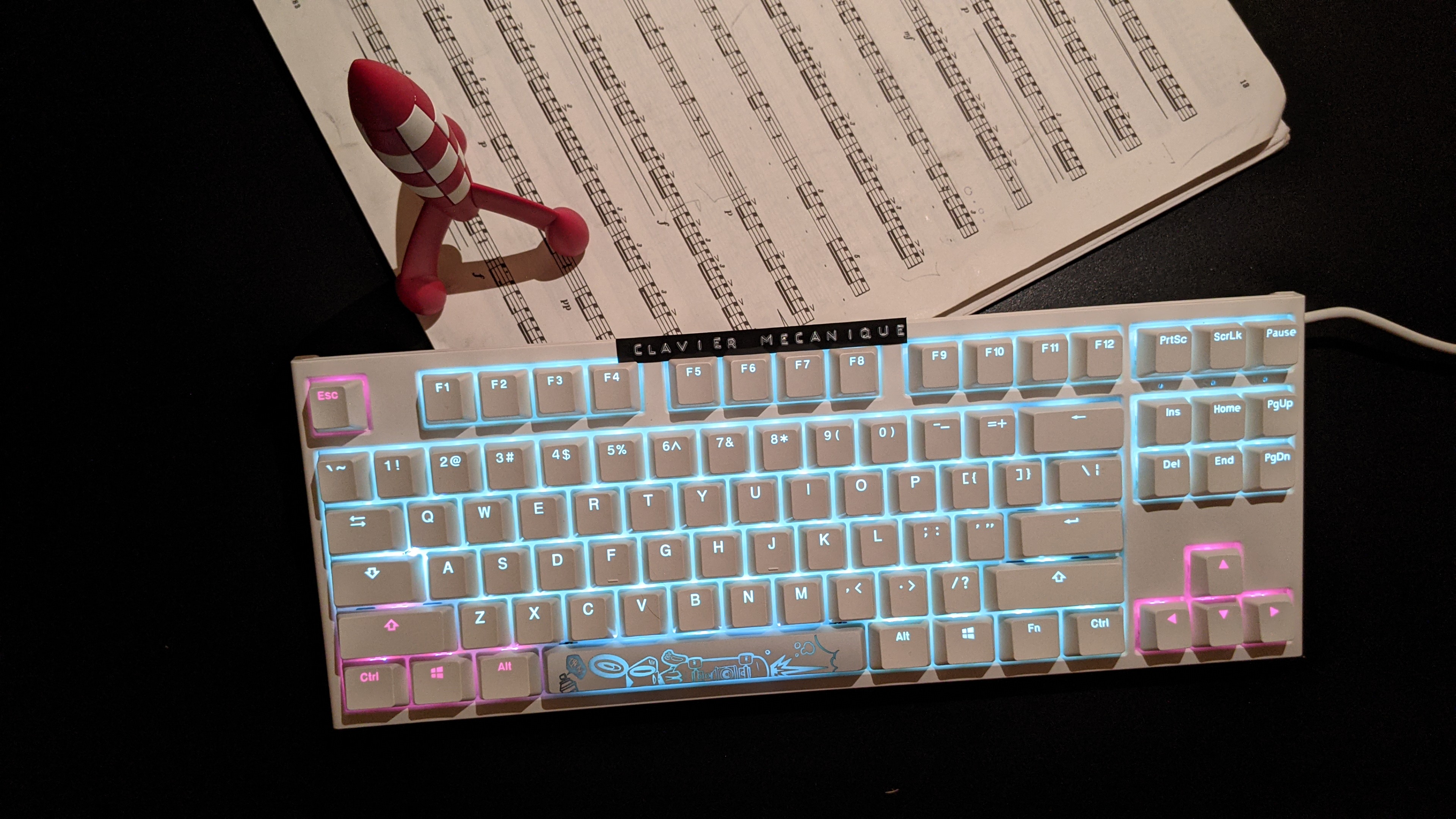 |
|---|---|
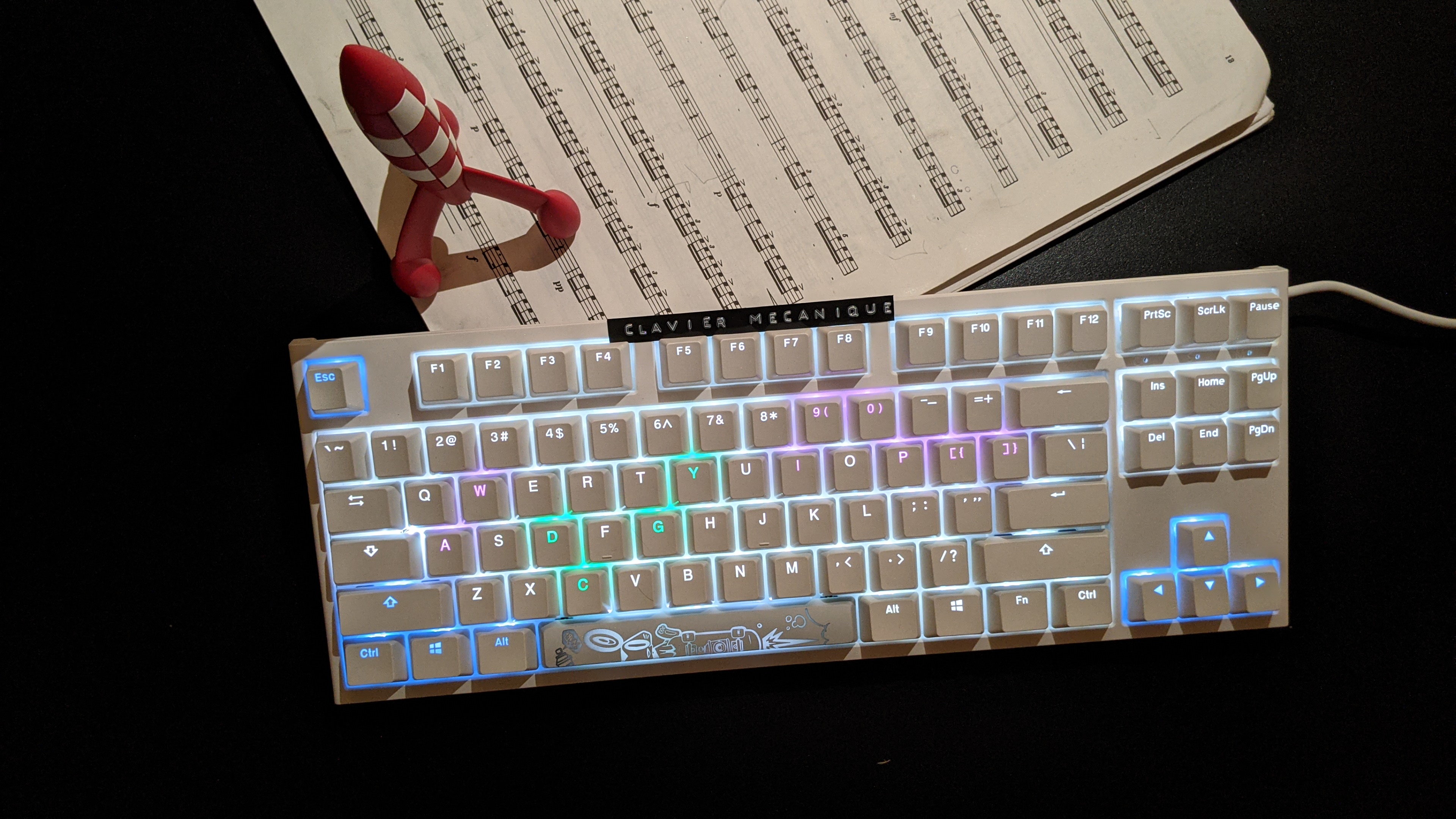 |
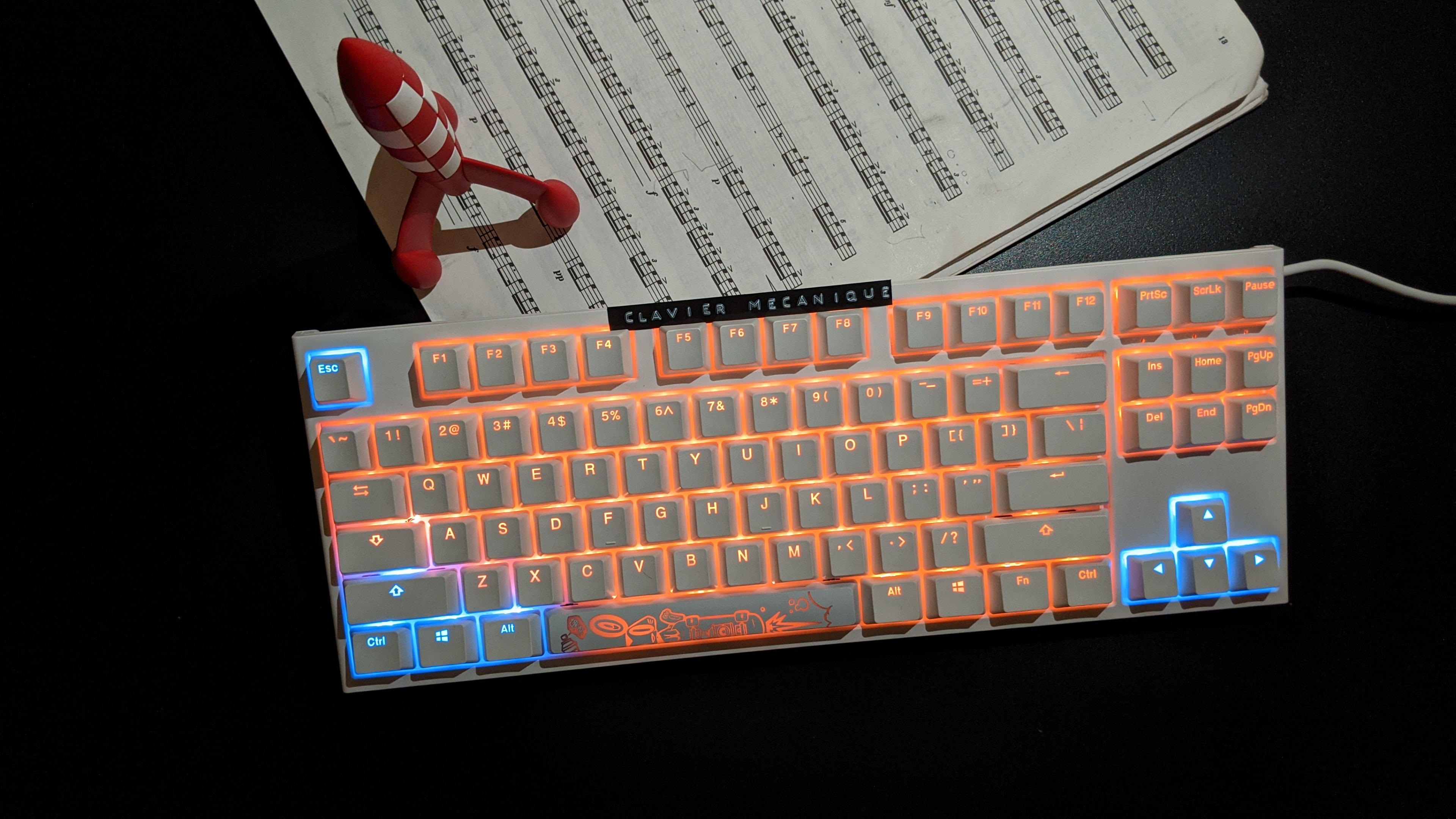 |
Why?
- 🌍 Universal: works with all devices supported by OpenRGB
- 🚀 Fast: snappy and completely asynchronous
- 💎 Reliable: multiple vim instances are supported
- ❤️ Flexible: each mode's colors are customizable
Installation
Make sure to have the following plugin in your vimrc:
Plug 'antoinemadec/openrgb.nvim', {'do': 'UpdateRemotePlugins'}
Install:
- OpenRGB : this is the RGB server
- openrgb-python : this is the RGB client
Setup
Make sure the OpenRGB server is running:
openrgb --server
And add the folowing in your vimrc :
augroup openrgb
  autocmd!
  autocmd ModeChanged *:* call OpenRGBChangeColorFromMode(mode())
  autocmd FocusGained,UIEnter * call OpenRGBChangeColorFromMode(mode(), 1)
augroup end
Customization
If you don't like the default RGB colors, here is how to change it:
" default dict
let s:default_dict = {
      \ 'main_color': '#000000',
      \ 'led_names': [[]],
      \ 'led_colors': []
      \ }
let g:openrgb_mode_dict = {}
for mode in ['n', 'v', 'V', '', 'i', 'R', 'c', 'r', 't', 'default']
  let g:openrgb_mode_dict[mode] = copy(s:default_dict)
endfor

" customize dict:
"     - if dict[mode] is not found, it falls back to dict['default']
"     - each group of keys in 'led_names' are lit using the same color
"     - look at 'g:openrgb_led_names' to see the available 'led_names'
"     - if empty(led_colors):
"           colors are assigned automatically
"       else:
"           led_colors are used
" -- normal
let g:openrgb_mode_dict['n']['main_color'] = '#ffff00'
let g:openrgb_mode_dict['n']['led_names'] = [
      \ ['Key: Right Arrow', 'Key: Left Arrow', 'Key: Up Arrow', 'Key: Down Arrow'],
      \ ['Key: H', 'Key: J', 'Key: K', 'Key: L'],
      \ ['Key: Left Control', 'Key: Left Windows', 'Key: Left Alt', 'Key: Left Shift'],
      \ ['Key: Insert', 'Key: Delete', 'Key: Home', 'Key: End', 'Key: Page Up', 'Key: Page Down'],
      \ ['Key: F1', 'Key: F2', 'Key: F3', 'Key: F4'],
      \ ['Key: F5', 'Key: F6', 'Key: F7', 'Key: F8'],
      \ ['Key: F9', 'Key: F10', 'Key: F11', 'Key: F12'],
      \ ['Key: 0', 'Key: 1', 'Key: 2', 'Key: 3', 'Key: 4', 'Key: 5', 'Key: 6', 'Key: 7', 'Key: 8', 'Key: 9'],
      \ ]
" -- insert
let g:openrgb_mode_dict['i']['main_color'] = '#007020'
let g:openrgb_mode_dict['i']['led_names'] = [
      \ ['Key: F', 'Key: R'],
      \ ['Key: A', 'Key: N'],
      \ ['Key: C', 'Key: E'],
      \ ]
let g:openrgb_mode_dict['i']['led_colors'] = [
      \ '#0000ff',
      \ '#ffffff',
      \ '#ff0000'
      \ ]
Here is the API if you want to trigger color changes manually:
" calling OpenRGBChangeColor() using 'g:openrgb_mode_dict' info
OpenRGBChangeColorFromMode(mode, force)
" calling OpenRGBChangeColor() directly
call OpenRGBChangeColor(main_color, led_names, led_colors, force)
License
MIT
 antoinemadec