

 Shopify
Add .devcontainer config
This config can be used with GitHub Codespaces and VSCode Remote - Containers, so it make easier to contributors to get a working development environment.

It is very easy to get started. If you fork this repository for example, and in your account enable code spaces. You just need to press this button.
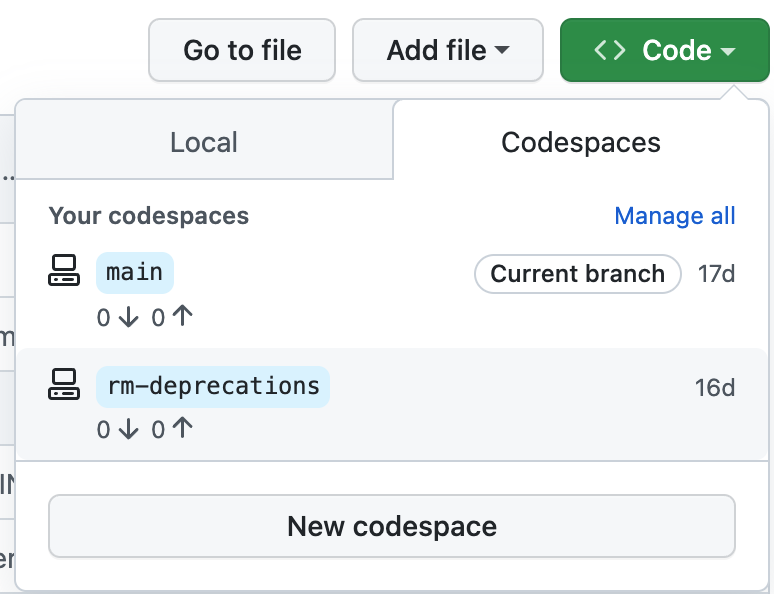
VSCode Remote - Container. You only need to open the command pallet and select Remote-Containers: Clone Repository in container Volume and follow the instructions. https://code.visualstudio.com/docs/remote/containers-tutorial
Does this handle the installation of PostgreSQL? That's something I ran into locally when I tried to
bundle install, because thepggem needed some part of it to compile the native extensions.
The development headers (libpq) are in the base image. If we want the postgresql server I need to add.
I can't seem to get codespaces working on a fork, but using this as a local development container works well. Maybe we need the main repo to have this config first?
In order to run tests, we need chrome for the webdrivers gem because we have system tests.

Just a quick update: pg is not a development requirement anymore, though we still need to look into being able to run system tests
