

 ProtonVPN
Use Theme.Dark instead of Theme.Light
What
Currently ProtonVPN uses <style name="AppTheme" parent="Theme.AppCompat.Light.DarkActionBar">. Since the app is basically dark anyway, it makes sense to have <style name="AppTheme" parent="Theme.AppCompat"> instead (which means dark + dark action bar).
Background
My original concern was regarding the touch state color, since it is currently barely noticable.
One way to fix that is by explicitly overriding colorControlHighlight it the styles.xml.
However another way is what I am proposing here: implicitly through the AppCompat theme, which will set colorControlHighlight to a dark-ish colour in the light style and a light-ish colour in the dark style.
Implications Changing the parent theme has sideffects:
:+1: the navigation bar is dark instead of light (see bottom of the screenshots, only affects some devices)
:-1: issues where colours were not explicitly defined need fixing
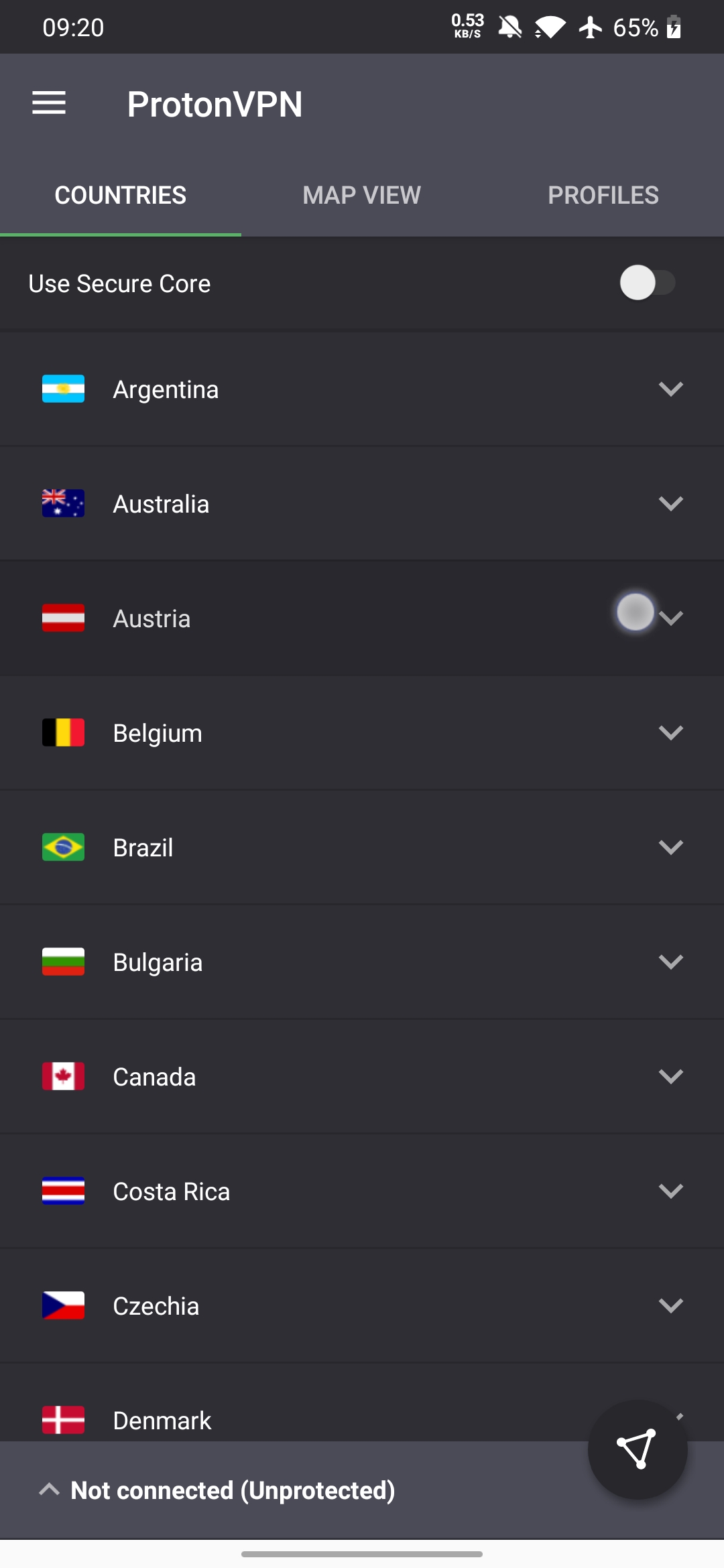

 left to right:
currently with Theme.AppCompat.Light.DarkActionBar -- proposed with Theme.AppCompat -- one example sideffect
left to right:
currently with Theme.AppCompat.Light.DarkActionBar -- proposed with Theme.AppCompat -- one example sideffect

thgoebel, thank you for your suggestion and detailed issue.
I will try to raise this question further with our design team. But slightly darker onClick states were actually made by design. So I can't tell for sure if we will be addressing this issue..
However one thing which catches my eye now with Android 10 and gesture navigation is that bottom bar with light theme looks really out of place, so at least that part we will be addressing somehow in future.
