

 NeoApplications
Visual bug: scroll acceleration
V0.9.1
I find scrolling up/down the list of apps being unnatural. There are spikes in speed/acceleration unlike i ve seen in any app.
Is it just me ?

I just scrolled around for a bit, and while I think the acceleration can be a bit more aggressive than necessary, I didn't get large spikes anywhere.
V0.9.1 & S22+

i barely scroll (swipe a centimeter) and multiple apps pages are scrolling. I consider it way too aggressive and difficult to find what you are looking for and also difficult to keep track of where exactly in the list you are.
I second this. Immediately noticed difference between scrolling in this versus any other app. Even in the settings I had difficulty selecting which repos I wanted to pick when the list jumps by mile from just touching the screen.

@fusionneur @luimu64 Can you please check you device's animation speed in developer settings and report after trying other values.

@fusionneur @luimu64 Can you please check you device's animation speed in developer settings and report after trying other values.
I had the animation values at 0.5x all and setting them to as high as my rom allows (1.5x) did slow down the scrolling significantly. I don't want to slow down every app because of one app though.
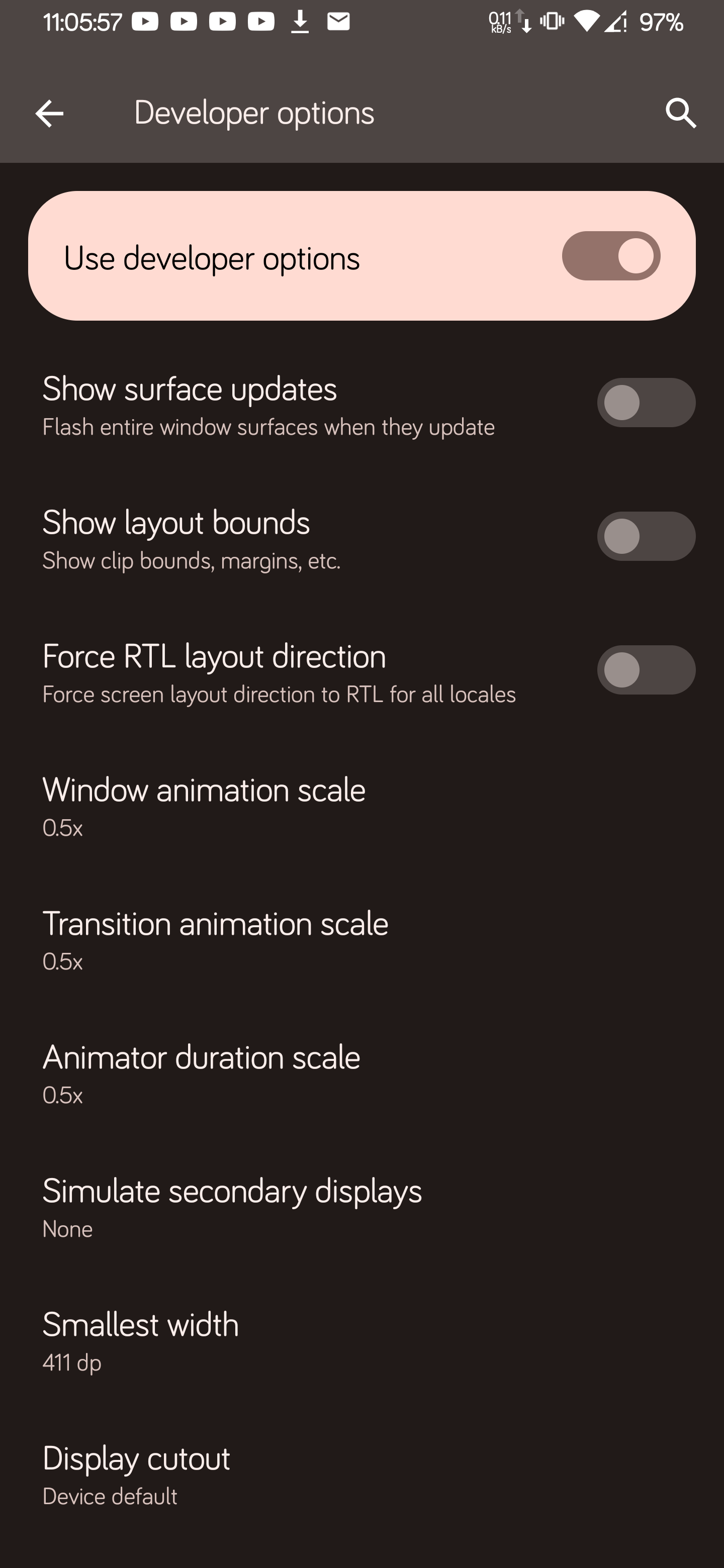
@fusionneur @luimu64 Can you please check you device's animation speed in developer settings and report after trying other values.
I had the animation values at 0.5x all and setting them to as high as my rom allows (1.5x) did slow down the scrolling significantly. I don't want to slow down every app because of one app though.
I am in the same situation. Had them set at .5x, however other apps scrolling work fine. Only neo store scrolling is snappy
Ok, 0.5 shouldn't lead to any problems. To make the context clear: Compose seems to use system's animation parameter for scrolling (which isn't the situation with the traditional xml-based layouts). To make that tangible: set animator scale to 0.0 and see the hiccups-like scrolling. I still need to see if there's an option to decouple scrolling from system's animator value, as I don't see plausible like that.
On the other hand, now that I know your animator scale is "normal", I'd like to see those "spikes" you described, for that a screen recorder would be nice.
At 0.5 speed - you can see spikes in speed, the scrolling is not smooth:
https://user-images.githubusercontent.com/7840350/188477109-3cf47db0-f534-4193-8dad-5d5bb40ac01b.mp4
Animations turned off - it is impossible to follow what's going on:
https://user-images.githubusercontent.com/7840350/188477130-a226a3cc-1485-4f2d-95dd-a03d785806c9.mp4
This has been discussed and tested in the community (both Neo Backup's and Neo Store's), the verdict: Compose respects device's animation speed set by users and still doesn't provide a way for us developers to make it otherwise. Whenever they fix this issue or extend the API for us to set it otherwise, I'll give an option to unbind these, as it doesn't make sense to me too. Till then, there's nothing to do for me.