
lnreader-plugins

lnreader-plugins copied to clipboard
 LNReader
Foxaholic: Update & browse error
Source information
Foxaholic
Steps to reproduce
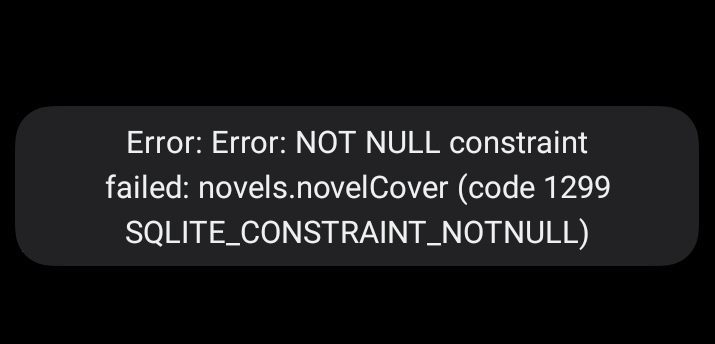
Failed Update error
- Open LN Reader
- Open menu: updates
- Launch global update
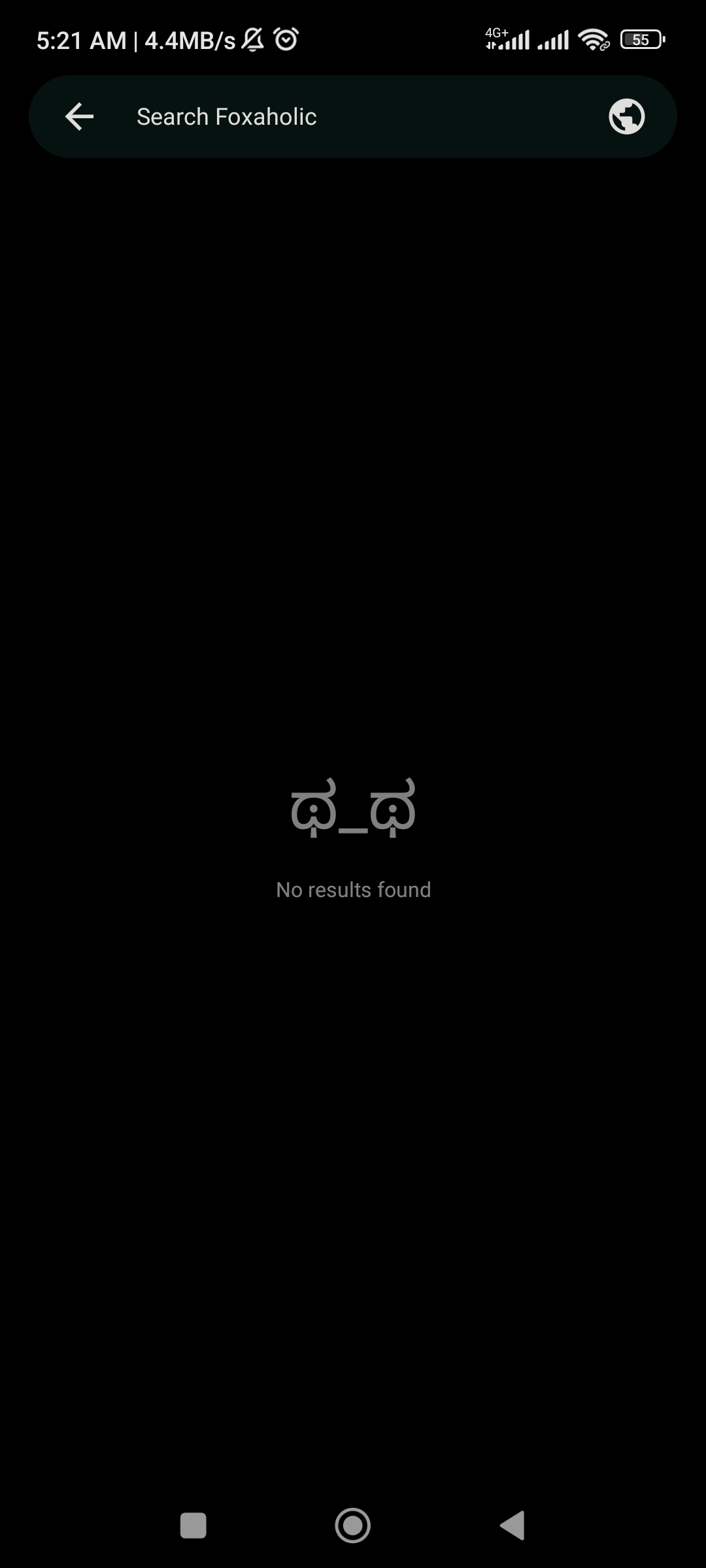
Not showing any novel (foxaholic)
- Open LN Reader
- Open menu: Browse
- Open Foxaholic
Expected behavior
The updated novel chapter should show up (if there's new chapter) and all novel from foxaholic browse should show up
Actual behavior
This happened when updating from foxaholic source
And this happened when browse the source
LNReader version
1.1.13
Android version
Android 13
Other details
Already tried open the webview first, the website looks normal, but in LN Reader didn't effect anything
Acknowledgements
- [X] I have searched the existing issues and this is a new ticket, NOT a duplicate or related to another open issue.
- [X] I have written a short but informative title.
- [X] I have updated the app to version 1.1.12.
- [X] I have updated all installed extensions.
- [X] If this is an issue with the app itself, I should be opening an issue in the app repository.
- [X] I will fill out all of the requested information in this form.
