

 Intervention
The problem with the alignment of the text
    require_once 'vendor/autoload.php';
    use Intervention\Image\ImageManagerStatic as Image;

    $img = Image::make($_GET['backgroundsPath'].$_GET['backgroundFile']);

    $img->text($_GET['text'], 335, 175, function ($font) {
        $font->file('../fonts/intro-black-caps-webfont.woff');
        $font->size(34);
        $font->color("#ffffff");
        $font->align('center');
        $font->valign('top');
    });
 As can be seen in the image of the text in the middle position. But the text is not formatted correctly.
How do I get something like this result?
As can be seen in the image of the text in the middle position. But the text is not formatted correctly.
How do I get something like this result?


There is an issue with Intervention Image and GD library when writing multiline text. I suggest to use Intervention Image with Imagick driver for now.

I am using Imagick and I am trying to align text vertically to middle and it is not working when text is multi line.
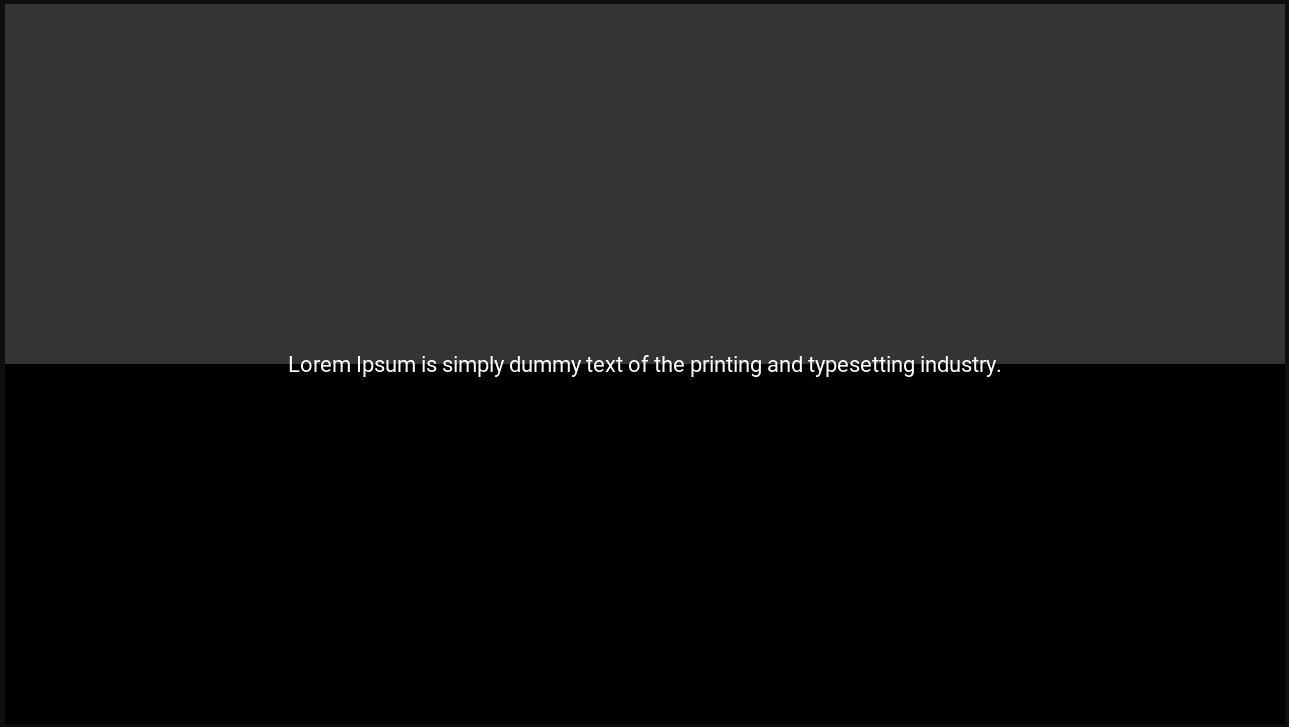
And with multi line text (same code):
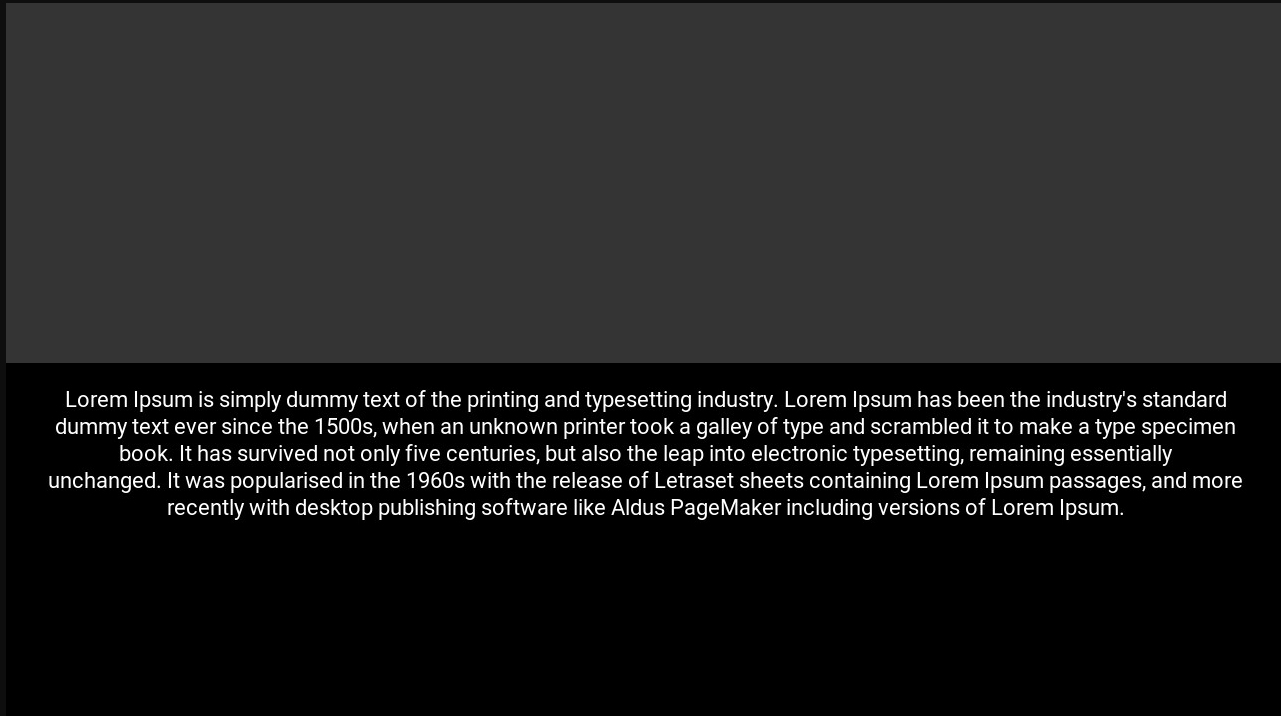
$img->text($titles, 640, 360, function (Intervention\Image\Imagick\Font $font) {
        $font->file(storage_path('fonts/Roboto-Regular.ttf'));
        $font->size(22);
        $font->color('#ffffff');
        $font->align('center');
        $font->valign('middle');
    });
basepoint is exactly in center of the image. According to comments above this is supposed to work?


Try to do something like this
//get image width and height
            $image_width = Image::make($image->getRealPath())->width() / 2;
            $image_height = Image::make($image->getRealPath())->height() / 2;

            Image::make($image->getRealPath())->text('Genzo Adam', $image_width , $image_height, function($font) {
                                                $font->file(storage_path().'/app/public/font/AppleTea-z8R1a.ttf');
                                                $font->size(50);
                                                $font->color('#f1f1f1');
                                                $font->align('center');
                                                $font->valign('middle');
                                            })->save($path, 50);

I have this problem too, already try add align center and valign middle


@putrafajarh have u tried width() / 2 & height() / 2 to get the real center pixel of your image? not just align/valign. check the code carefully on my last replay because ive done this issue with that.
@genzoadam its not about centering the text vertically or horizontally, I want to the text-align to be centered, not align left. (2 line)