

 ImGuiNET
Russian letters

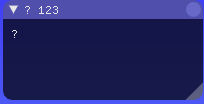

You have to create the font texture using ImFontAtlas and providing glyph ranges you want to use (there's a helper method GetGlyphRangesCyrillic that could suit you). The default font contains ascii chars only.

I am also trying to solve this issue ( trying to add Chinese chars for my users ). Let me know if there are any ImGui/ImGui.NET issue I should look at or any code that does this. It doesn’t matter if the code is in c# or c++

I have finally updated my lib to support custom fonts (English/non-English) loading at run-time (between render frames). Feel free to use it as a reference & close this issue. https://github.com/zaafar/ClickableTransparentOverlay
hi i added custom font and glyphs... but russian text keeps turning into question marks

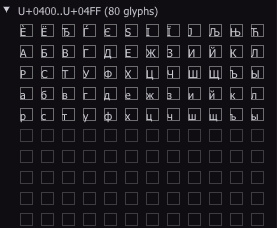

Currently i use ImGuiNative.ImFontAtlas_GetGlyphRangesCyrillic(io.FontAtlas.Native) but russian characters keep turning into question marks :(
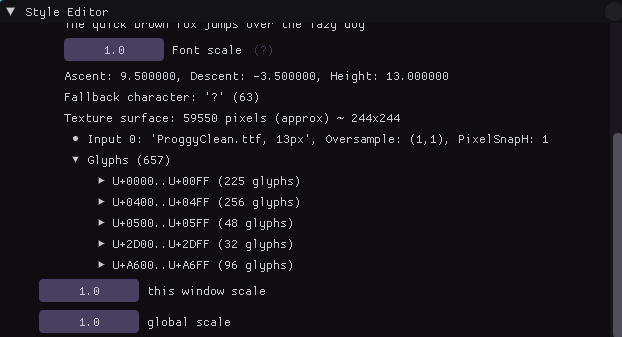

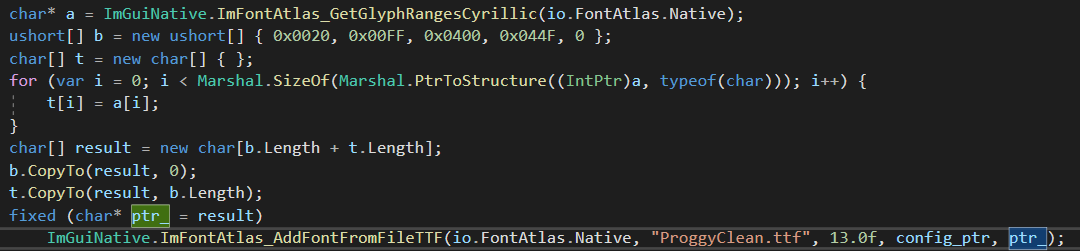 what i doing...
it not work... how to concatenate imgui cyrillic glyph ranges and ranges in b variable?
Modifying proggyclean.ttf on the file system will not help since proggyclean is embedded into ImGui code. You have to upload a new one and select it.
before that I tried to use a font with russian characters and it gives the same result
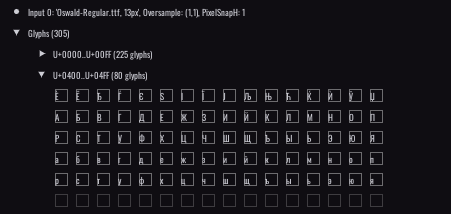
 i forgot change size sorry it looks really bad
I think I should somehow make it clear to imgui so that he uses utf8? for example in c++ i need to use u8"some russian text"
 my atlas texture
and how to get font? ImGui.GetIO().FontAtlas.Fonts[0] throws nullreferenceexception and ImGui.GetIO().FontAtlas.Size bigger than 1000...
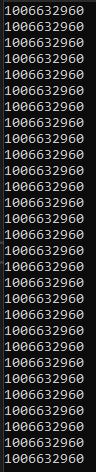

 it not work


Okay, I found a solution
ImGui.GetIO().Fonts.AddFontFromFileTTF("Assets/Fonts/RobotoMono-Regular.ttf", 22, null, fonts.GetGlyphRangesCyrillic());
It's works perfectly
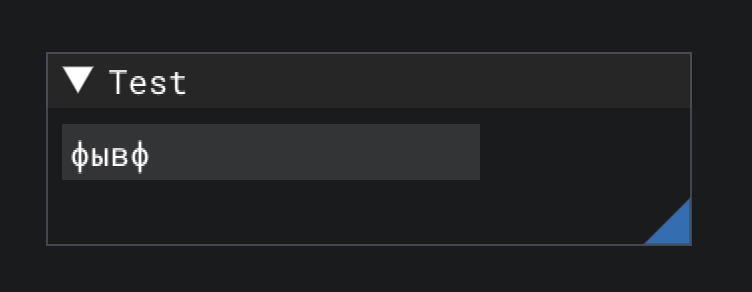
Found the answer here -> https://github.com/ocornut/imgui/issues/307#issuecomment-134546806
 Still not work for me :(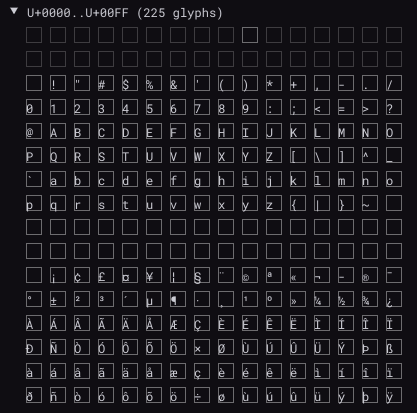
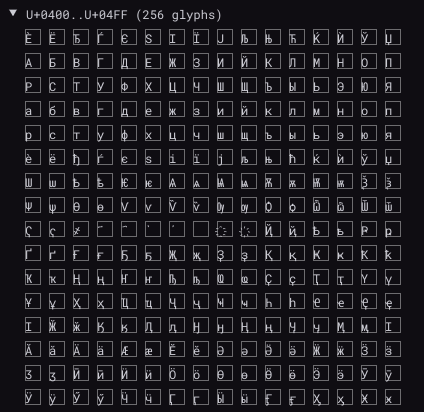
Finnaly fixed! The problem was my way to get WM_CHAR message, it not works with cyrillic symbols, now i changed it and fixed some other bug and now i can type cyrillic latters!

 Display Russian
