

 Foliotek
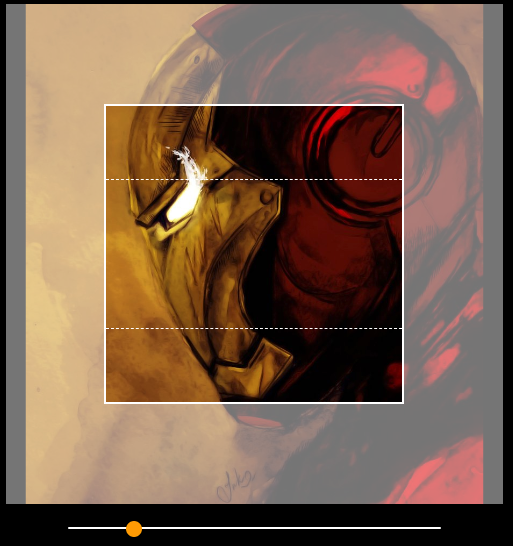
WIP: Support for second viewport
Requires proper config props set.
Replacing view2, width2 and height2.
Fixes #622

Is this functionality still in development or are there already some implementations?

I had the same problem, but I got a solution!
-> You have to change some files: (Just add the following lines to the files)
croppie.js: if (self.options.viewport.view2) { viewport2 = self.elements.viewport2 = document.createElement('div'); addClass(viewport2, 'cr-viewport-2');
        css(viewport2, {
            // Remove 4px due to border
            width: (self.options.viewport.width2 - 4) + 'px',
            height: self.options.viewport.height2 + 'px'
        });
        viewport2.setAttribute('tabindex', 0);

        viewport.appendChild(viewport2);
    }
croppie.css: .croppie-container .cr-viewport-2 { position: absolute; border: dashed #fff; border-width: 1px 0; margin: auto; top: 0; bottom: 0; right: 0; left: 0; z-index: 0; }
After that, you are ready to set the second viewport:
viewport: { width: 300, height: 200, view2: { width2: 300, height2: 150 }, width2: 300, height2: 150
}
Best regards :D

@Chapjus I'm no longer working on this. What I added was enough to support what we needed.
It's up to the owners (whom seem to no longer be active in this project) or others whom might want this feature to be completed and get it merged.
Really, all that's needed is to refactor the property names (I was in a rush :) ) and test.