

 CubeCoders
Minecraft Velocity Proxy will not update.
Bug Report
System Information
- Ubuntu 20.04.3 LTS
- AMP Version 2.3.0.4 @ 28/11/2021 21:11
- Release (aarch64)
I confirm:
- [x] that I have searched for an existing bug report for this issue.
- [x] that I am using the latest available version of AMP.
- [x] that my operating system is up-to-date.
Symptoms
- What are you trying to do?
Update Velocity.
- What are you expecting to happen?
The Velocity jar downloads and is saved.
- What is actually happening? ('Nothing' is not an acceptable answer!)
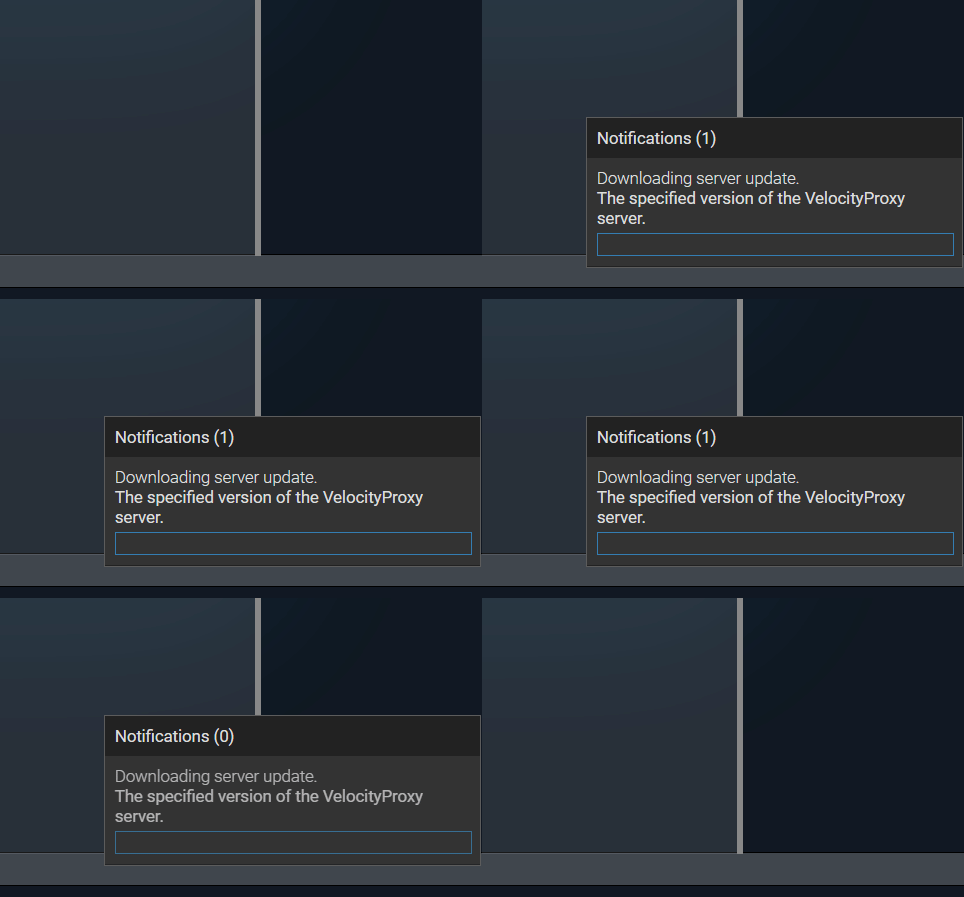
The updating notification opens but it never actually starts updating. The notification eventually closes and nothing is saved.
Since Velocity is now a part of PaperMC, Velocity can now be downloaded from the PaperMC downloads page.
You can get a list of versions in JSON format here https://papermc.io/api/v2/projects/velocity/ Available builds for said versions are here https://papermc.io/api/v2/projects/velocity/versions/3.1.0/ Sample download link https://papermc.io/api/v2/projects/velocity/versions/3.1.0/builds/95/downloads/velocity-3.1.0-95.jar
Reproduction
- Create a "Minecraft BungeeCord Instance" within ADS.
- Change the Server Type to "Velocity Proxy (Runtime only)"
- Hit update.


I'm still having this problem. I did a fresh install of AMP and just tried to update Velocity, and it still doesn't work.


having the same problem with velocity. Can you explain how to install the velocity jar manually. I tried seemingly everything but i cant get it to work in AMP. Is there a way that im missing. Could i update the download website in AMP for Velocity so there is no 410 anymore.

It is an known issue, that the launcher dies not download from paper, velocity etc

Works fine for Paper and many other server types, it's just an issue with Velocity's Jar download. Grabbing the Jar manually from the PaperMC site works fine, if you run into further issues make a post in the forum or join the discord.