
inception
 inception copied to clipboard
 inception-project
PDF editor annotations not reacting
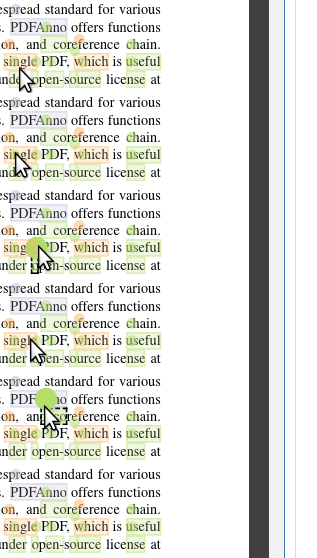
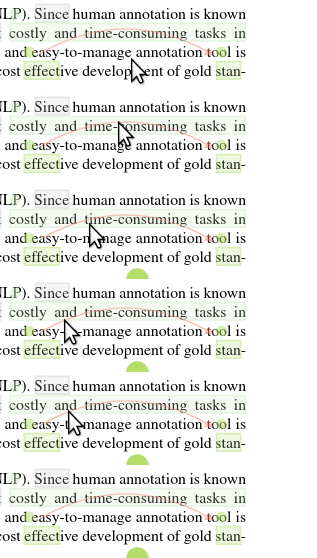
Describe the bug In some cases span annotation knobs and relations in the PDF editor are not responding to any interaction. Neither hovering nor clicking on it is working. It seems to happen when the annotation is overlapped by another annotation. However it doesn't always produce this behavior.
To Reproduce Steps to reproduce the behavior:
- Open a PDF document in the PDF editor
- Create a span annotation in one line
- Create another span annotation in the line below directly under the first annotation.
- Knob of second annotation might not respond
Expected behavior Span annotation knob and relations should always react when hovered or clicked.
Screenshots
Used PDF document: https://aclweb.org/anthology/L18-1175
Please complete the following information:
- Version and build ID: 0.9.0-SNAPSHOT (2019-03-30 13:13:11, build 27391004409d33da4da95540dbe7524fbb01c108)
- OS: Linux
- Browser: Google Chrome
Additional context Maybe this could have something to do with z-level of the html elements or something like that.

I have removed the screenshot since it contained personal information. Please choose another example.

Did not observe this anymore since the switch to the new PDF editor in v24.0 - so assuming this is fixed now.