

 immersive-web
Cannot run on a partition mounted on a directory
I have an SSD as my root C drive. I have a partition from a HDD mounted on c:/games I have chrome-bin extracted from zip into c:/games/WebVR/Chrome-bin I then renamed 'chrome.exe' to 'chromevr.exe' so I can run it in parallel with other chrome.exe but with different flags.
I then have a startup batch file
chromeVR --data-path=%~dp0data --user-data-dir=%~dp0userData
that will put the user data and data into c:/games/webvr/chrome/bin/userData so it won't conflict with any other chrome or chromeVR.
All pages show up as blank. (chrome://settings, chrome://flags, www.google.com for examples) and chrome thinks it's on a network drive. (it is not)
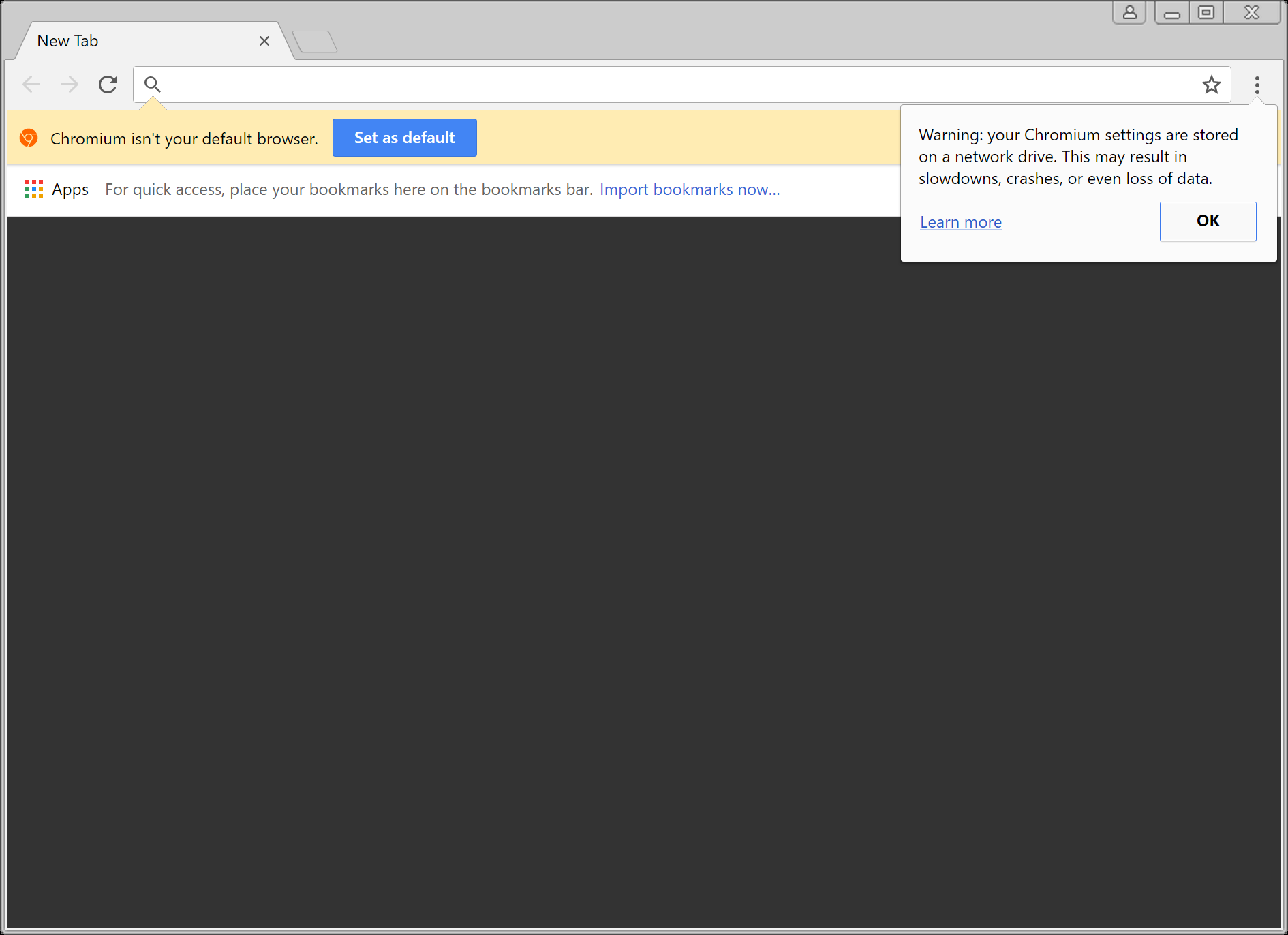

So, moving user data path to c:\temp\userdata then it doen'st show 'data on a network data' but all pages are still the same dark gray background. Copying chrome-bin to c:\temp\chrome-bin then it loads as a normal browser window... so I can't even run chromium from a partition mounted on a directory. (can load chrome://settings, chrome://flags also)