

 imageio
Reading float32 EXR with FreeImage causes artifacts on Linux
The following code produces an image with artifacts:
imageio.plugins.freeimage.download()
image = np.full((1024,1024,3),1,dtype=float)
#image =imageio.imread("https://upload.wikimedia.org/wikipedia/commons/c/ce/PNG_demo_Banana.png").astype(np.float32)/256
print("in  ",np.min(image), np.max(image))
plt.imshow(image)
plt.show()
output_file = "test.exr"
imageio.imwrite(output_file,image.astype(np.float32))
image=imageio.imread(output_file)
print("out ",np.min(image), np.max(image))
plt.imshow(image)
plt.show()
image=imageio.imwrite("test.png", (image * 256).astype(int))
Output:
1.0 1.0
0.0 1.0
Producing artifacts was also possible by using an image from wikipedia, furthermore opening the result with gimp shows different coloring but no artifacts.

I have similar issues with EXR. It seems like freeimage doesn't handle HDR image formats such as EXR properly. Those bugs are pretty concerning:
- https://sourceforge.net/p/freeimage/bugs/259/
- https://sourceforge.net/p/freeimage/bugs/116/
Using pyexr instead (which is just a wrapper on OpenEXR) fixes my issues.

I also tried pyexr. But It seems to have problems, writing 1-channel images. Maybe the header is corrupt. Reading them back again with pyexr leads to the same result, but reading them with imageio doesn't work and opening it with gimp just crashes the plugin. See https://github.com/tvogels/pyexr/issues/15.

Actually I think it's a loading issue, if I open the same file with gimp there are no artifacts whereas the artifacts are present if I open it with imageio.
Using the flag specified in this issue https://github.com/imageio/imageio/issues/356 seems to solve the problem.
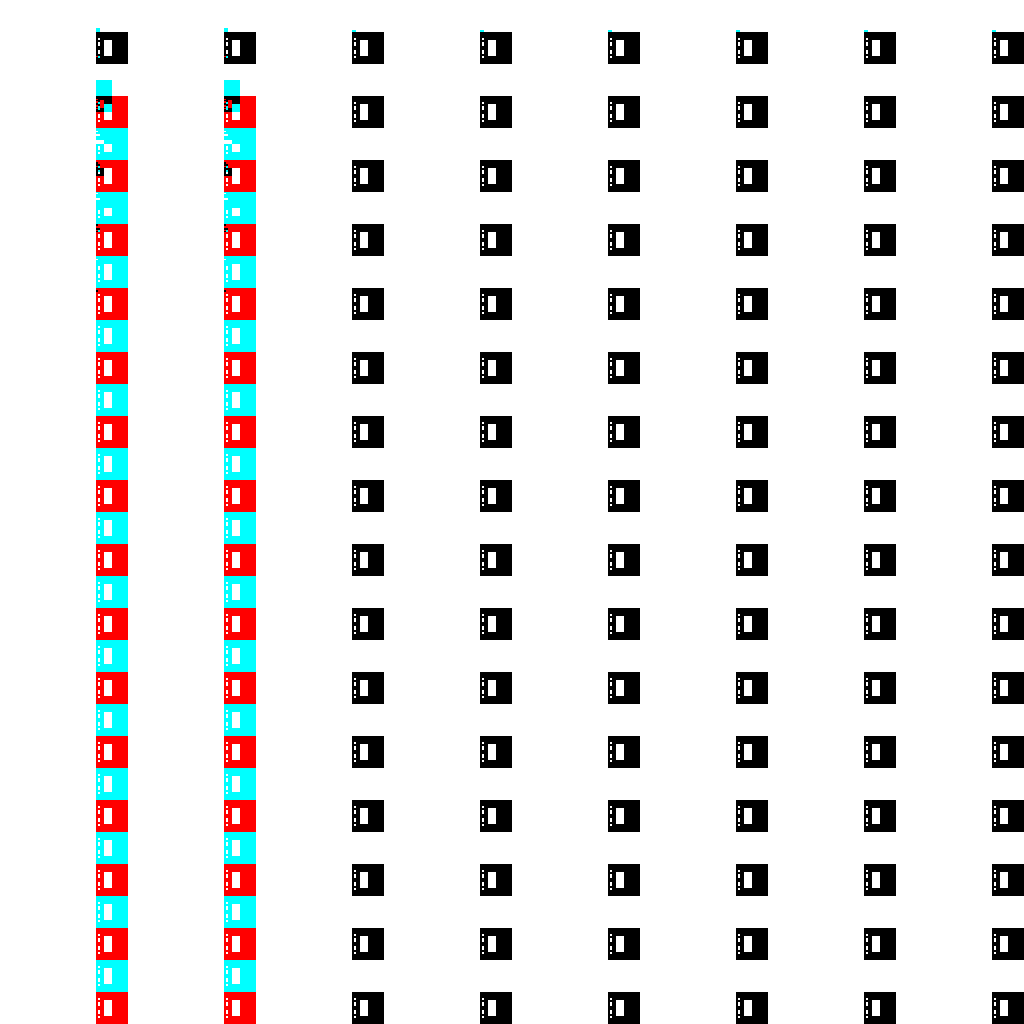
I added the flag to the example-code, the resulting image still has artifacts, similar to the example, but now with different colors and a smaller pattern.
As a workaround I currently use a combination of different library's, depending on the type. At least until now for all my use-cases it ran as expected. Still very ugly though.
import imageio
import numpy as np
import pyexr
import OpenEXR
import Imath

def imread(file):
    img = None
    if file.endswith(".exr"):
        img = pyexr.read(file)
    else:
        img = imageio.imread(file)
    if len(img.shape) == 2:
        img = img[..., None]
    return img

def imwrite(filename, img):
    if filename.endswith(".exr"):
        if len(img.shape) == 2 or img.shape[2] == 1:
            header = OpenEXR.Header(*img.shape[0:2])
            header['channels'] = {'Y': Imath.Channel(Imath.PixelType(OpenEXR.FLOAT))}
            out = OpenEXR.OutputFile(filename, header)
            out.writePixels({'Y': img})
            out.close()
        else:
            pyexr.write(filename, img)
    else:
        imageio.imwrite(filename, img)
I just tried the example code from the opening comment and apparently the issue is OS-specific. Here is the exact code I ran:
>>> import imageio
>>> import numpy as np
>>> import matplotlib.pyplot as plt
>>> imageio.__version__
'2.16.2'
>>> image = np.full((1024,1024,3),1,dtype=float)
>>> print("in  ",np.min(image), np.max(image))
in   1.0 1.0
>>> plt.imshow(image)
<matplotlib.image.AxesImage object at 0x0000020F5061F2B0>
>>> plt.show()
>>> output_file = "test.exr"
>>> imageio.imwrite(output_file,image.astype(np.float32))
>>> image=imageio.imread(output_file)
>>> print("out ",np.min(image), np.max(image))
out  1.0 1.0
>>> plt.imshow(image)
<matplotlib.image.AxesImage object at 0x0000020F502977F0>
>>> plt.show()
On Windows the above works just fine and there are no artifacts. On Linux (WSL) I see the color artifacts mentioned here https://github.com/imageio/imageio/issues/517#issuecomment-858567010 . At the same time, I can confirm that the issue is with reading the EXR file using freeimage, and that the writing is fine. This is because, I can read the EXR through our new pyAV plugin and the results are artifact free (on both linux and windows):
>>> im = imageio.v3.imread(output_file, plugin="pyav", index=0)
>>> print("out ",np.min(im), np.max(im))
out  255 255
>>> plt.imshow(im)
<matplotlib.image.AxesImage object at 0x7f8c9b4b7f40>
>>> plt.show()
So in sum, the FreeImage plugin writes EXR images correctly (in ImageIO v2.16.2); however, on linux, it doesn't read EXR images correctly. A workaround would be to use the pyAV plugin for reading, which seems to be unaffected; however, it does default to uint8 RGB. I will rename this issue to better reflect the cause; however, I will leave it open until we can identify why FreeImage struggles to read on Linux.

Update:
- the bug is indeed on reading images with PIZ compression (either half or float - flags=imageio.plugins.freeimage.IO_FLAGS.EXR_FLOAT), and it happens only on Linux (macOS tested by me, WIndows tested by @FirefoxMetzger )
- if the images are written without PIZ compression (flags=imageio.plugins.freeimage.IO_FLAGS.EXR_NONE), reading works fine
- when reading images created with PIZ compression by another package (eg pyexr), reading the image creates the artifacts

Here's a test script: imageio_issues_517.py.txt
Output on macOS:
in   1.0 1.0
test_write_imageio_float_piz_read_imageio  1.0 1.0
test_write_imageio_half_piz_read_imageio  1.0 1.0
test_write_imageio_float_none_read_imageio  1.0 1.0
test_write_imageio_half_none_read_imageio  1.0 1.0
test_write_pyexr_read_imageio  1.0 1.0
test_write_imageio_float_piz_read_pyexr  1.0 1.0
test_write_imageio_half_piz_read_pyexr  1.0 1.0
test_write_pyexr_read_pyexr  1.0 1.0
Output on linux (removed imageio deprecation warnings):
in   1.0 1.0
test_write_imageio_float_piz_read_imageio  0.0 1.0
test_write_imageio_half_piz_read_imageio  0.0 1.0
test_write_imageio_float_none_read_imageio  1.0 1.0
test_write_imageio_half_none_read_imageio  1.0 1.0
test_write_pyexr_read_imageio  0.0 1.0
test_write_imageio_float_piz_read_pyexr  1.0 1.0
test_write_imageio_half_piz_read_pyexr  1.0 1.0
test_write_pyexr_read_pyexr  1.0 1.0
tinyexr had a very similar issue: https://github.com/syoyo/tinyexr/issues/160
thanks for sharing @devernay . I won't get to take a closer look until next week, but what I think we could do in this case is to change the freeimage plugin to use no compression by default when writing (so that by default the read/write round trip works), and then add a note to the docs saying that PIZ compression produces artifacts when read.