
motion-wizard
 motion-wizard copied to clipboard
 ijpiantanida
[UNMAINTAINED] A small RubMotion gem to create wizard like view controllers in iOS
UNMAINTAINED PROJECT
I stopped developing in RubyMotion long time ago and can no longer maintain the project.
Motion-Wizard
A small gem to create clean wizard-like views
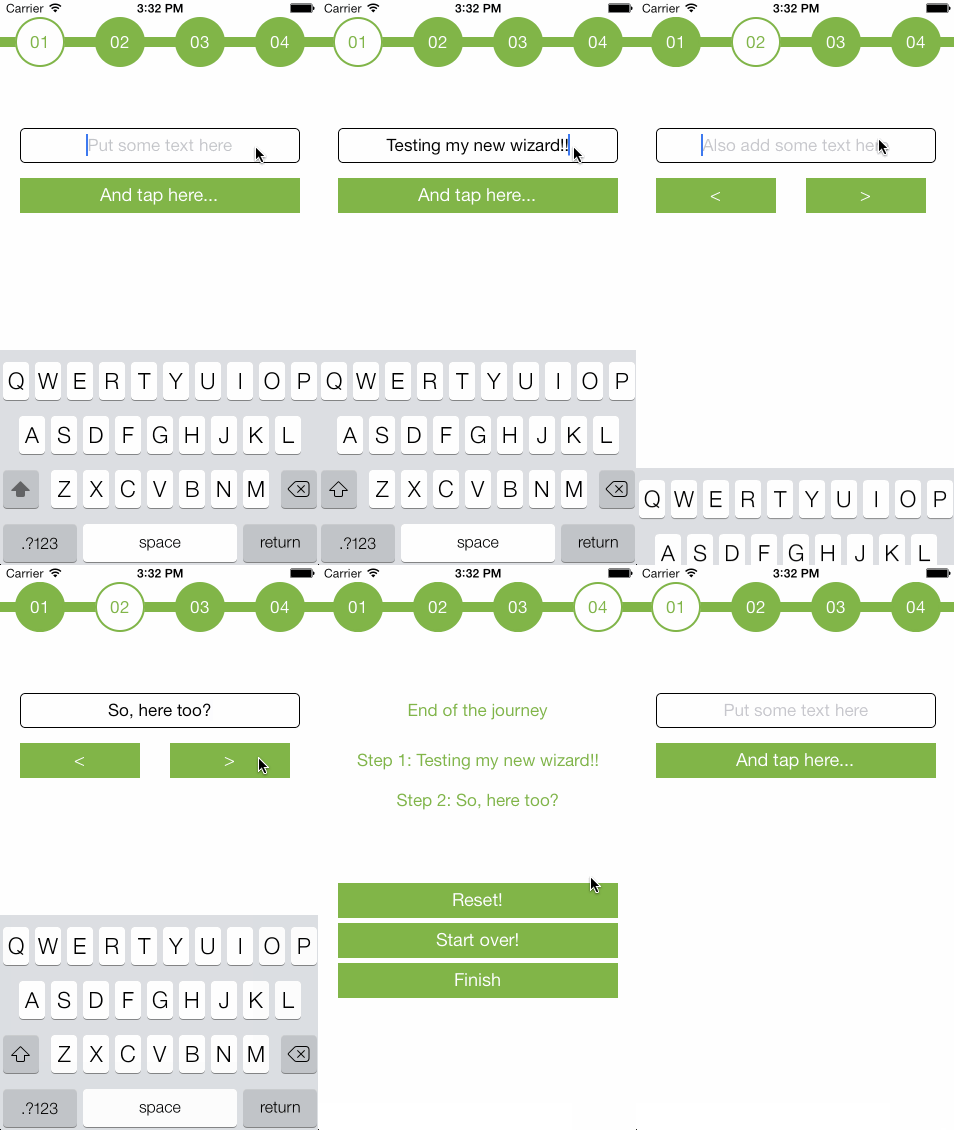
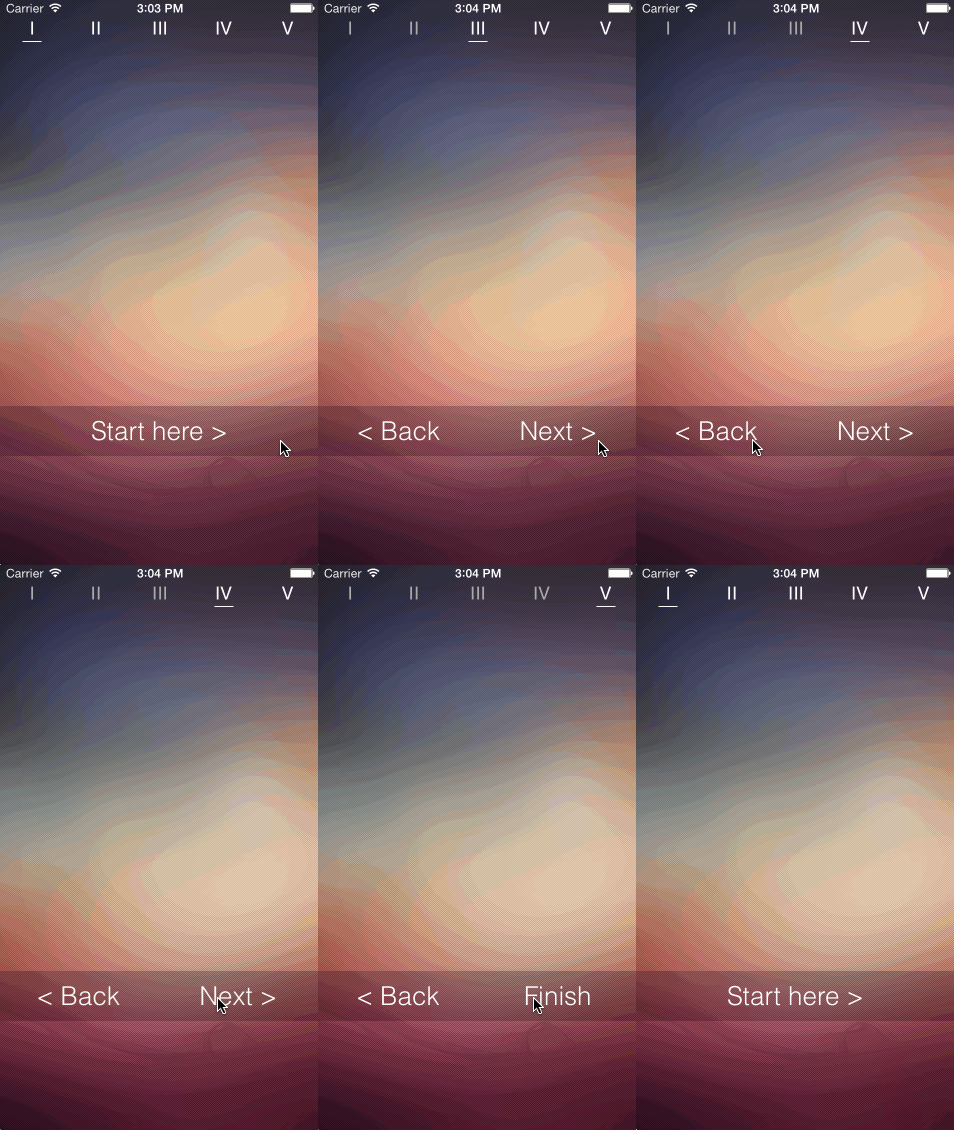
Installation
gem install motion-wizard

# or in Gemfile
gem 'motion-wizard'
How to use it
Your custom wizard view controller will inherit from MotionWizard::WizardViewController.
With the steps class method, you specify which view controllers will describe your wizard.
class Wizard1ViewController < MotionWizard::WizardViewController
  steps Step1ViewController,
        Step2ViewController,
        Step3ViewController,
        Step4ViewController
end
Moving through steps
The WizardViewController will create instances of your steps controllers which will then be extended with the MotionWizard::ContentController module. This module gives you the following methods which can be used inside your steps:
- #next(data): Will move to the next step. It will call
#finishif there is no following step. - #previous(data): Will move to the previous step. If already on the first step, this method will do nothing.
- #go_to_step(step_number, data): Will go to the selected step.
- #finish(data): Will call the
#when_finishedmethod on the wizard view controller
When moving through steps, you can pass an optional hash parameter with custom data that will get merged into a common wizard hash. You can access this hash inside your steps with the #wizard_data method.
class Step1ViewController
    ...

    def viewWillAppear(animated)
      super
      @button.on(:touch){ self.next(step_1_text: "Awesome!") }
    end

    ...
end
Your wizard view controller class can define a #when_finished method that will get called when any of the steps view controller call #finish or #next when already on the last step. Within this method you have also access to wizard_data.
class Wizard1ViewController < MotionWizard::WizardViewController
    def when_finished
        NSLog "You can access your data here #{wizard_data}"
    end
end
Customizing Index Views
By default, index views will be instances of MotionWizard::IndexItem. This view has a label_wrapper (UIView) subview, which has a label (UILabel) subview.
It also defines two methods when_selected and when_unselected that allow to subscribe a block to be called whenever the current step changes.
You can customize the default index view appearance and behaviour by defining the set_up_index_item_at(index_item, index) method inside your WizardViewController subclass (see sample Nr 1).
class Wizard1ViewController < MotionWizard::WizardViewController
  def setup_index_item_at(index_item, index)
    layout(index_item, :index_item)
    index_item.label.text = "ABCD"[index]
  end
end
If you would rather use a custom index item class instead of the default one, you can register it using the index_item_view_class class method inside your WizardViewController subclass definition.
Your custom class can define the methods #select and #unselect to be called whenever the wizard changes the current step.
(see sample Nr 2)
Metadata
Owner
 ijpiantanida
Metadata
[UNMAINTAINED] A small RubMotion gem to create wizard like view controllers in iOS