

 idolize
High CPU usage
This extension is using high cpu usage. As soon as i turn off the extension, it went away immediately.
Not only this extension, other extensions also doing the same and they have fixed it. I think it's a browser bug that must be avoided. See this example for the fix https://github.com/brian-girko/always-active/commit/b0954ad681ea93d69e466ec636d2d8aa5926f8a9

Thanks for the issue report. I'd be curious to see if you have any data on this, as I have not noticed much myself.
The extension works by registering listeners for keyboard events and (if you have mouse controls enabled) mouse movement events.
Outside of these events the extension is doing nothing at all and will not use any CPU (other than if you are editing the configuration in the popup window).
Keyboard events do not fire constantly (only when you press/release a key), but mousemove events can fire quite frequently as you are playing a game. To cut down on some of this, I also added a bit of code which only does the mouse movement processing at a maximum of 60 frames per second using requestAnimationFrame. So if your computer gets bogged down, it should self-throttle the animation frames and do less processing.
This can be tuned, but if we process mouse movement less frequently then we run the risk of the controls being less accurate or responsive.
Again, I'm open to any suggestions or data that would help in this regard. The commit you linked does not seem relevant (that looks like a change to an extension to switch from running some code on every visibility change event to instead just using a Proxy to replace the focus check directly - neither seems like it should have much impact on CPU usage).

I see but it's still weird that it caused high cpu usage like an extension is getting stuck on something. Forgot to mention that return-youtube-dislike extension got the same issue and it was fixed too, at least for me
Here is the screenshot
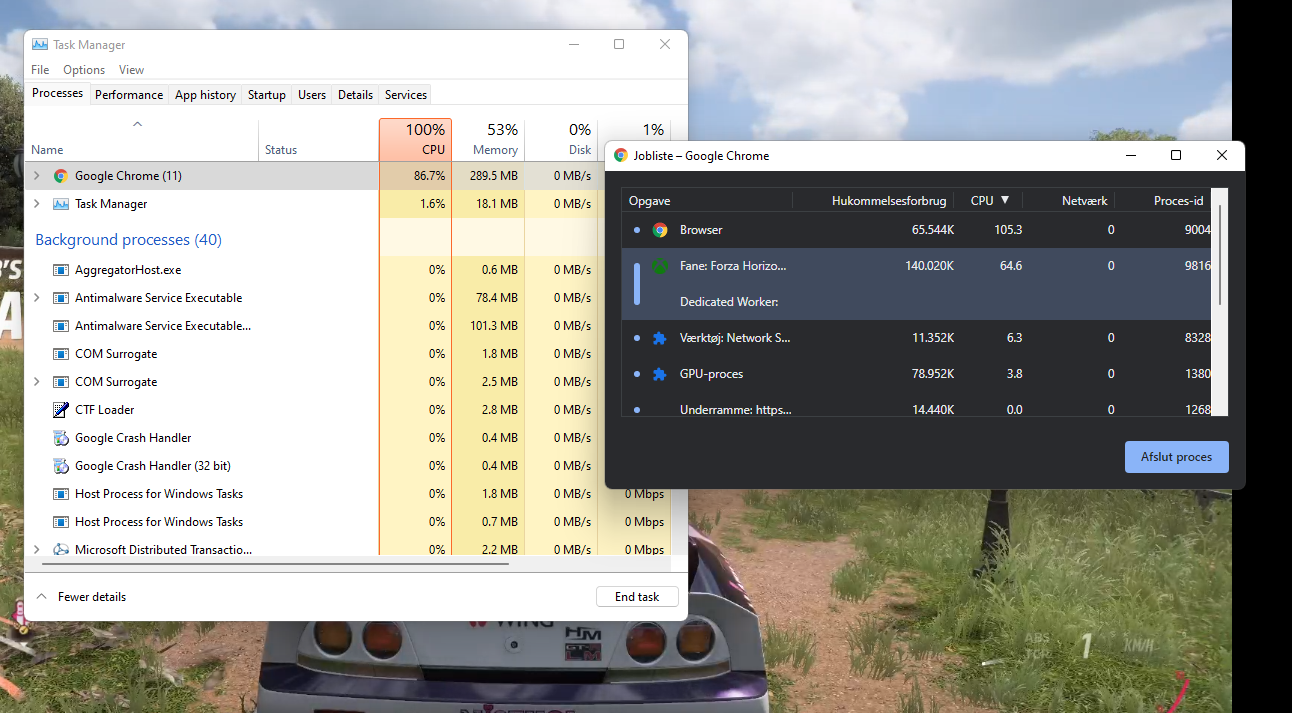
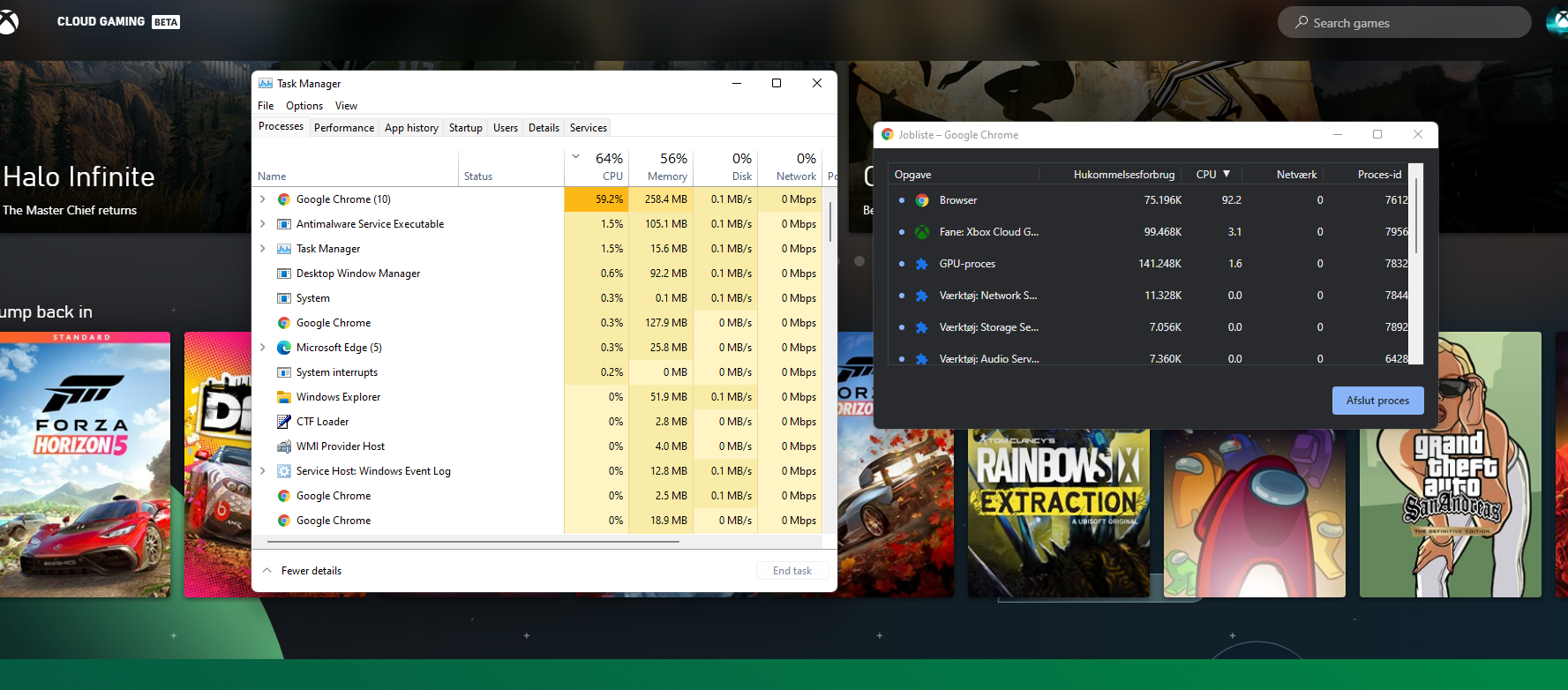
I'm using Google Chrome v98. Profile is clean and only have uBlock origin enabled. Could possibly be the feature "Continue where you left off" is causing it
Is there anyway can I get more data about this?