

 iamvdo
refactor(smooth-corners): improve rectangle support
The Houndini Rocks page for Smooth Corners says it offers slightly better rounded rectangles by drawing a superellipse, however the superellipse implementation used only produces squares when given a non-square element to mask.
This produces visually identical superellipses. Live demo: https://nqgxk.csb.app/
Visual Diffing
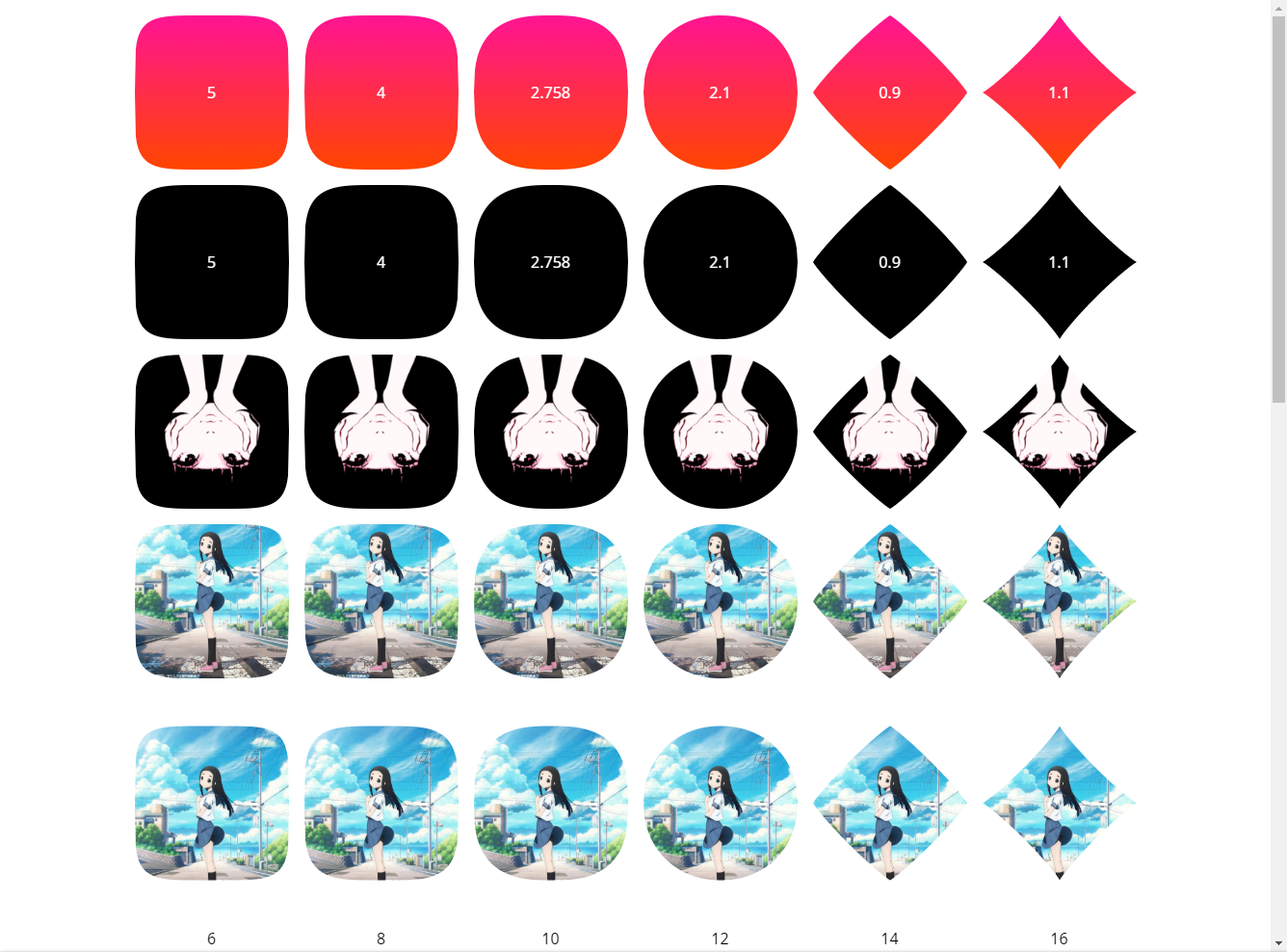
Existing Implementation
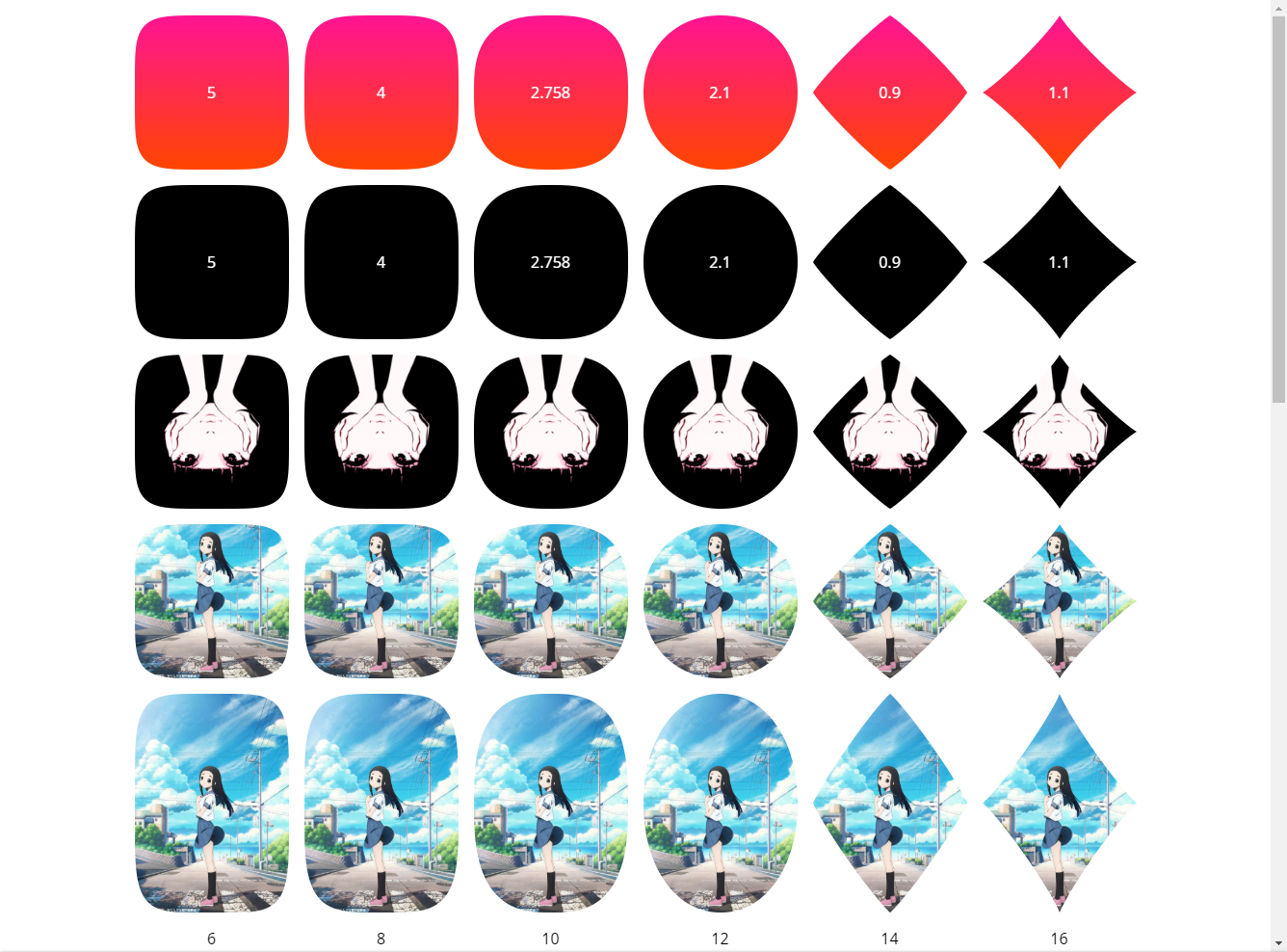
Proposed Implementation
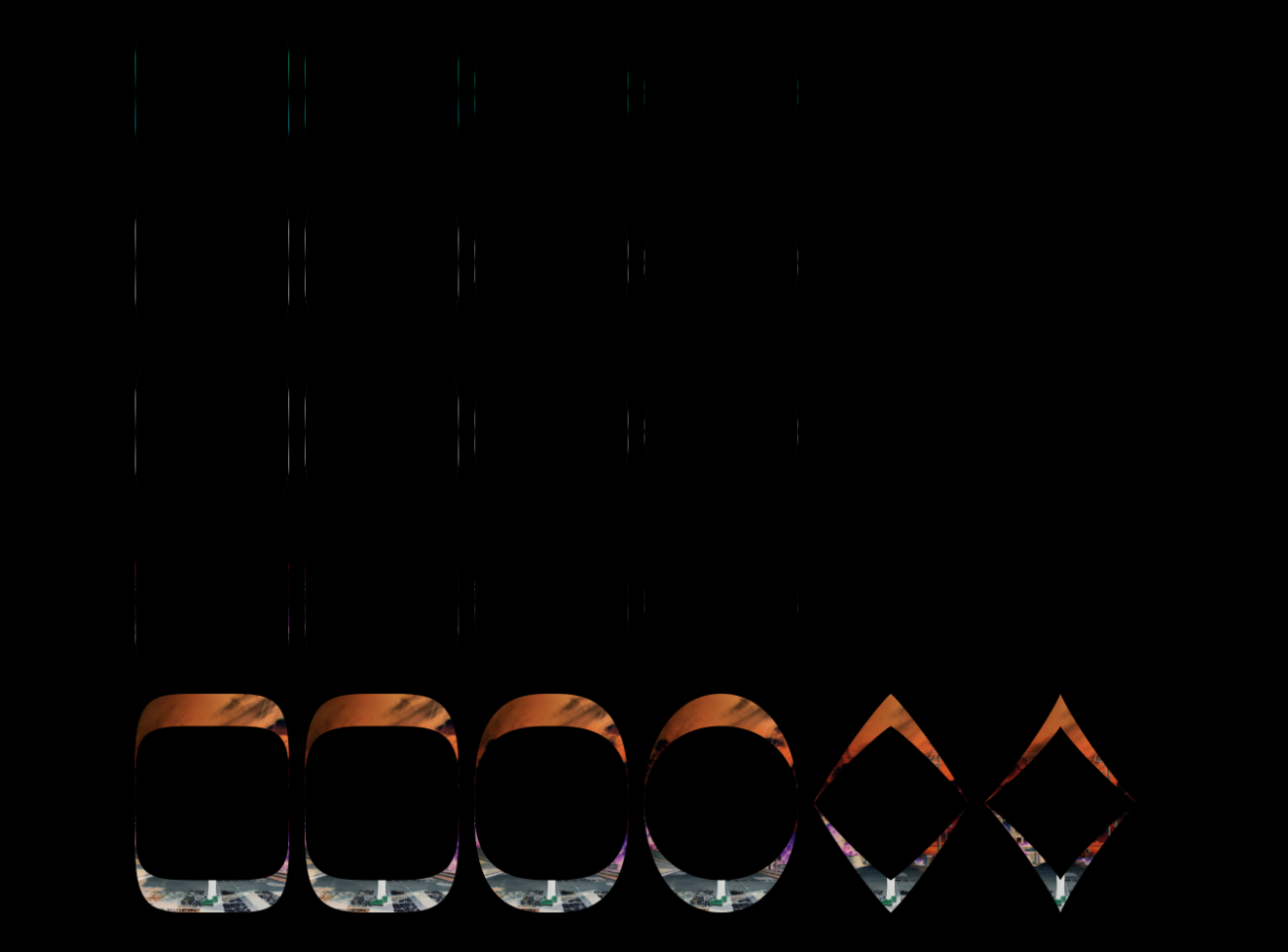
Difference

Hello @wopian, and thanks for that.
I was aware that rectangles are not supported by the current algorithm. Your solution is very clever, and there is no reason to not add it. The point is that superellipses on rectangle can be done in two ways:
- the mathematical one (yours)
- the one that people would expect to replace
border-radiuswith. Right now, at corners, curves are set on rectangles whereas it could be on squares, to mimicborder-radius.
Do you think it's possible to add it? Maybe we could keep both solutions?

The one that people would expect to replace border-radius with. Right now, at corners, curves are set on rectangles whereas it could be on squares, to mimic border-radius.
I'll take a look into it. It's also something I want myself 👍
Possibly using a 2nd CSS variable to change the mode which would switch between 1 superellipse and 4 superellipses (quarter of one on each corner) or separate as 2 paint modules.
Corner-based would also allow passing 4 values to mimic border-radius' per-corner radius options, as right now all I've added (not in PR) is the ability for asymmetrical superellipses for top/bottom and left/right with a comma-separated input. E.g --smooth-corners: 16, 2:

The two rows with the person and sky are the same source image, the first one sets a height on the consumer-side to maintain a square which mimics the existing behaviour without producing the whitespace left over from the mask.
I adjusted the background position in the demo since the visual content is on the lower half (rather than middle) of the rectangle which is why the two rows are different in the existing implementation image.
Possibly using a 2nd CSS variable to change the mode which would switch between 1 superellipse and 4 superellipses (quarter of one on each corner) or separate as 2 paint modules.
Maybe a switch mode. That's why I used the term "Smooth corners" instead of superellipse at first. I tried to replicate smooth corners from Sketch feature.