
typomagical-obsidian
 typomagical-obsidian copied to clipboard
 hungsu
An Obsidian theme for typographic appreciators, with support for Style Settings by mgmeyers
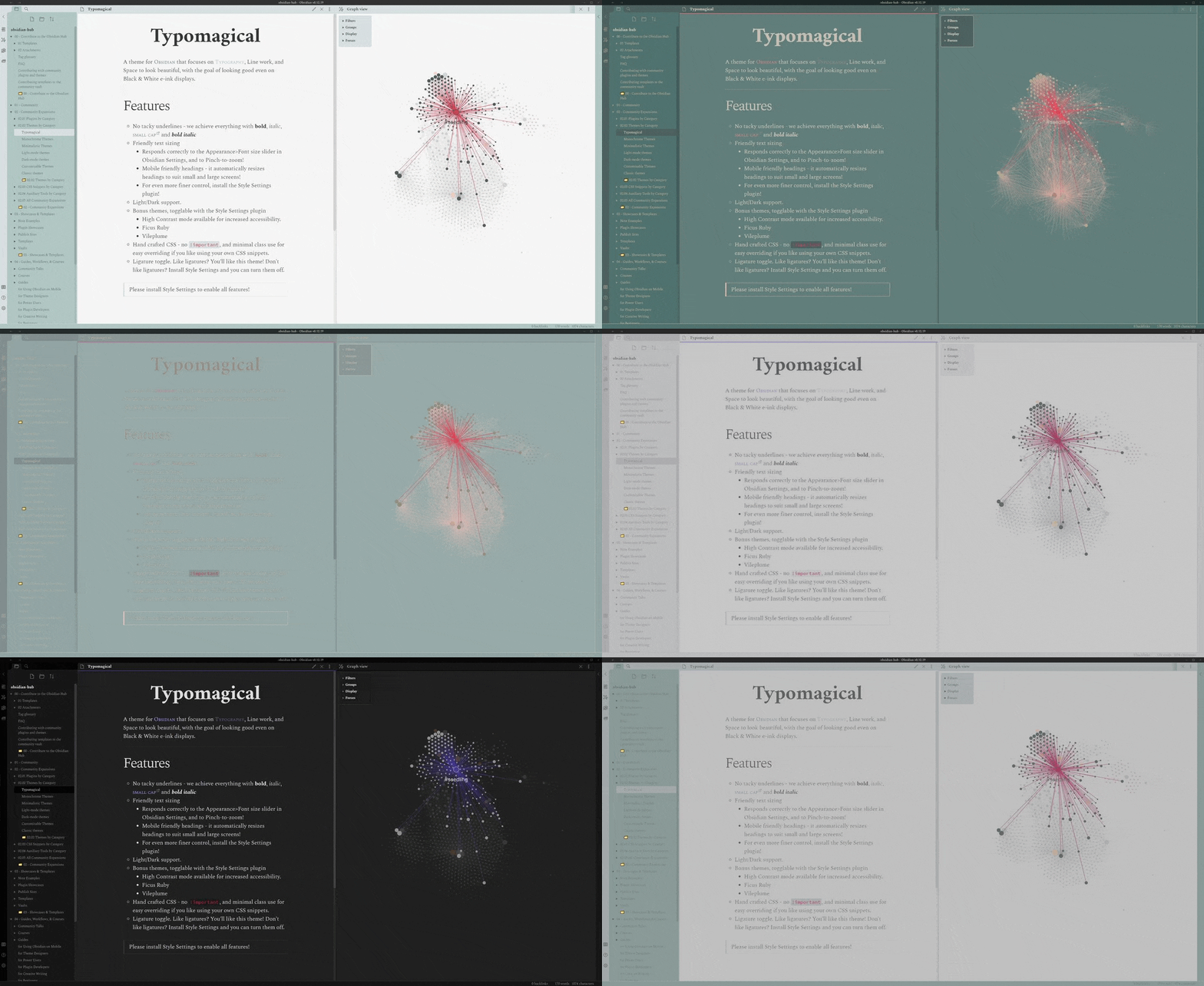
Typomagical for Obsidian
An Obsidian theme for typographic appreciators, with support for Style Settings by mgmeyers
Features
- No tacky underlines - we achieve everything with bold, italic, small caps and bold italic
- Friendly text sizing
- Responds correctly to the Text size slider in settings to Pinch-to-zoom, and to the Ctrl+ shortcut!
- Mobile friendly headings - it resizes to small and large screens!
- For even more, install the Style Settings plugin to tweak the type scaling
- Light/Dark support
- High Contrast mode available for increased accessibility. Install the Style Settings plugin to enable it!
- Bonus themes - By installing the Style Settings plugin, you can choose additional colour schemes including Ficus Ruby and VilePlume!
- Hand crafted CSS - no
!important, and minimal class use for easy overriding if you like using your own CSS snippets. - Ligature toggle. Like ligatures? You'll like this theme! Don't like ligatures? Install Style Settings and you can turn them off.

How to use it
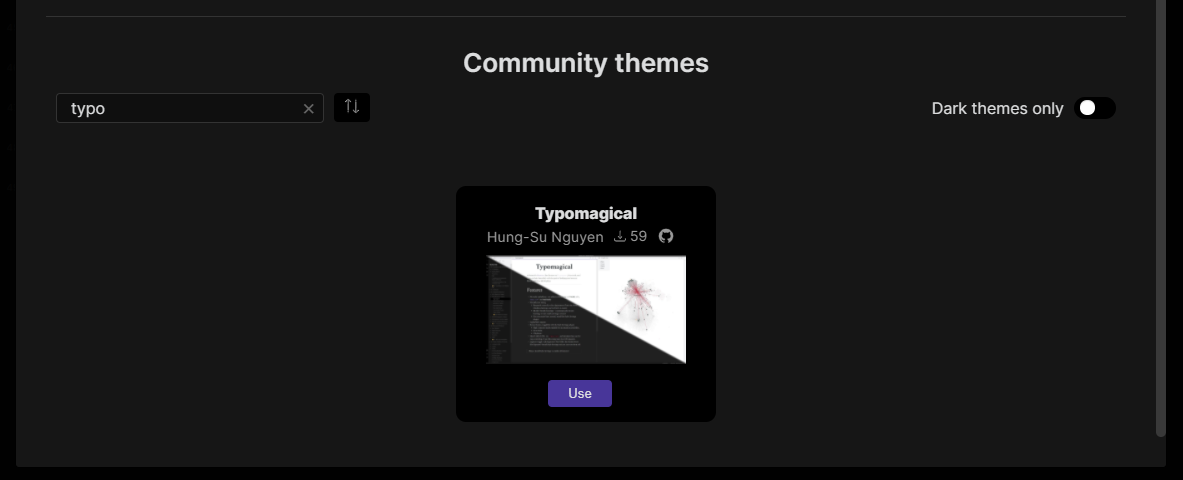
- Open the Appearance tab in Obsidian
- Click the Manage button
- Use this search box to find “Typo”, then click “Use”
Further reading
- Decisions - a list of decisions made, along with reasoning.
- Contributing - If you are a developer and want to submit a change, look here
 hungsu