

 huawei-noah
About the image crop
Hi !Thanks for the good job!
I found that in the imutils.py line 77:
new_img[new_y[0]:new_y[1], new_x[0]:new_x[1]] = img[old_y[0]:old_y[1], old_x[0]:old_x[1]].
If I use this, I will get the crop picture for the first one.
And I change it to:
new_img = img[old_y[0]:old_y[1], old_x[0]:old_x[1]].
The result will be the second one. I am just wondering which is the correct input? Not the second one?
Thanks a lot.
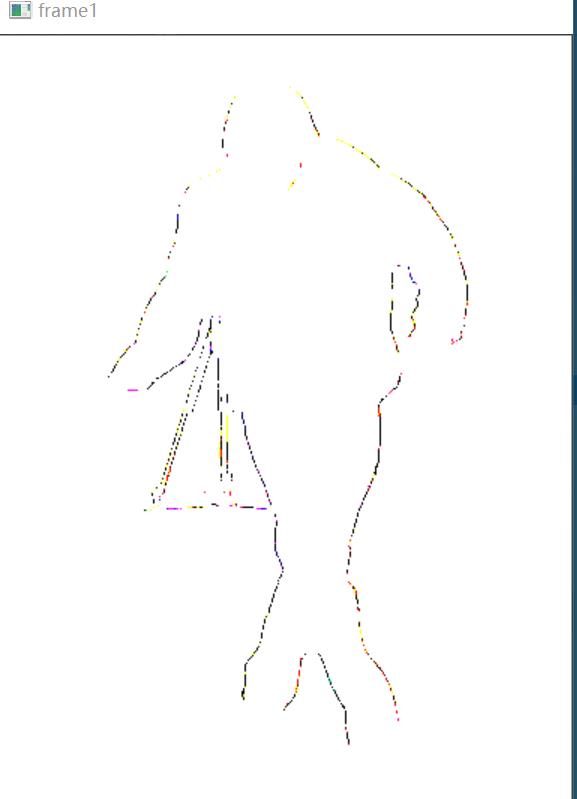


I just use cv2.imshow('frame1', cv2.cvtColor(new_img, cv2.COLOR_BGR2RGB)) cv2.waitKey(1) to show the image.
The first one should be the correct input. The visualization problem could be about the data type.

Thanks. What is the difference between these?I I I understand the network input is a crop image with normalization. What is the first one meaning or what is the problem about data type(I just use cv2.imshow)
The visualization could be different for different input data types, like uint8 and float32.