

 huan
huan
Unable to start docker with downloaded dochat.sh
I had to download and edit the dochat.sh file before using DoChat because of my environment (Crostini on ChromeOS).
However, when trying to start the edited sh file with the following command:
bash ./dochat.sh DOCHAT_SKIP_PULL=true
I got the following error:
Unable to find image 'sudo:latest' locally
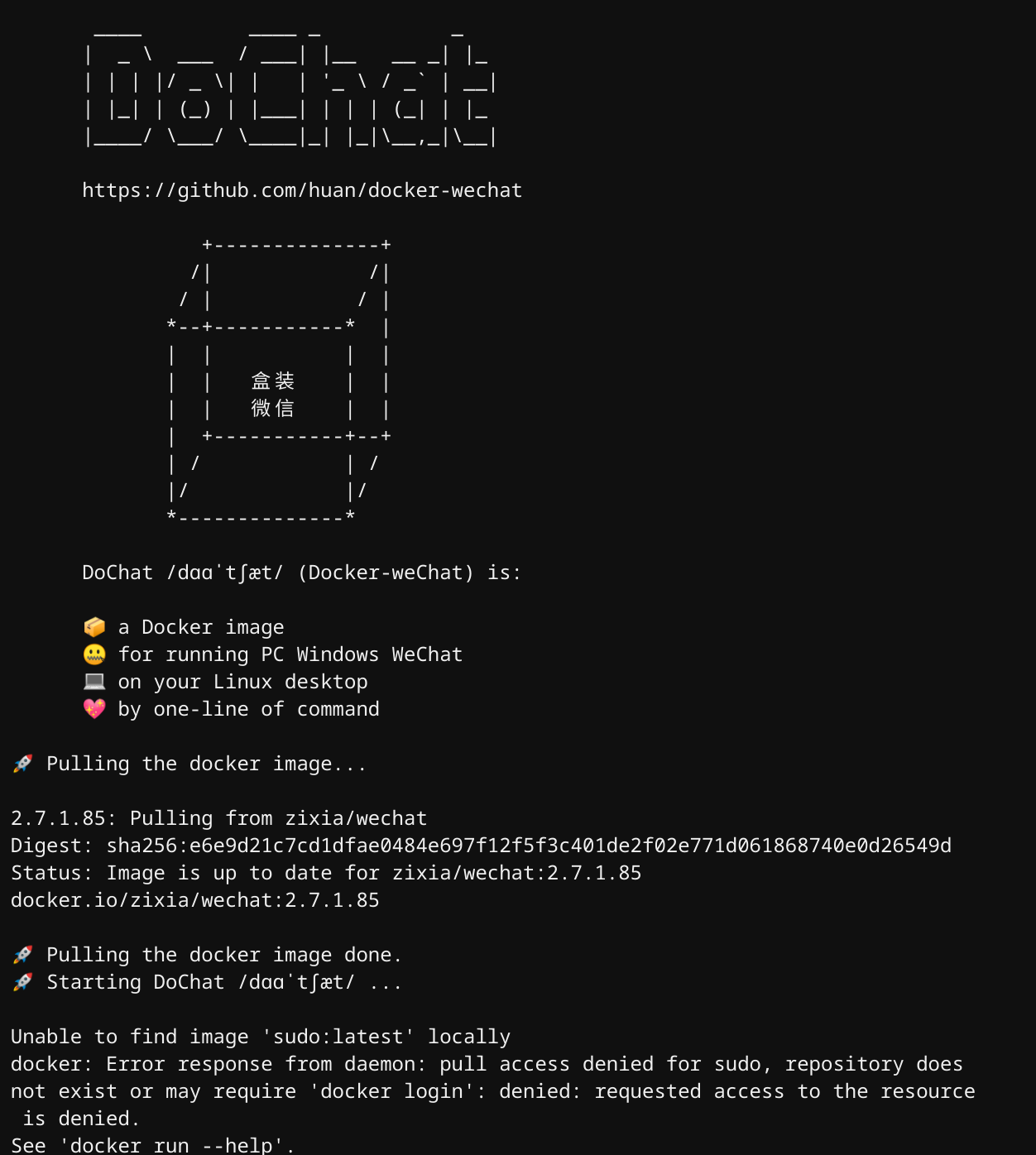
Anyways, any help is appreciated!
Thanks
BTW: when trying to start with the hosted script, I got the following error which led me to download and edit the file to try to start it locally, but I suspect this error is related to Crostini:
docker: Error response from daemon: error gathering device information while adding custom device "/dev/video*": no such file or directory.
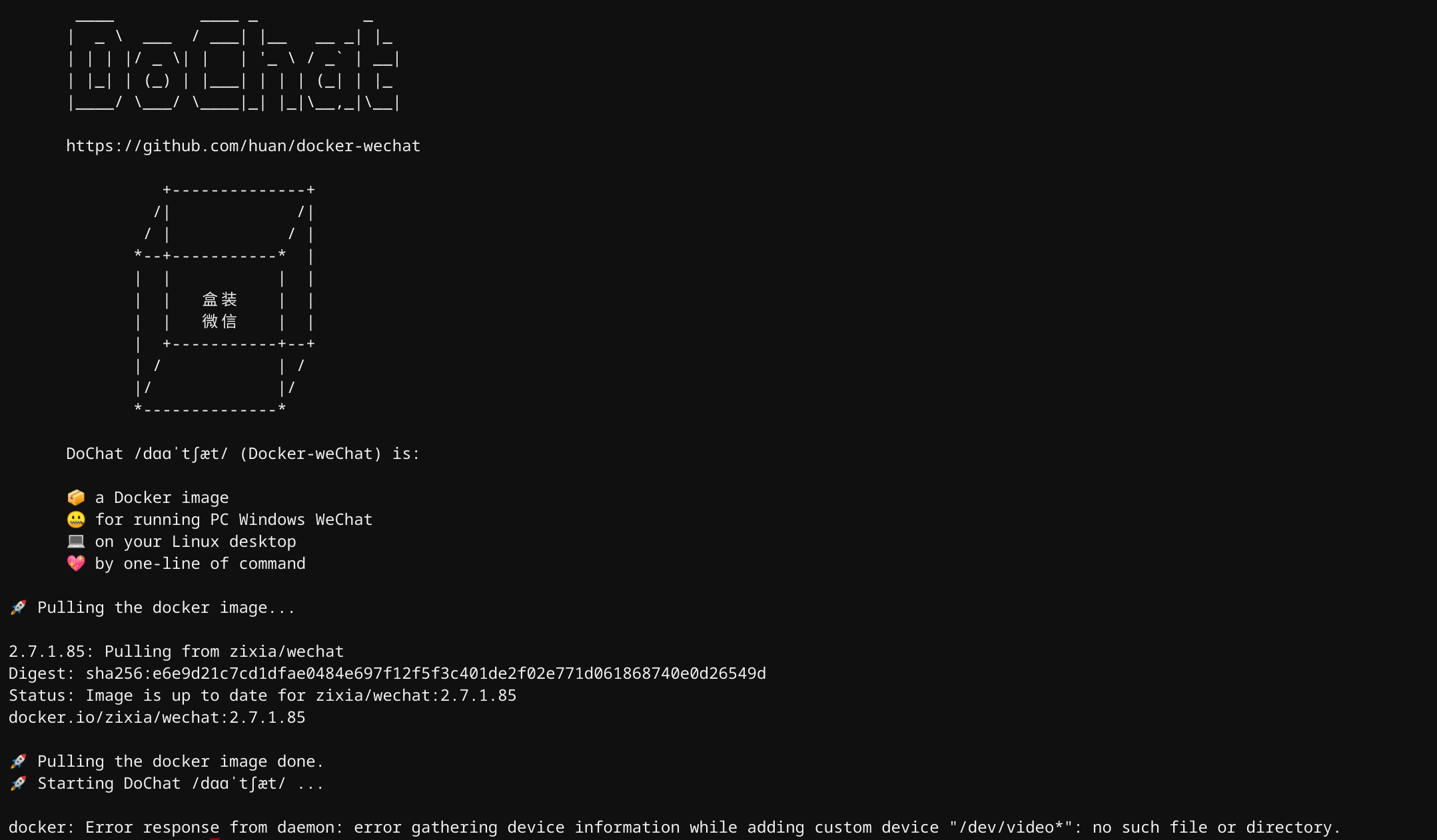

🚀 Pulling the docker image...
2.7.1.85: Pulling from zixia/wechat Digest: sha256:e6e9d21c7cd1dfae0484e697f12f5f3c401de2f02e771d061868740e0d26549d Status: Image is up to date for zixia/wechat:2.7.1.85 docker.io/zixia/wechat:2.7.1.85
🚀 Pulling the docker image done. 🚀 Starting DoChat /dɑɑˈtʃæt/ ...
📦 DoChat Exited with code [0]
🐞 Bug Report: https://github.com/huan/docker-wechat/issues

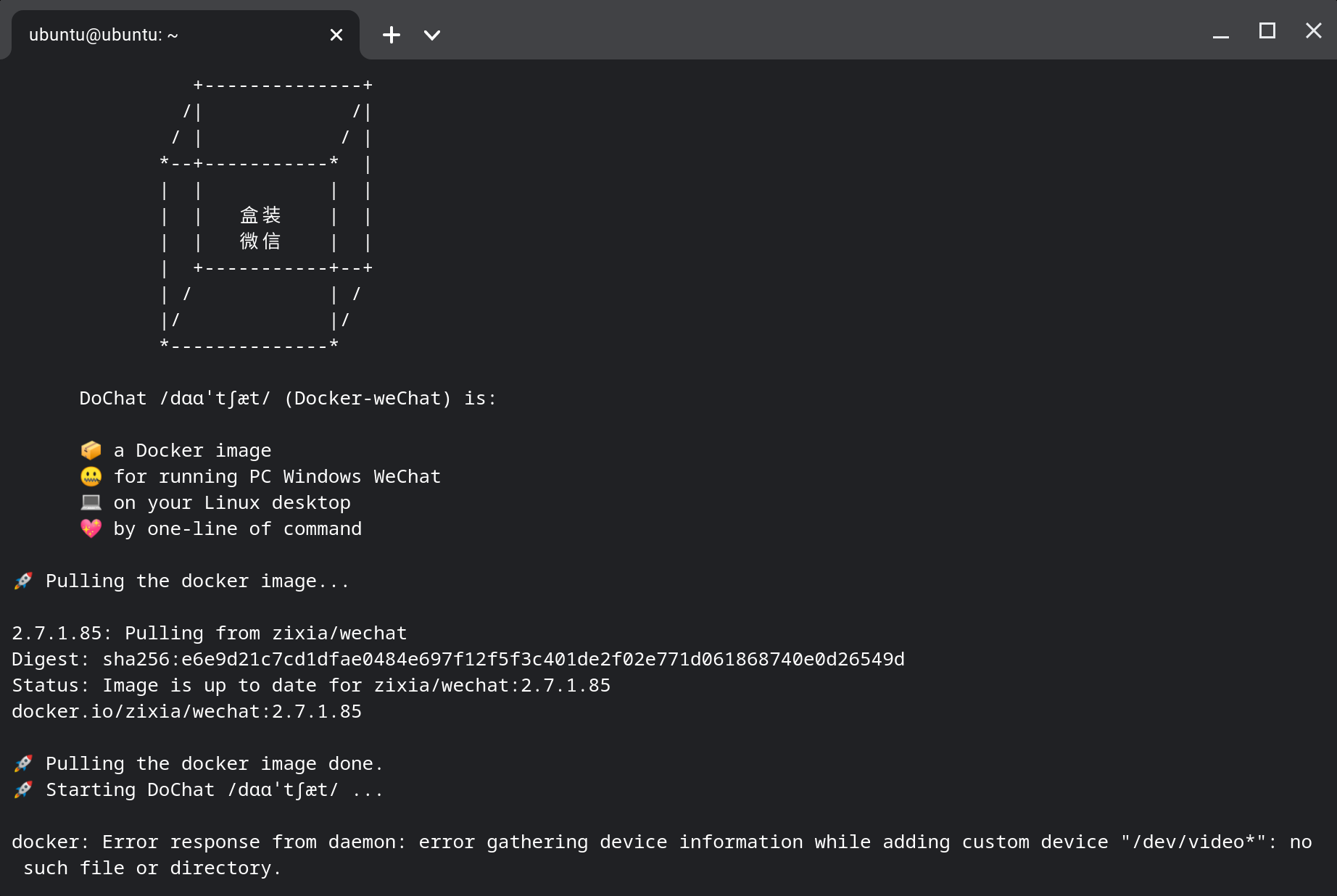
Same problem as yours:
docker: Error response from daemon: error gathering device information while adding custom device "/dev/video*": no such file or directory.
I searched in Google and find it might be sovled according to
https://github.com/lbeaucourt/Object-detection/issues/4
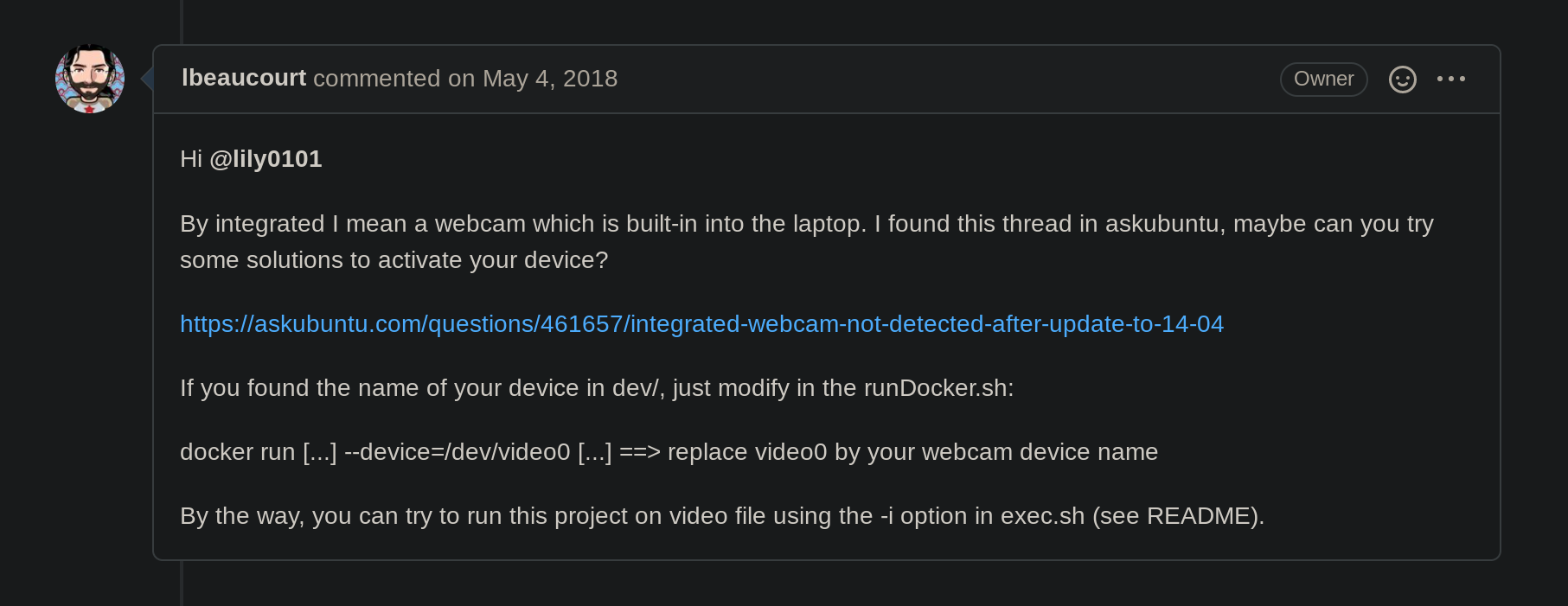
However, I don't know which is my device's name in /dev
