

 hrydgard
Suggestions for touch controls
What should happen
Hello, sorry for the long winding post i just want to add some more minor suggestions, couple days ago i suggested to add analog stick controls into combo keys for touch controls, that is minor, most games have the option to switch it up but most of the time it completely messes up the control layouts, thing is those are just small part to make touch controls in PPSSPP to be truly mobile-like
First though is the issue i had with L and R, its completely useless for me to use on touch controls, i can move it to below the screens closer to action buttons but without toggled mode, its simply wonky and jank, most of the time i just set the buttons to combo keys toggled mode and disabled them in every games which makes L and R even more useless, and i can't seem to customize the default controls to make it toggled
Second is tilting gestures, there should be an option to set it to tilting only horizontally (for dpad and analog) or all directions because i noticed how no matter i tilted it, due to it registering up and down directions (especially in GTA) it moves up and down also and there's no option to set it only tilting left and right directions
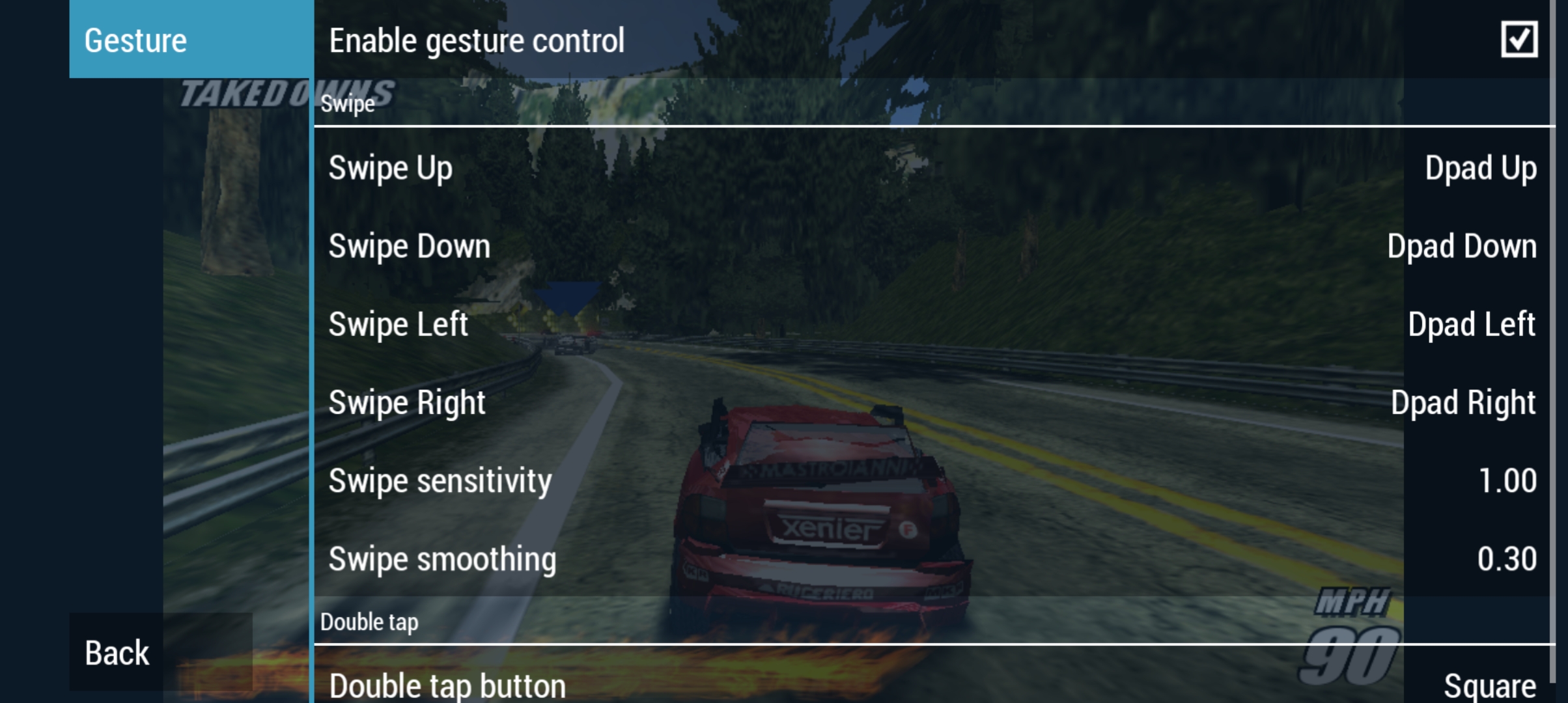
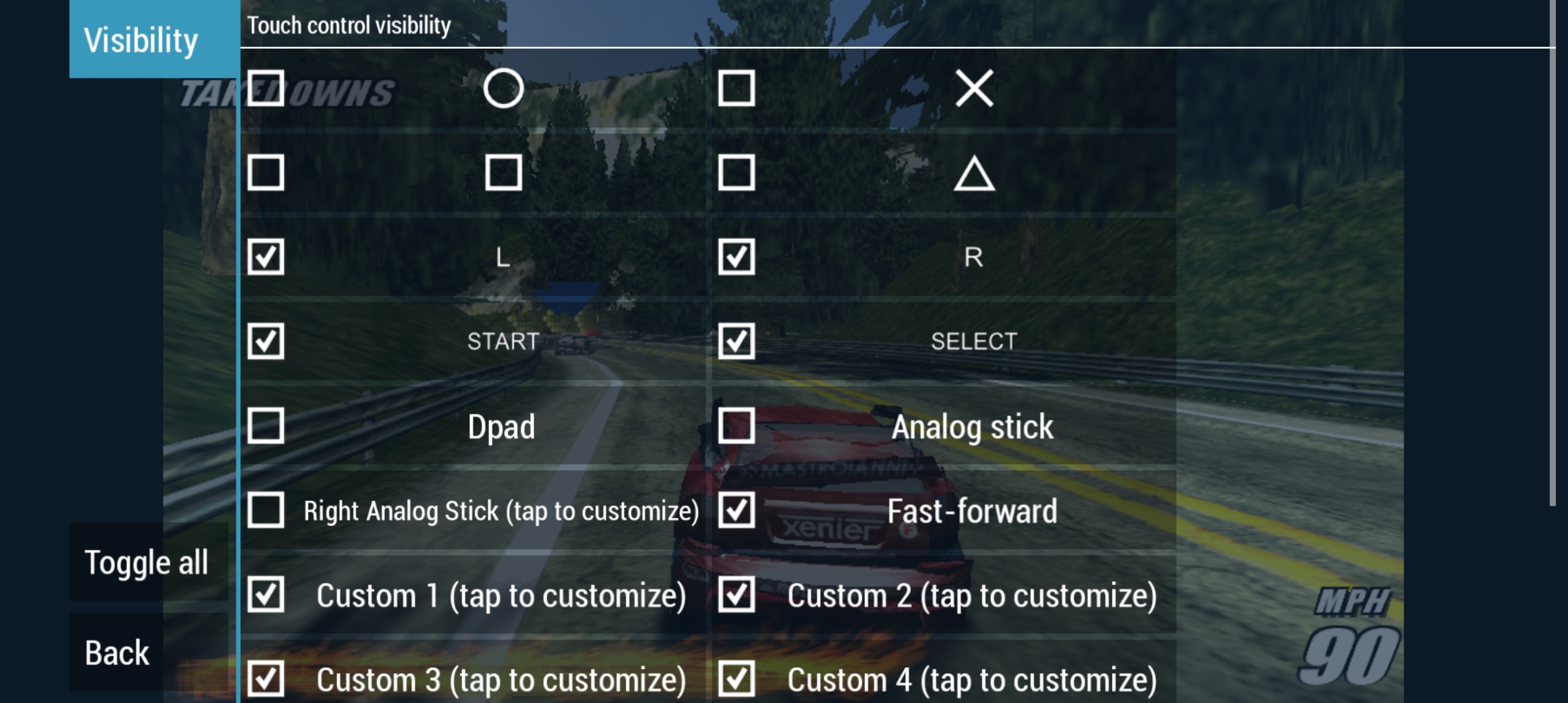
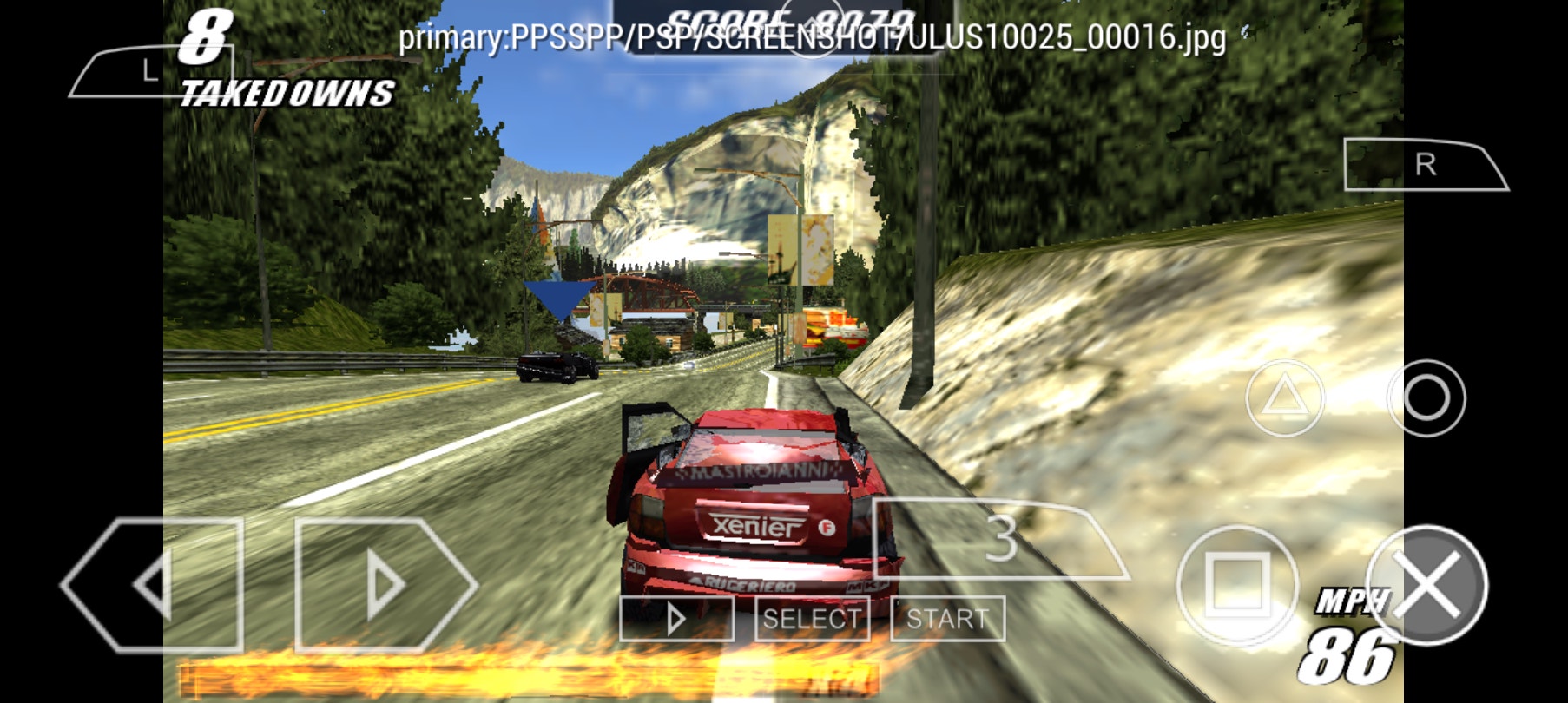
Third is gestures, most of the time i register the dpad to the gestures options, its handy for certain games, while i set the touch controls for directions in combo keys like here in Burnout with the basic layouts
 8cb9.jpg)
But there should also be an option to make it as customizable as custom keys (make it toggled, rapid fire etc) i know it could be buggy but worth a try, especially the "double tap option", an option to make it toggled, handy for certain button mashing games or games with awkward timing for QTE (very uncomfortable to button smash on a touch screens)
And couple more things for the suggestion, Im sure some people already suggested this, but analog controls on a touch screen should have more space to it and more dynamic, im sure you know what im talking about, kinda like most mobile games analog, dynamic analog where one side is fully for controls and the other for anything else, you touch anywhere on the left side of the screen and analog controls can register in that area
Also an option for double tap gestures or maybe some new ones, to just make it so that you can switch analog and dpad by just touching a small button or as i said double tapping it to switch between dpad or analog, handy for games like GTA or sandbox games in general and saving screen spaces for controls on a touch screen
Who would this benefit
Touch control users, mobile users
Platform (if relevant)
Android
Games this would be useful in
Needs tweaking in every games that needs it, but all i could think of are Crisis Core Final Fantasy, Burnout Legends and GTA Stories games
Other emulators or software with a similar feature
So far emulator wise, PPSSPP is the most customizable for touch controls but it could be improved, software with simmiliar features are any mobile games with good touch control layouts (COD Mobile, GTA mobile port, Minecraft PE)
Checklist
- [X] Check the latest git build in case it's already implemented.
- [X] Search for other requests of the same feature.

Some good ideas here, I'll try to implement some of them for 1.15.
I had another gesture idea by the way, that might reduce the need for an explicit toggle mode: What if, if you start dragging a button like L and R, say upwards on the screen two button diameters, it locked as down until you pressed it again?

Yes of course anything that can make it more useful, probably coresponding extra icons to make it look better like the mobile aim button if thats im thinking about, but i wouldnt ask too much at this point, just make it more natural for touch controls
noticed how no matter i tilted it, due to it registering up and down directions (especially in GTA) it moves up and down also and there's no option to set it only tilting left and right directions
You can set tilt Y sensitivity to 0.0, and also, hold the phone in your neutral angle and use the Calibrate button.
I realize the UI is kinda crap, I think I'll do something about it and include a preview while setting it up, because it is a pretty neat feature for racing games.
Actually I've noticed that the Calibrate instruction is just nonsensical, you shouldn't put the device down on a flat table, you should just hold it the way you want to play... So that's gonna need a new string and translations.
So, I added a visualizer to the tilt setup screen and it turns out it doesn't even work the way I thought, and the defaults are bad.
Improvements coming up! #16889
As another idea for this, I was wondering if it'd be difficult to separate the analog stick gesture controls and the swipe gesture controls into regions, like having the analog stick gesture only activate on the left side of the screen, and the buttons to set for swiping gestures will only activate on swipes on the right side?
I'm not sure what entirely is possible so far with gesture controls but they've made a massive difference in the feel of how I play games now to where I don't even need to use my attachable controller (nice to not need that). Even the smallest changes such as using the analog stick gesture over using an on-screen analog stick has made the experience so much better. ☺️
