

 hrsh7th
Documentation highlights not consistent (and impossible to fix by highlighting all of the cmp highlight groups)
FAQ
- [X] I have checked the FAQ and it didn't resolve my problem.
Announcement
- [X] I have checked Breaking change announcement.
Minimal reproducible full config
Description

Inconsistent cmp highlighting when opening documentation, and not of the hi groups fix it, i tried changing all of them.
As you can see, i have some parts that are with a darker background, and i want to find it and fix it.
I tried changing all of the highlight groups that start with Cmp:
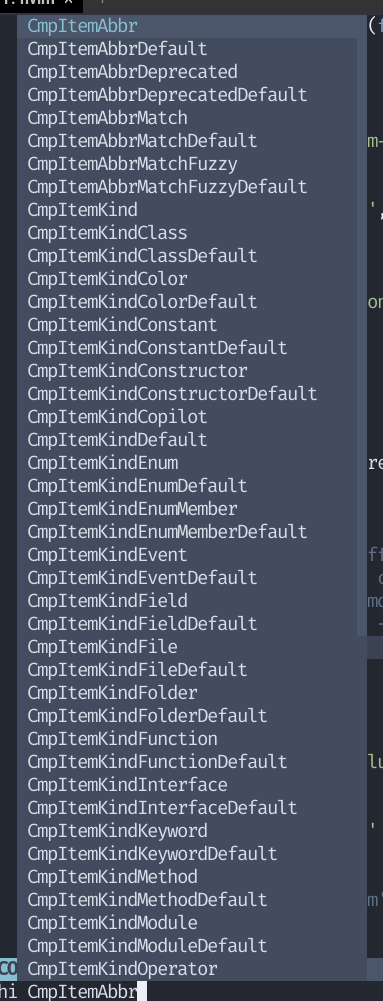
And yet wasn't able to find the one that highlights it.
Steps to reproduce
Just open a cmp completion window.
Expected behavior
To find the highlight group.
Actual behavior
Changed all of the cmp highlight groups and none of them highlights it. Its coming from somewhere else.
Additional context
No response

i tryed to mess with the hi groups, found out only these want to work: select menu: :lua vim.api.nvim_set_hl(0,'PMenu',{ bg='#ffffff' }) docs float window (this one is weird, like the inner inhert hi group from floatborder and after change inner stays same as it was, when i use transparency plugin to clean the hi group before it loads the whole window of docs lose color): :lua vim.api.nvim_set_hl(0,'FloatBorder',{ bg='#ffffff' })
